


ByMe - Stand by Me!
Play on PC with BlueStacks – the Android Gaming Platform, trusted by 500M+ gamers.

Page Modified on: Oct 28, 2026
Play ByMe - Stand by Me! on PC
Download [ByMe] for instant chatting, room parties! Making friends at anytime & anywhere!
[ByMe -- An efficient and convenient social APP!]:
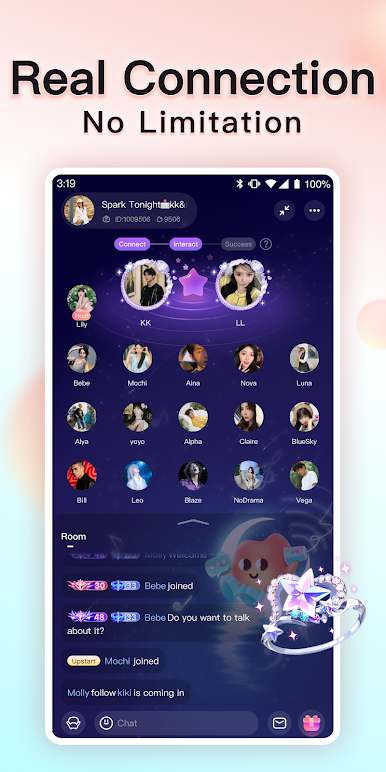
Anonymous audio chatting, rooms parties, chatting games, karaoke, and ice-breaking are provided. You can enjoy real connections and freely expressing yourselves!
[Real, Safe and Private]:
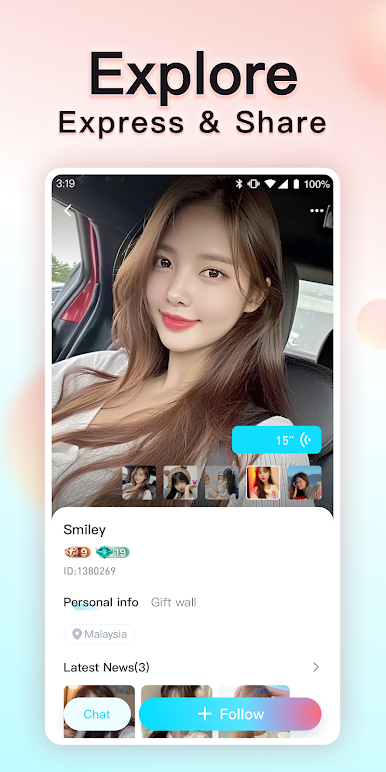
Have fun chatting with local and global friends! You are welcomed to join in this safe and comfortable online community.
[Chat Anonymously, Chill and Vibe]:
Share your laughter and tears here! Having interesting interaction, and stress-free communication. You are welcomed to hosted your own audio parties!
[Have Fun for 24 hours --Chat, Karaoke and Games]:
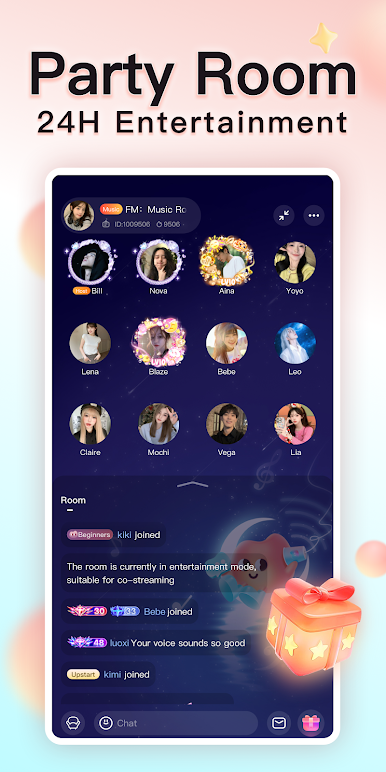
Multi-player audio room parties are available 24/7! You are welcomed to join without any burden! Unlimited entertainment is available -- singing, games, chatting, sharing and chilling with friends.
[ByMe customer service is 24-hour available]:
If you have any questions, please contact our online customer service.


Play ByMe - Stand by Me! on PC. It’s easy to get started.
-
Download and install BlueStacks on your PC
-
Complete Google sign-in to access the Play Store, or do it later
-
Look for ByMe - Stand by Me! in the search bar at the top right corner
-
Click to install ByMe - Stand by Me! from the search results
-
Complete Google sign-in (if you skipped step 2) to install ByMe - Stand by Me!
-
Click the ByMe - Stand by Me! icon on the home screen to start playing

