

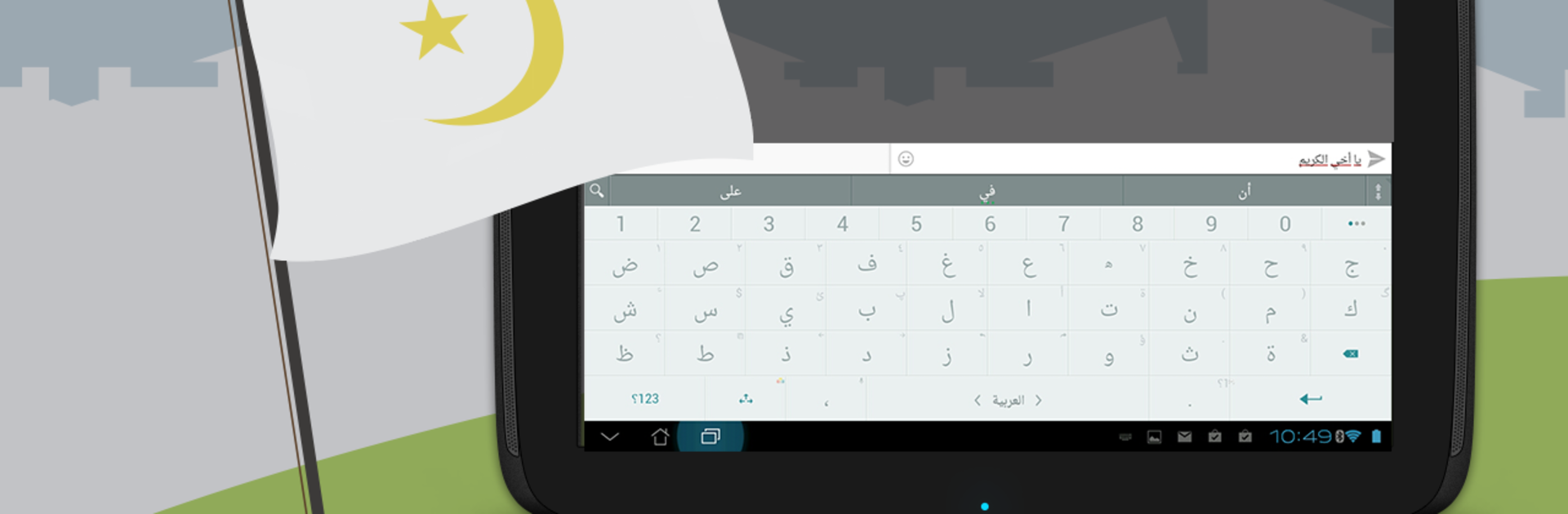
Arabic for ai.type keyboard
Play on PC with BlueStacks – the Android Gaming Platform, trusted by 500M+ gamers.

Page Modified on: Jan 13, 2026
Run Arabic for ai.type keyboard on PC or Mac
Multitask effortlessly on your PC or Mac as you try out Arabic for ai.type keyboard, a Productivity app by ai.type on BlueStacks.
About the App
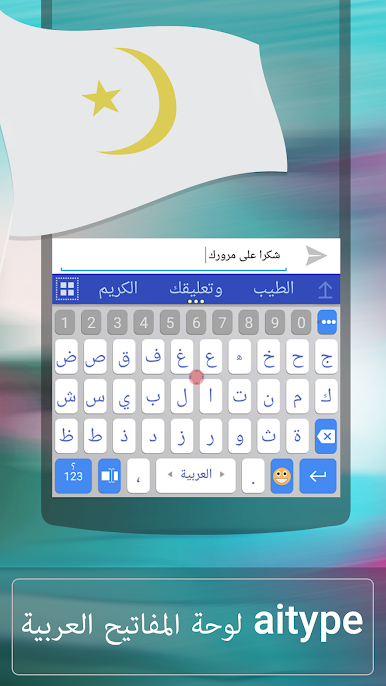
Looking for an easy way to type in Arabic on your Android device? Arabic for ai.type keyboard makes switching between English and Arabic a breeze, so you can chat, text, or write without skipping a beat. Developed by ai.type and sitting in the Productivity category, this handy add-on brings accurate predictions and smart corrections to your fingertips. Whether you’re messaging friends, writing work emails, or just browsing, this keyboard extension is all about making your typing smoother and more personal.
App Features
-
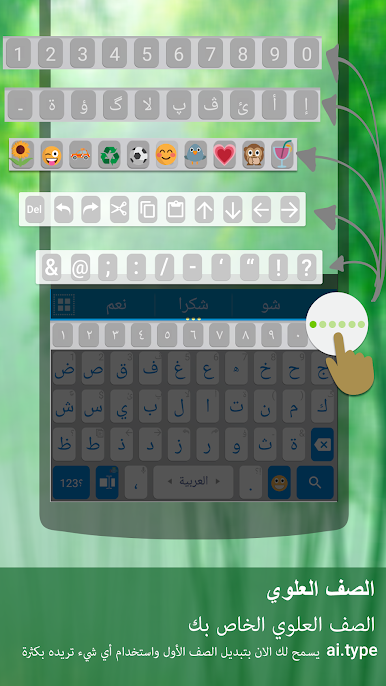
Seamless Arabic Input
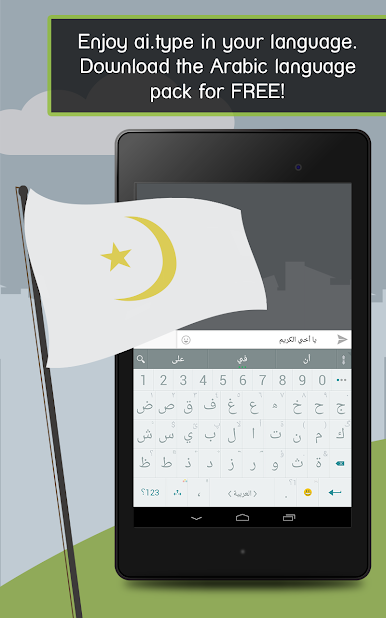
Add full Arabic typing support to your ai.type keyboard. Just a simple tap lets you choose between your preferred languages and makes communication in Arabic feel second nature. -
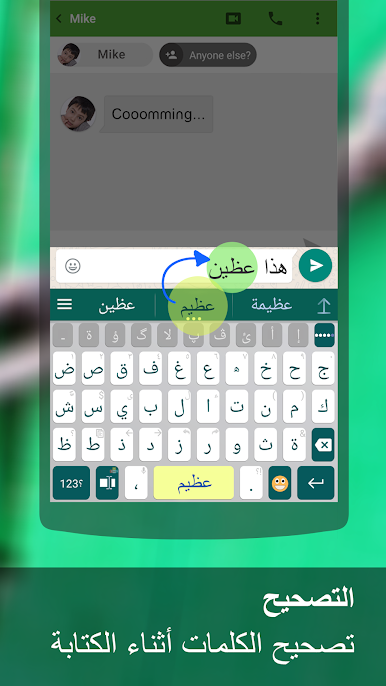
Real-Time Suggestions
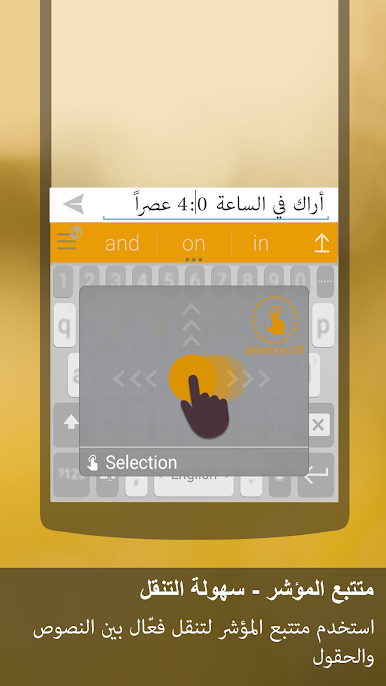
Tired of typos? This Arabic pack helps out with smart word predictions, speedy completions, and automatic corrections as you type. -
Easy Language Switching
Switching between Arabic and other installed languages is simple. Just swipe the Space key and you’re set—no digging through menus. -
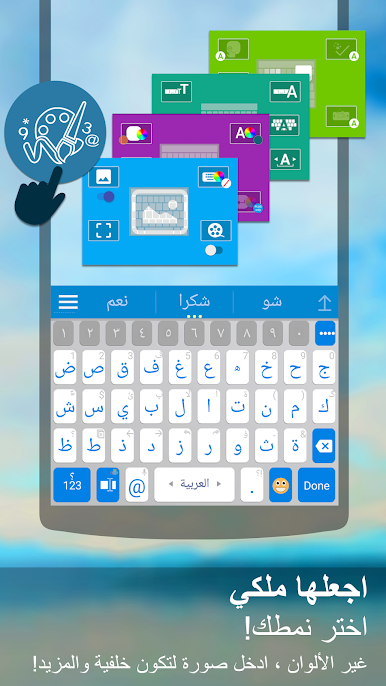
Customizable Experience
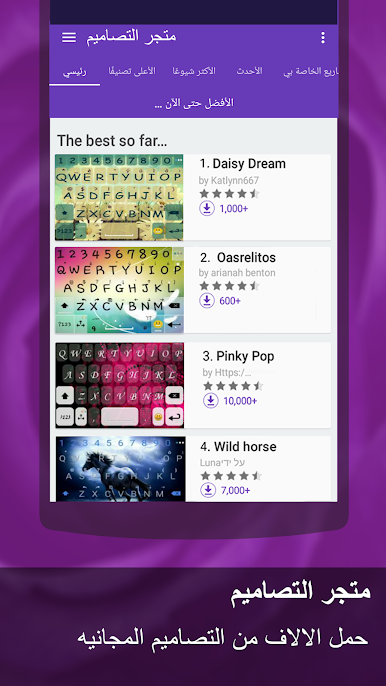
Pick from hundreds of themes or set up your own look so your keyboard actually feels like it belongs to you. -
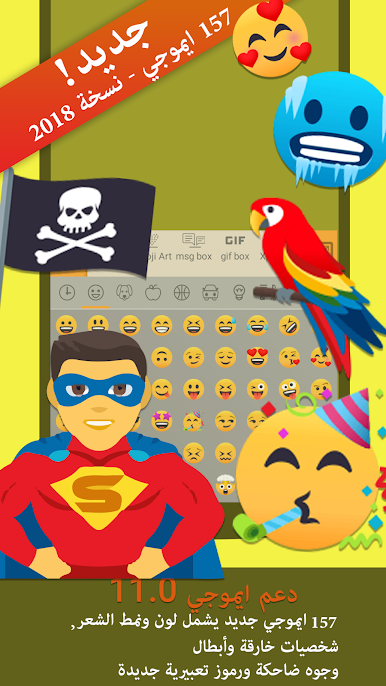
Emoji Support
Bring conversations to life with built-in emoji features that work seamlessly alongside Arabic text. -
Self-Learning Technology
The more you type, the smarter the keyboard gets. It remembers your style and boosts both speed and accuracy over time.
You can pair Arabic for ai.type keyboard with your favorite device—and yes, using BlueStacks is one way to make it happen on your computer too.
BlueStacks brings your apps to life on a bigger screen—seamless and straightforward.
Play Arabic for ai.type keyboard on PC. It’s easy to get started.
-
Download and install BlueStacks on your PC
-
Complete Google sign-in to access the Play Store, or do it later
-
Look for Arabic for ai.type keyboard in the search bar at the top right corner
-
Click to install Arabic for ai.type keyboard from the search results
-
Complete Google sign-in (if you skipped step 2) to install Arabic for ai.type keyboard
-
Click the Arabic for ai.type keyboard icon on the home screen to start playing

