


Edge of Lifetime:Second Self
Play on PC with BlueStacks – the Android Gaming Platform, trusted by 500M+ gamers.

Page Modified on: Jun 2, 2026
Play 重啟人生-輪迴重生模擬器 on PC or Mac
重啟人生-輪迴重生模擬器 brings the Simulation genre to life, and throws up exciting challenges for gamers. Developed by Aixianggame, this Android game is best experienced on BlueStacks, the World’s #1 app player for PC and Mac users.
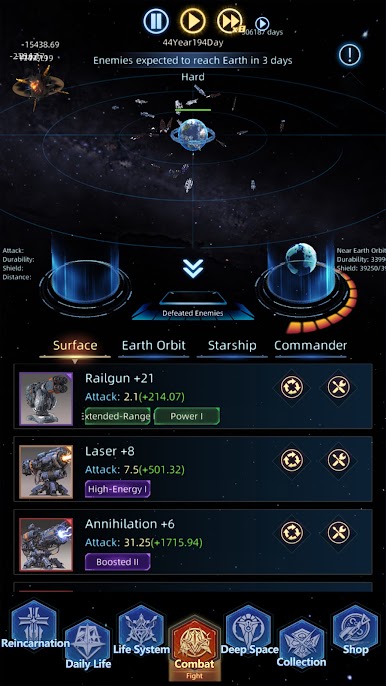
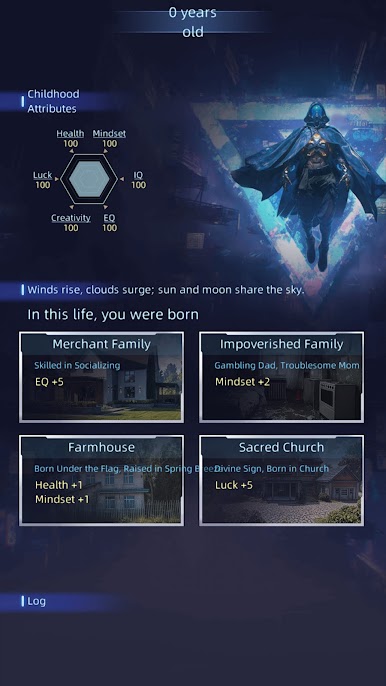
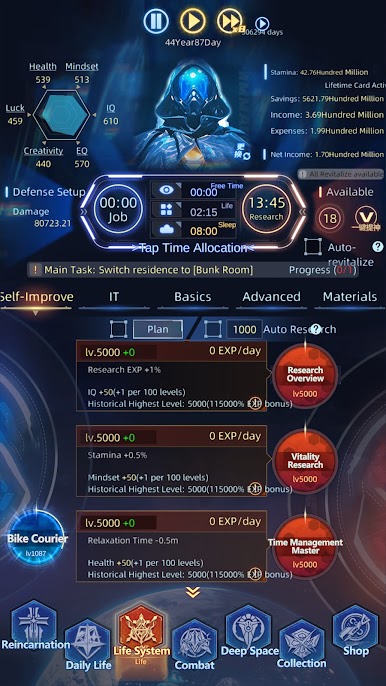
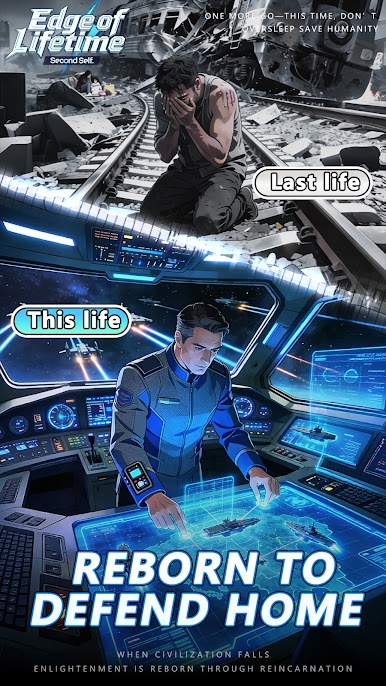
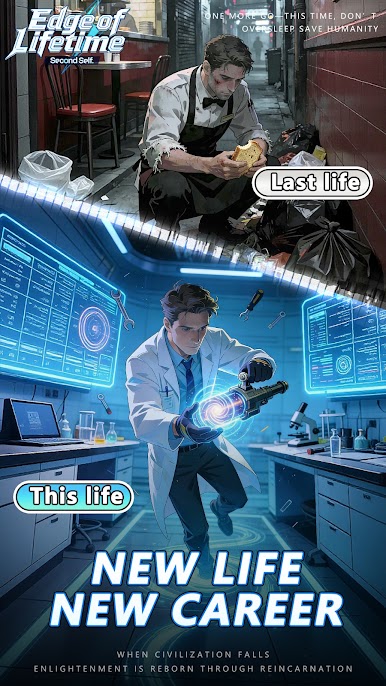
This one is a text-first apocalypse sim where the world has already gone wrong, and the hook is a looping life system. Humanity is wrecked after a global war and a nasty virus, and survivors figure out how to reincarnate. Each run plays out in days, with choices like research, work, training, scavenging, exploration, or just resting so the character does not burn out. Energy and time are the two leashes, so planning matters. It feels a bit like reading a sci fi log mixed with a stats sandbox. No flashy combat, only clean prompts, numbers ticking up, and little story snippets when something big happens. Failures happen a lot early on, then the next life goes smoother because better paths open and strategy tightens.
What stands out is the tech web. Picking different research lines changes the shape of a run, from scraping together parts for a shelter to pushing society forward and, later on, reaching well beyond Earth. The game nudges players to balance short survival wins against long research goals, and every life reshapes the route to the bigger mystery about those alien threats and why the loops exist. It is calm, a bit ruthless, and weirdly addictive if number tuning and long form planning sounds good. Running it on PC with BlueStacks keeps the clicking and text reading easy, so it is simple to park on a second monitor and grind through a few lives while figuring out the next build for humanity.
Start your journey now. Download the game on BlueStacks, invite your friends, and march on a new adventure.



Play Edge of Lifetime:Second Self on PC. It’s easy to get started.
-
Download and install BlueStacks on your PC
-
Complete Google sign-in to access the Play Store, or do it later
-
Look for Edge of Lifetime:Second Self in the search bar at the top right corner
-
Click to install Edge of Lifetime:Second Self from the search results
-
Complete Google sign-in (if you skipped step 2) to install Edge of Lifetime:Second Self
-
Click the Edge of Lifetime:Second Self icon on the home screen to start playing

