


Console Evolution
Play on PC with BlueStacks – the Android Gaming Platform, trusted by 500M+ gamers.

Page Modified on: Nov 05, 2025
Play Console Evolution on PC or Mac
Console Evolution is a role playing game developed by Rollic Games. BlueStacks app player is the best platform to play this Android game on your PC or Mac for an immersive gaming experience.
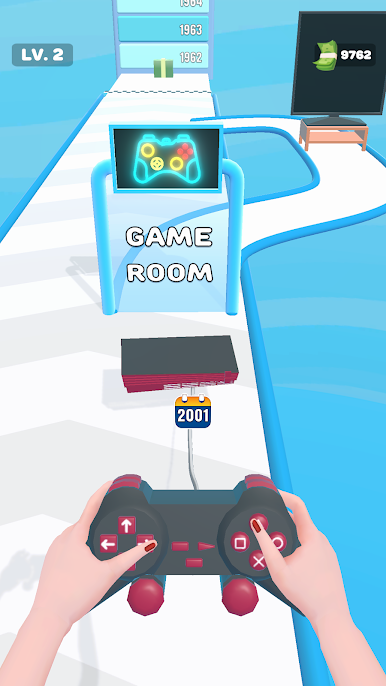
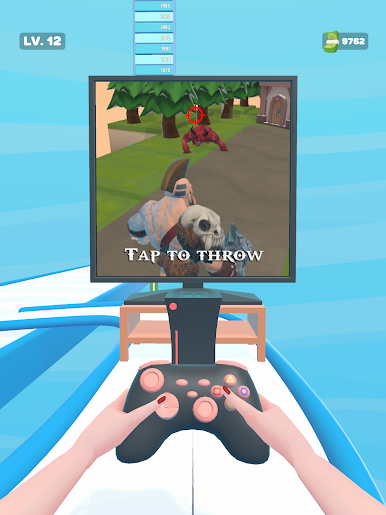
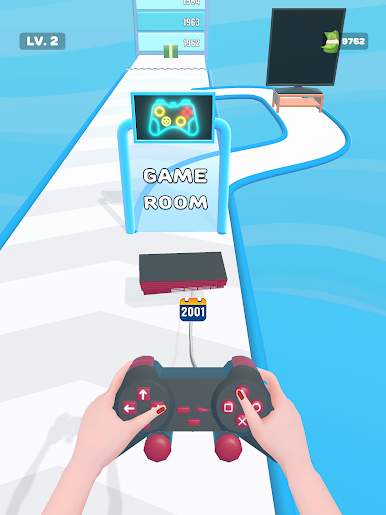
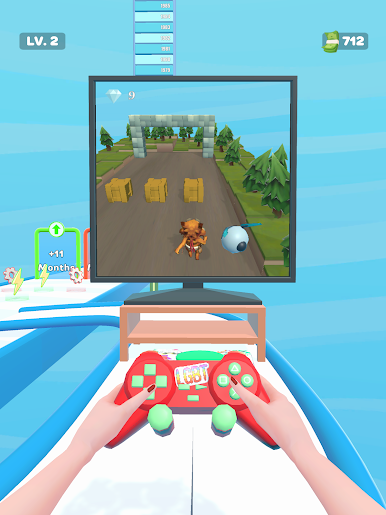
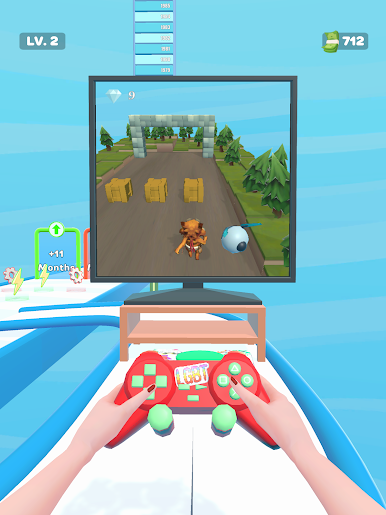
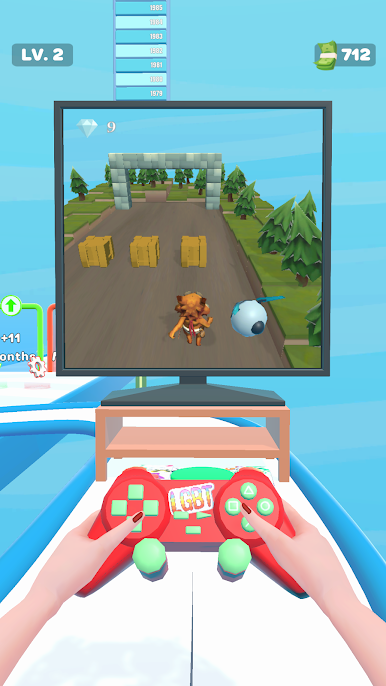
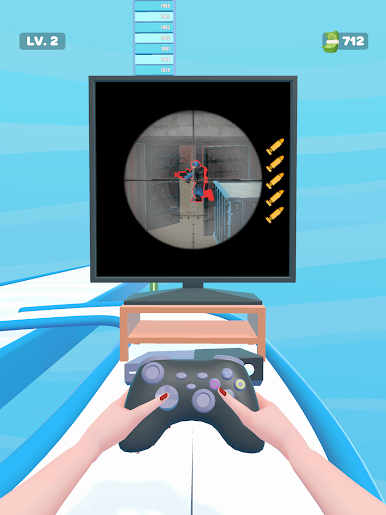
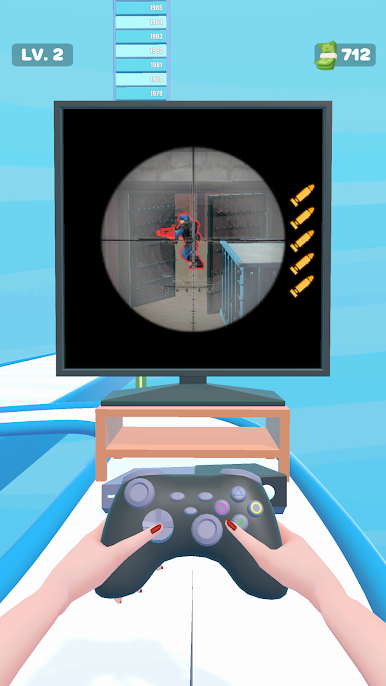
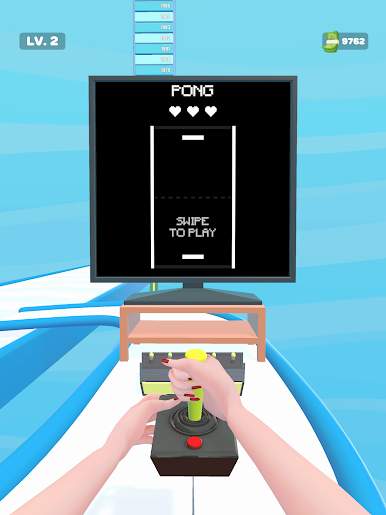
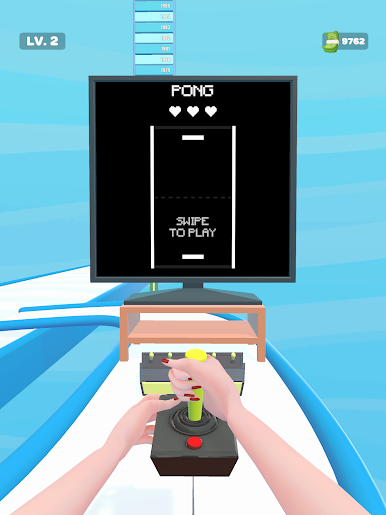
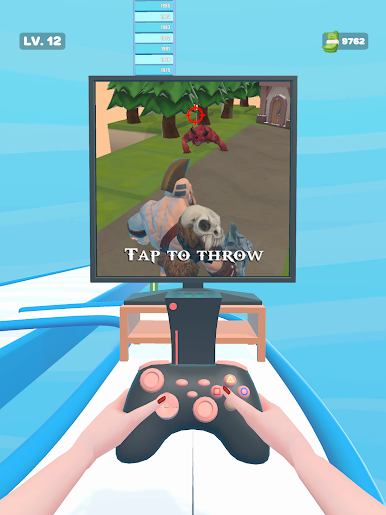
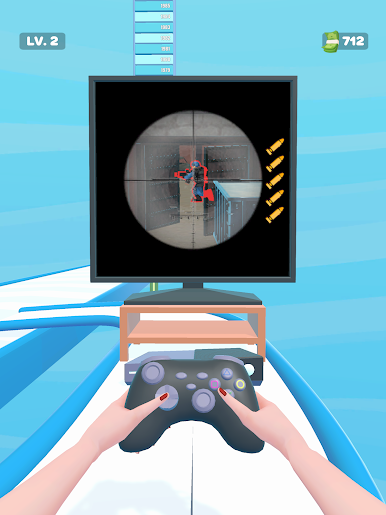
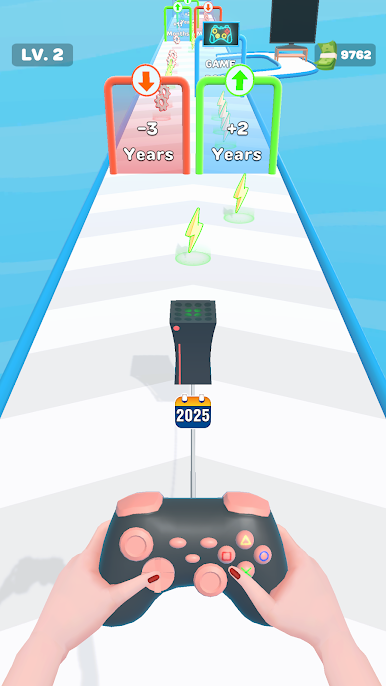
Download Console Evolution on PC and change the era in which your game console was developed. Walk your old generation console till you get to a new generation console. Ever wondered what a gaming console looked like before? Download Console Evolution on PC now.
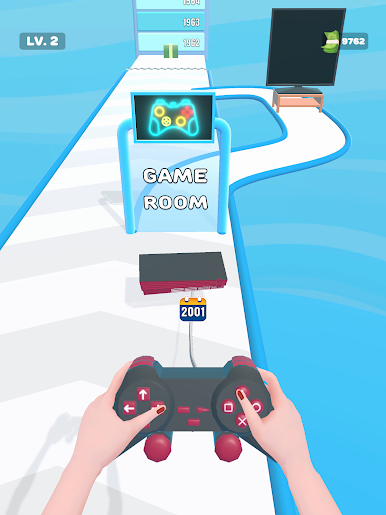
In this game, take your game console through the gate of time and watch as it changes and becomes more advanced. You start with a gaming console from at least the 1970’s. Make it through with the classic old Magnavox Odyssey 100 and make progress through the years. Make your journey through +13 months to +5 years into the future and watch your game console change.
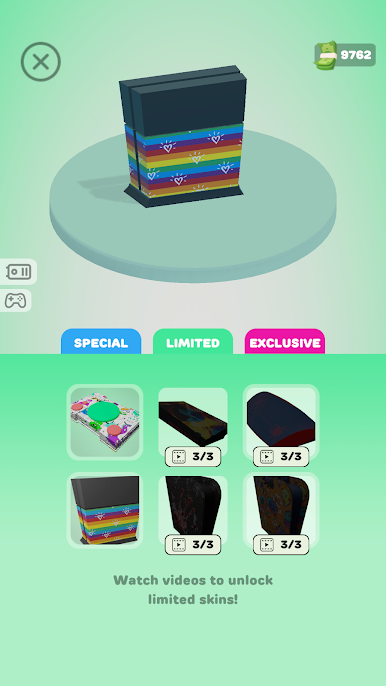
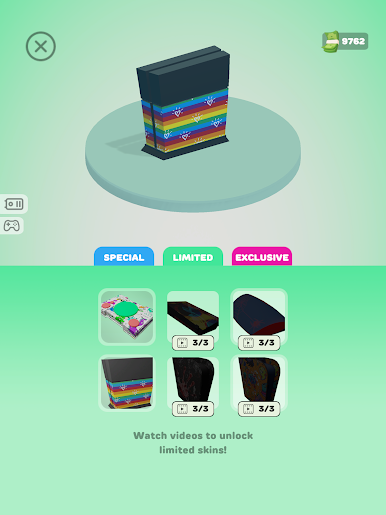
Also, try to avoid the screw-like obstacles on the way, which would destroy your console or take you back in time. Change your console from the Coleco Telstar, to the Atari and finally get a new generation console- the Sega Saturn. At the end of each level, claim your cash rewards to help you upgrade your gaming experience. Have fun as you also learn about the different consoles used back in the days.





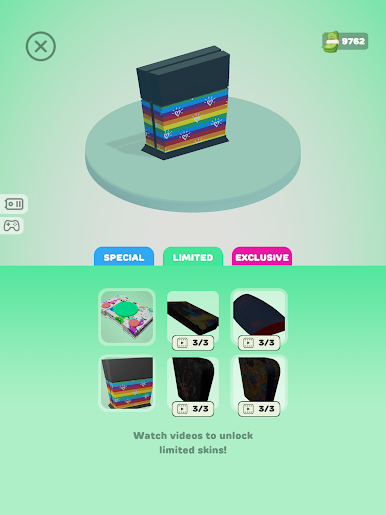
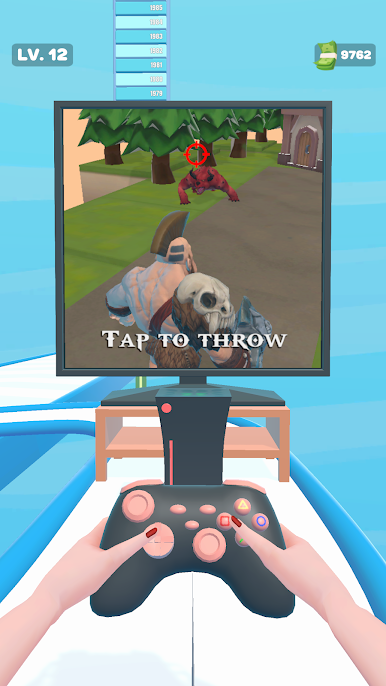

Play Console Evolution on PC. It’s easy to get started.
-
Download and install BlueStacks on your PC
-
Complete Google sign-in to access the Play Store, or do it later
-
Look for Console Evolution in the search bar at the top right corner
-
Click to install Console Evolution from the search results
-
Complete Google sign-in (if you skipped step 2) to install Console Evolution
-
Click the Console Evolution icon on the home screen to start playing

