


Campus Hoops: Basketball Coach
Play on PC with BlueStacks – the Android Gaming Platform, trusted by 500M+ gamers.

Page Modified on: Apr 13, 2026
Play Campus Hoops: Basketball Coach on PC
Scout prospects, win recruiting battles, develop your players, and guide your team through conference play, postseason tournaments, and championship runs. Every decision shapes your future, from the players you target to the style you build on the court.
Start with a small program and turn it into a contender, or take control of a talented roster and chase titles right away. Build your identity, manage year-to-year roster turnover, and create the kind of dynasty that lasts for generations.
Features:
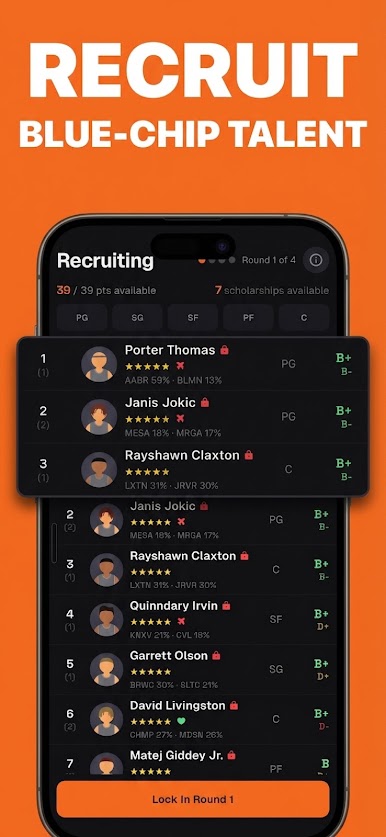
- Recruit high school prospects and build each class around your system
- Develop players over time through training and progression
- Manage your roster and make tough decisions as players improve, graduate, and move on
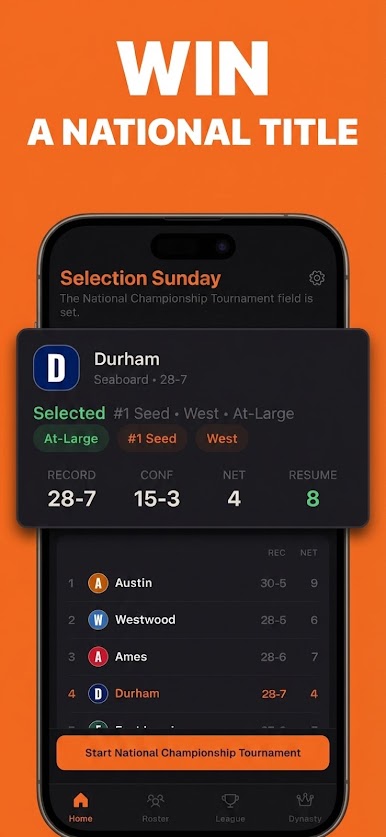
- Compete through full college seasons with conference races, tournaments, and national postseason play
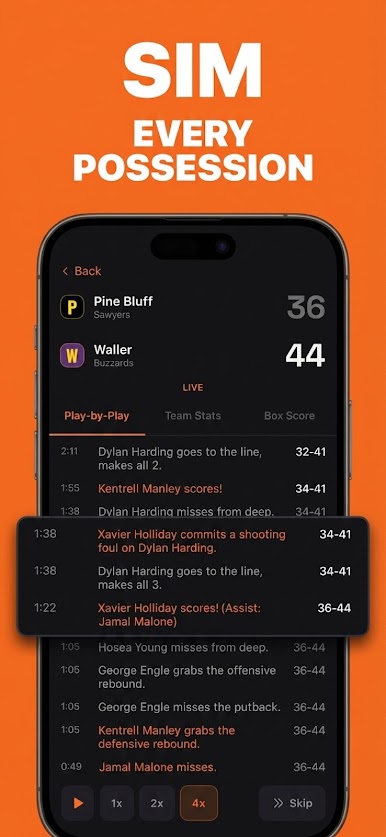
- Watch your team in detailed play-by-play action or move quickly through the broader season
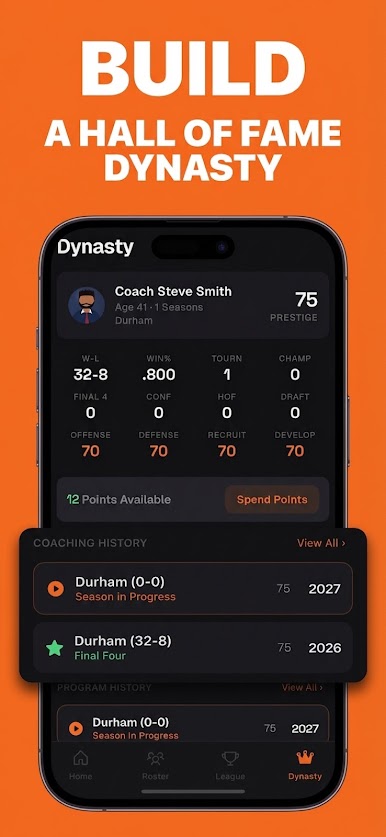
- Build prestige and grow your program from underdog to powerhouse
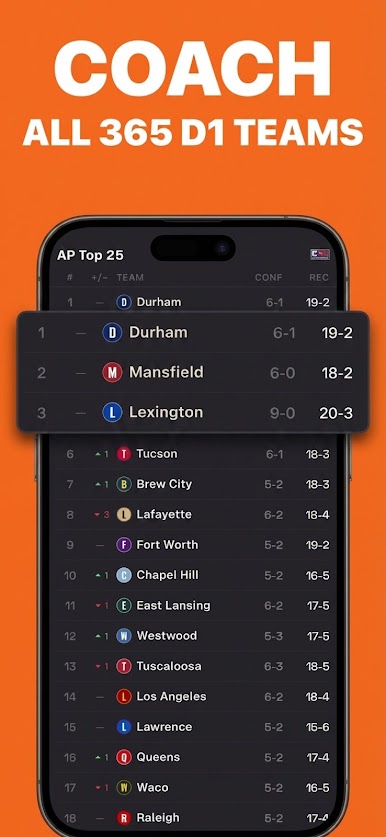
- Play in a large college basketball world with hundreds of teams and dozens of conferences
- Track records, standout performances, and the legacy of your program over time
Campus Hoops is designed for fans who love college basketball strategy, recruiting battles, roster management, and dynasty building. If you enjoy sports management games, coaching sims, and long-term franchise progression, this is a college basketball experience built for you.
Recruit smart. Coach your style. Build your dynasty.
Play Campus Hoops: Basketball Coach on PC. It’s easy to get started.
-
Download and install BlueStacks on your PC
-
Complete Google sign-in to access the Play Store, or do it later
-
Look for Campus Hoops: Basketball Coach in the search bar at the top right corner
-
Click to install Campus Hoops: Basketball Coach from the search results
-
Complete Google sign-in (if you skipped step 2) to install Campus Hoops: Basketball Coach
-
Click the Campus Hoops: Basketball Coach icon on the home screen to start playing

