

Binary.1001
Play on PC with BlueStacks – the Android Gaming Platform, trusted by 500M+ gamers.

Page Modified on: Dec 7, 2025
Play Binary.1001 on PC or Mac
Binary.1001 brings the Puzzle genre to life, and throws up exciting challenges for gamers. Developed by Aliaksandr Uvarau, this Android game is best experienced on BlueStacks, the World’s #1 app player for PC and Mac users.
About the Game
Ready to give your brain a workout? Binary.1001, from Aliaksandr Uvarau, puts your logic skills to the test, one puzzle at a time. Each level drops you into a fresh challenge packed with zeros, ones, and some surprisingly tricky twists. Whether you’re looking to unwind on the bus or just want something to keep your mind sharp, this Puzzle game has you covered with thousands of handcrafted levels.
Game Features
-
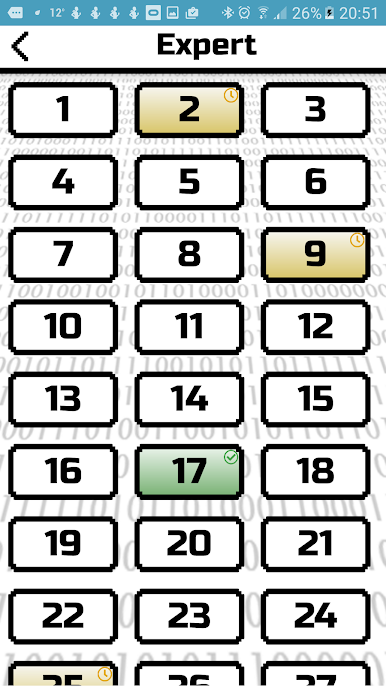
6,000+ Unique Puzzles
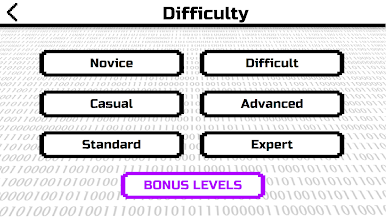
You’ll never run out of brain teasers—with over six thousand levels, there’s always a new puzzle waiting for you. They’re grouped by difficulty, so you can find just the right challenge. -
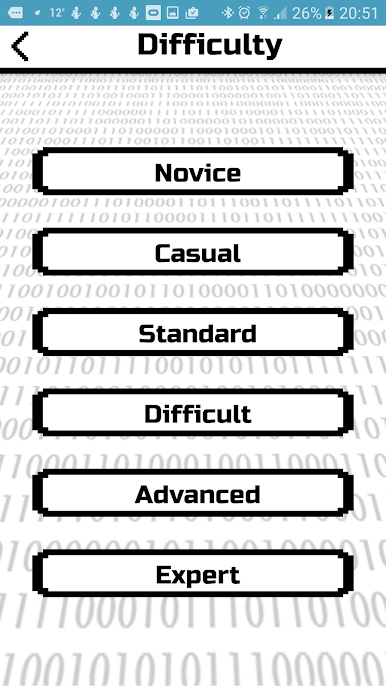
Progressive Challenge Tiers
Each set ramps up the complexity. Beginners might want to start with the simplest tier. Think you’ve cracked it? Tackle the next challenge and see how far you can go. -
Simple Yet Addictive Rules
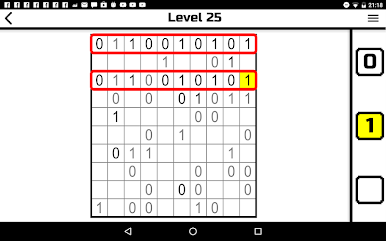
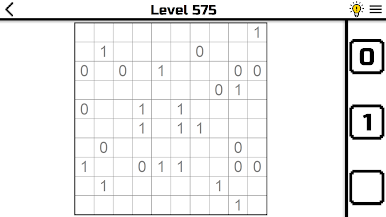
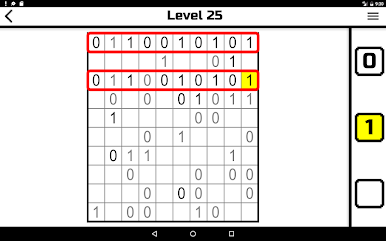
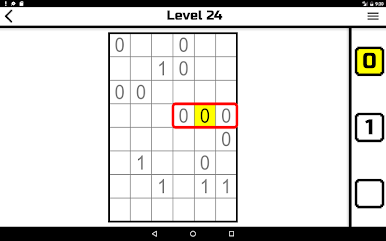
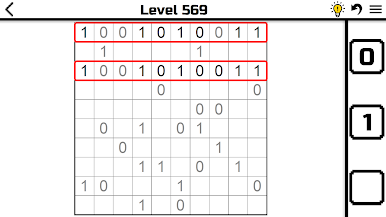
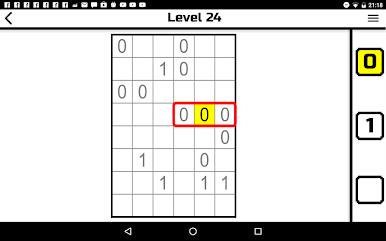
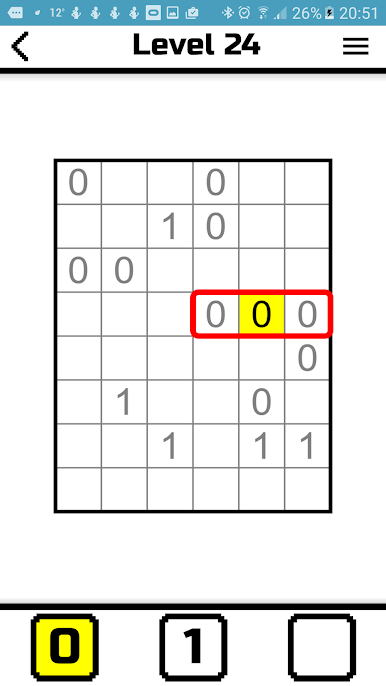
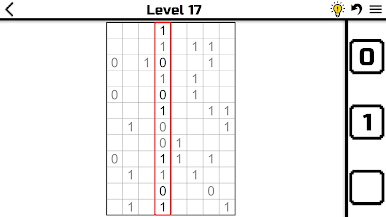
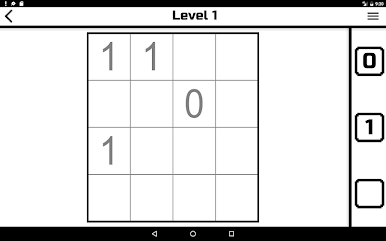
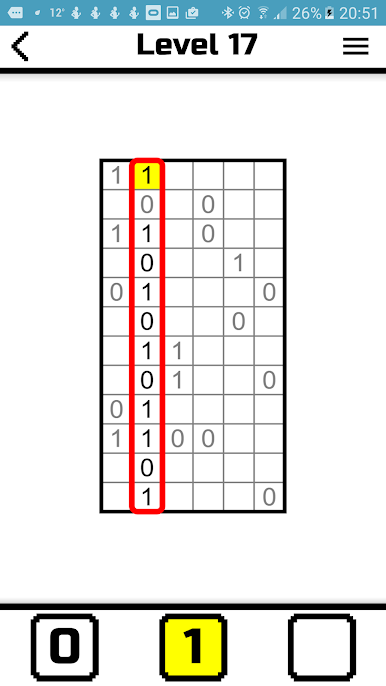
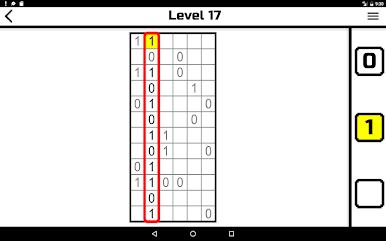
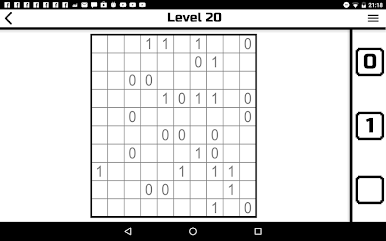
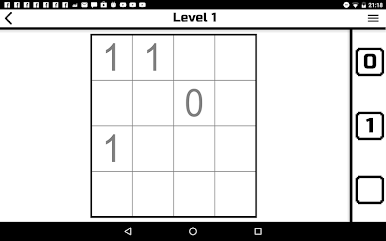
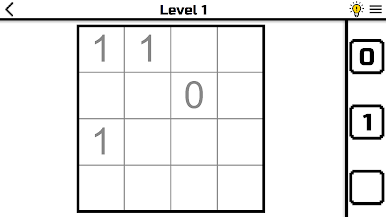
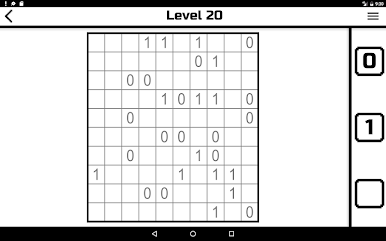
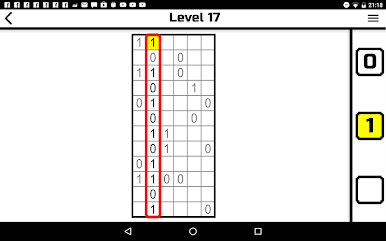
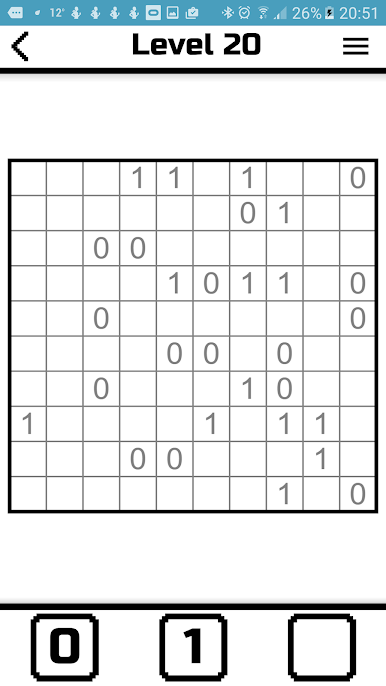
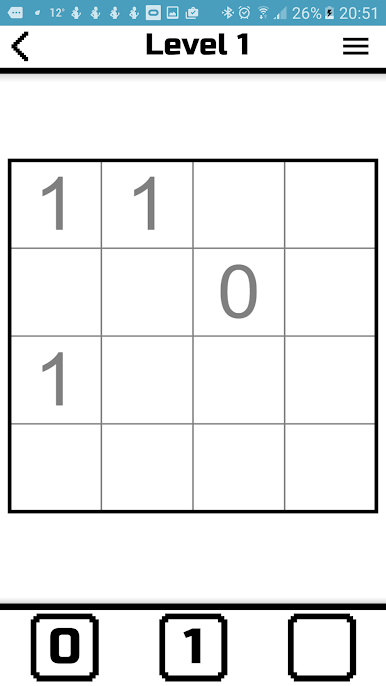
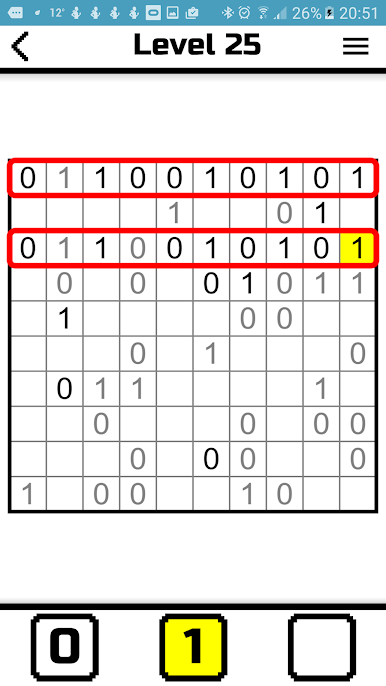
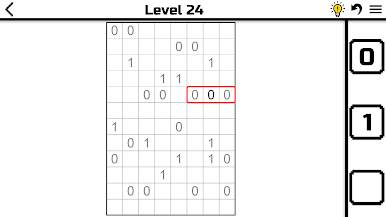
It’s all about zeros and ones. Just fill in the grid while making sure no more than two identical numbers touch, and that every row and column has an equal split. Don’t forget—each puzzle is unique, with only one correct solution. -
No Guesswork Needed
Every puzzle is solvable with logic alone. No random guessing, just your wits and a bit of patience. -
Great for Quick Sessions
Got a few minutes? Binary.1001 fits right in. Puzzles range from quick wins to more complex thinkers when you’ve got more time. -
Perfect Pairing with BlueStacks
If you’re into playing Puzzle games on the big screen, Binary.1001 plays smoothly with BlueStacks—keyboard or mouse, your choice. -
Brain-Boosting Fun
Besides keeping you entertained, working through Binary.1001’s grids is a fun way to keep your mind sharp, wherever you are.
Slay your opponents with your epic moves. Play it your way on BlueStacks and dominate the battlefield.

Play Binary.1001 on PC. It’s easy to get started.
-
Download and install BlueStacks on your PC
-
Complete Google sign-in to access the Play Store, or do it later
-
Look for Binary.1001 in the search bar at the top right corner
-
Click to install Binary.1001 from the search results
-
Complete Google sign-in (if you skipped step 2) to install Binary.1001
-
Click the Binary.1001 icon on the home screen to start playing

