


وصلة كراش
Play on PC with BlueStacks – the Android Gaming Platform, trusted by 500M+ gamers.

Page Modified on: Nov 27, 2025
Play وصلة كراش on PC or Mac
Explore a whole new adventure with وصلة كراش, a Word game created by alhummary. Experience great gameplay with BlueStacks, the most popular gaming platform to play Android games on your PC or Mac.
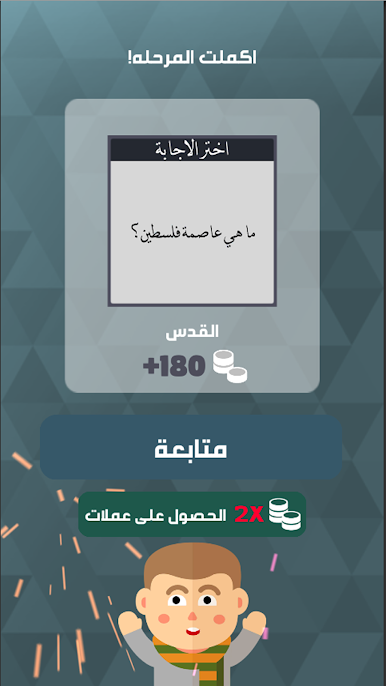
وصلة كراش is one of those Arabic crossword games that’s packed with a huge range of questions and word puzzles — really feels like there’s something new every time. There are classic crossword-style challenges, but also stuff where you pick from four pictures, guess from a zoomed-in photo, or even scratch away parts of the image to figure out what’s being asked. Every question is sort of its own little puzzle — sometimes it’s a photo, sometimes it’s trivia, sometimes it’s about spot-the-difference. The mix keeps things interesting, and there’s a decent variety in the topics too, from general knowledge and geography to sports teams, car brands, and even religious or cultural references.
It’s pretty accessible for all ages, so both kids and adults find plenty to do. Some tasks need fast, logical thinking while others just give your memory a good nudge. The puzzles actually help with general knowledge — there are lots of questions covering all sorts of fields, and some are just light riddles that get you thinking. Plus, it works offline, which makes it easy to play anywhere, and the questions get checked as you go, so you’re not stuck guessing forever. Playing on PC through something like BlueStacks makes it more comfortable for longer sessions, and clicking around on a bigger screen is nice when you’re stuck on the trickier puzzles or just want to relax and think things through. Overall, it’s really about mixing a bit of fun with learning new things, and the changing question formats stop it from feeling repetitive.
Slay your opponents with your epic moves. Play it your way on BlueStacks and dominate the battlefield.
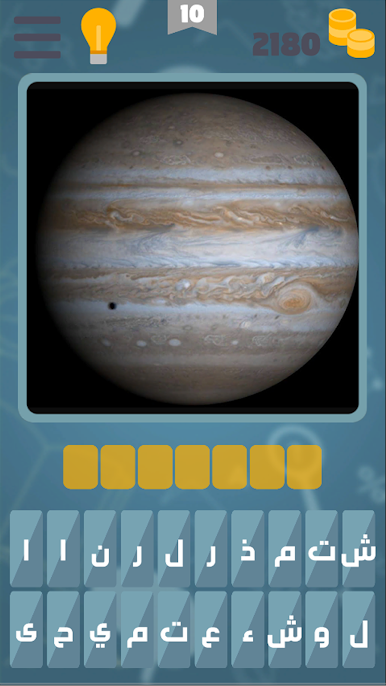
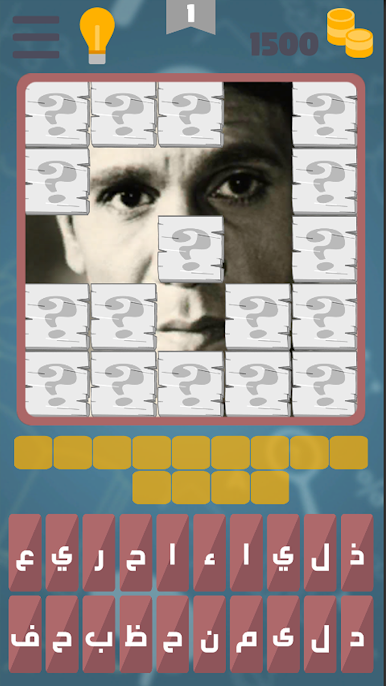
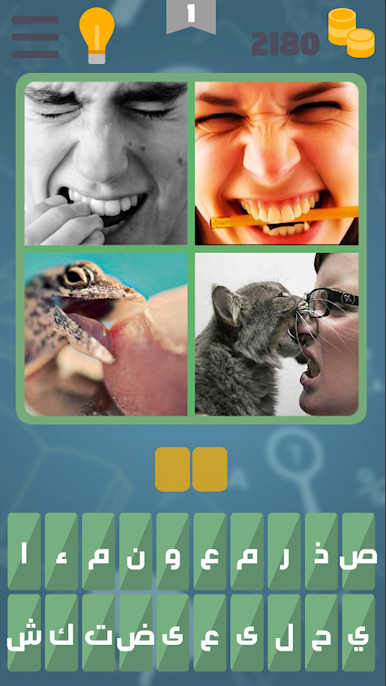
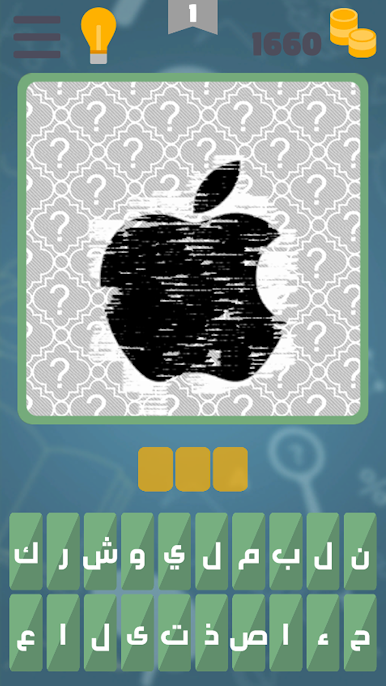
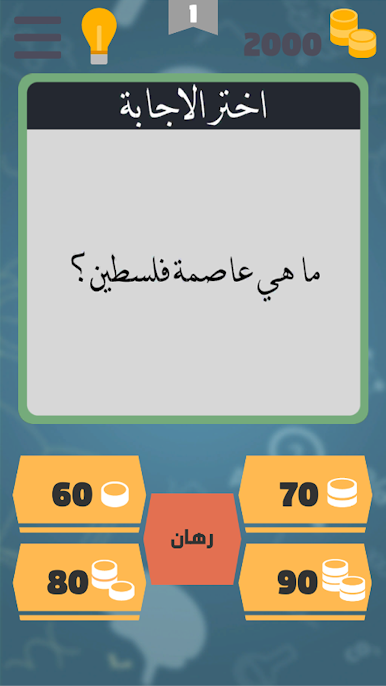
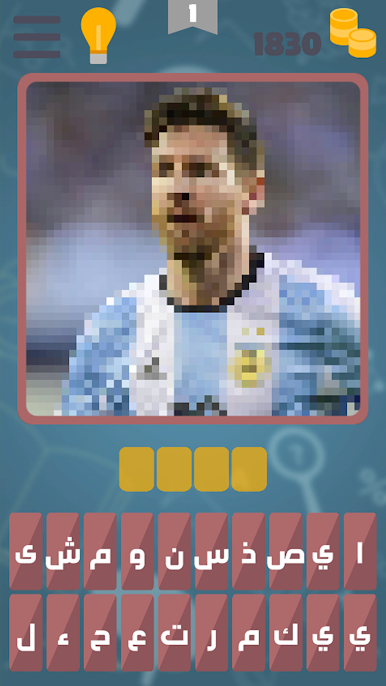
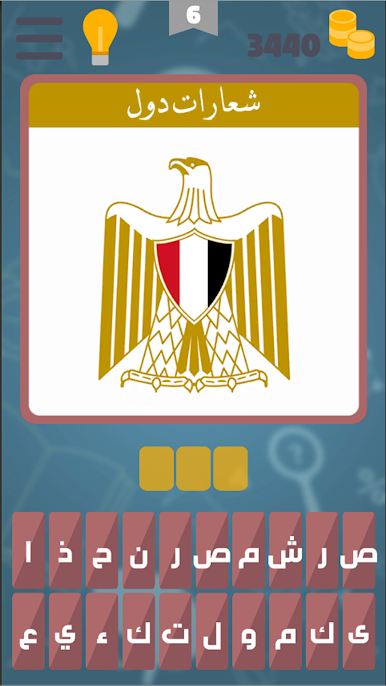
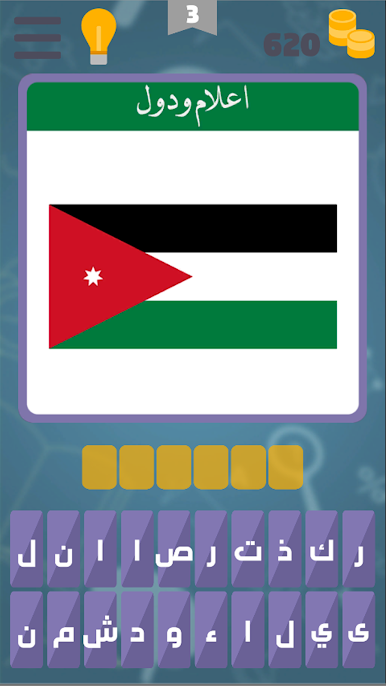
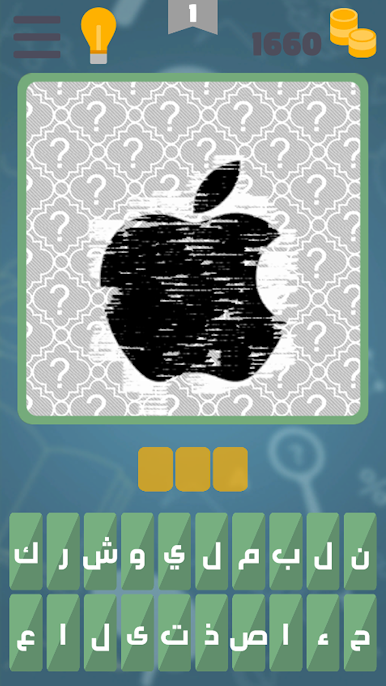
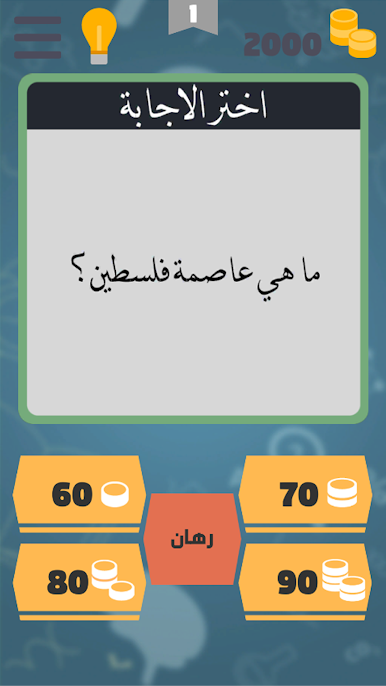
Play وصلة كراش on PC. It’s easy to get started.
-
Download and install BlueStacks on your PC
-
Complete Google sign-in to access the Play Store, or do it later
-
Look for وصلة كراش in the search bar at the top right corner
-
Click to install وصلة كراش from the search results
-
Complete Google sign-in (if you skipped step 2) to install وصلة كراش
-
Click the وصلة كراش icon on the home screen to start playing

