


Alibaba.com - B2B marketplace
Play on PC with BlueStacks – the Android Gaming Platform, trusted by 500M+ gamers.

Page Modified on: Mar 31, 2026
Run Alibaba.com - B2B marketplace on PC or Mac
Alibaba.com – B2B marketplace is a Shopping App developed by Alibaba Mobile. BlueStacks app player is the best platform to undefine this Android App on your PC or Mac for an immersive Android experience.
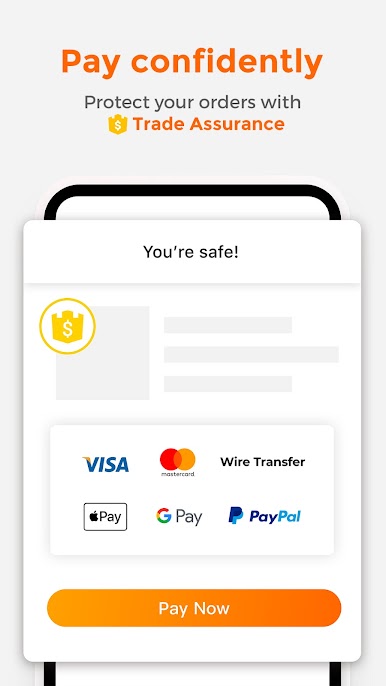
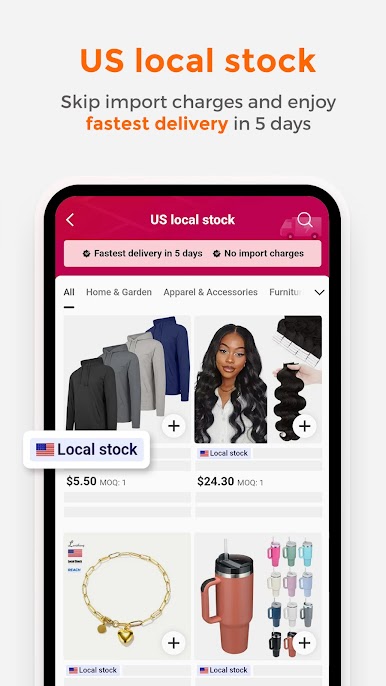
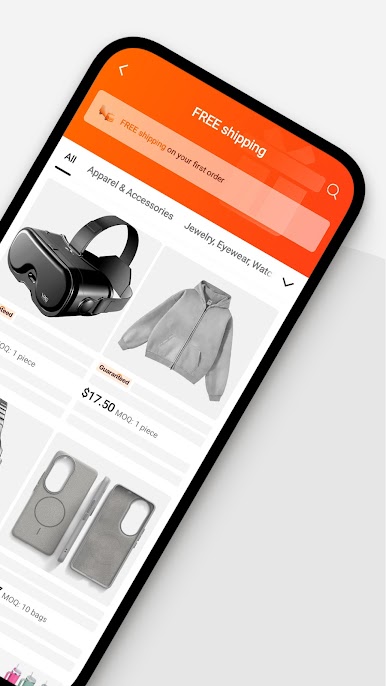
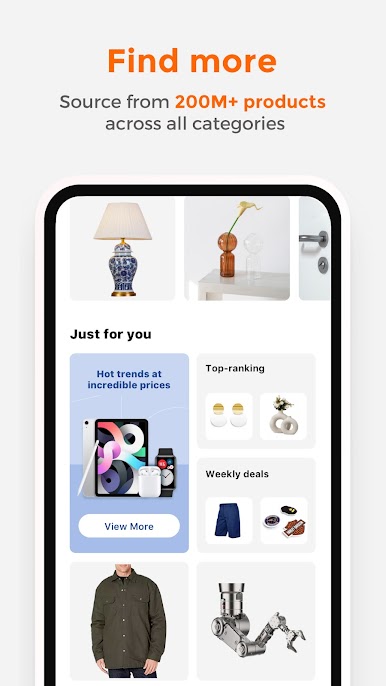
Download the Alibaba.com app on PC with BlueStacks and unlock a world of possibilities in B2B e-commerce. Source millions of products from global suppliers, all from the convenience of your Android device. And with the Trade Assurance service, you can purchase with confidence, knowing your orders and payments are protected on the platform.
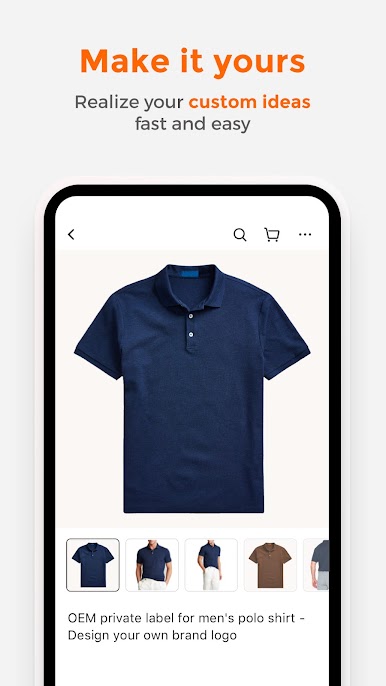
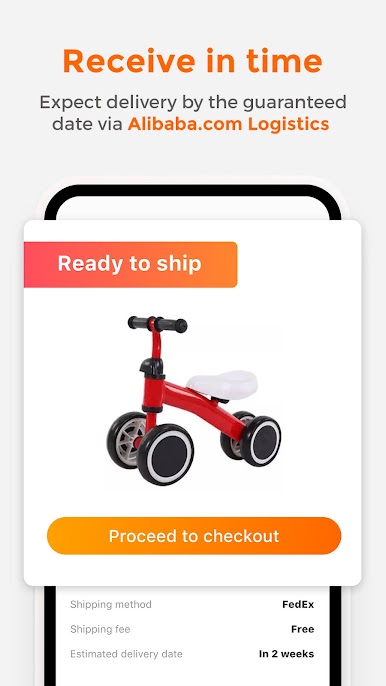
Discover millions of ready-to-ship products in every industry category, and our Request for Quotation service lets you get quotes quickly from suppliers. Tune into Livestreams and factory tours that allow you to interact with manufacturers in real-time via product demos and tours of manufacturing facilities, giving you insight and oversight on how your products are made.
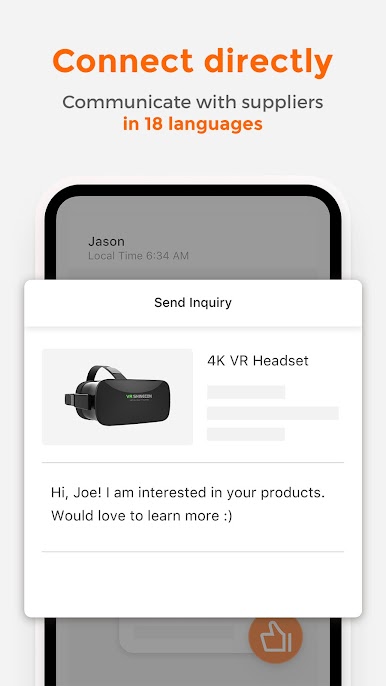
Download the Alibaba.com app on PC with BlueStacks and stay updated on new products and promotions from your favorite suppliers. With over 16 languages and 140 local currency support, you can communicate with sellers in your mother tongue and reduce production delays and quality risks with our Production Monitoring and Inspection Services.

Play Alibaba.com - B2B marketplace on PC. It’s easy to get started.
-
Download and install BlueStacks on your PC
-
Complete Google sign-in to access the Play Store, or do it later
-
Look for Alibaba.com - B2B marketplace in the search bar at the top right corner
-
Click to install Alibaba.com - B2B marketplace from the search results
-
Complete Google sign-in (if you skipped step 2) to install Alibaba.com - B2B marketplace
-
Click the Alibaba.com - B2B marketplace icon on the home screen to start playing

