


Run Run Super 5
Play on PC with BlueStacks – the Android Gaming Platform, trusted by 500M+ gamers.

Page Modified on: Aug 25, 2024
Play Run Run Super 5 on PC
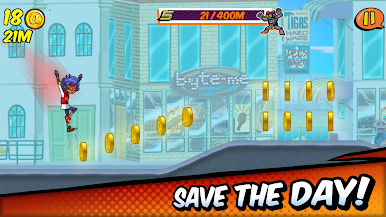
Be a hero and defend the world from the vile Emperor Negatron! Run through the city, get on your vehicle, and use your super robot to stop Negatron’s monsters from taking over the world!
Game Features:
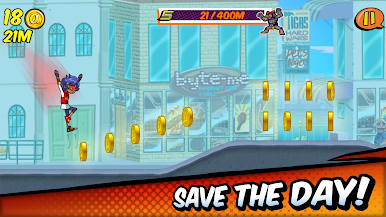
★ Action-packed runner - Run through the city with simple tap controls. Collect power-ups and use weapons to defeat Negatron’s robot minions!
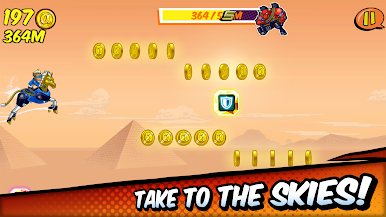
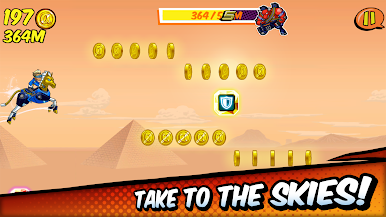
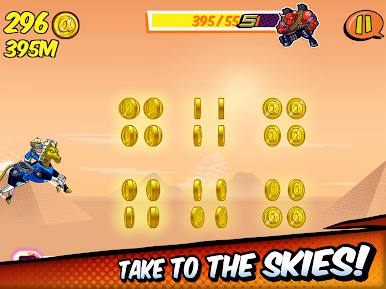
★ High-flying vehicle mode - Fly through the skies with the vehicle power-up! Collect bonus coins and blast through flying enemies with easy “tap-and-hold to fly, release to descend” controls
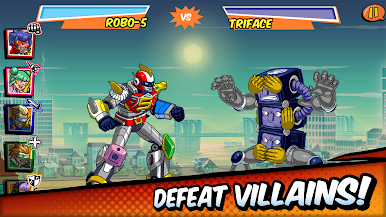
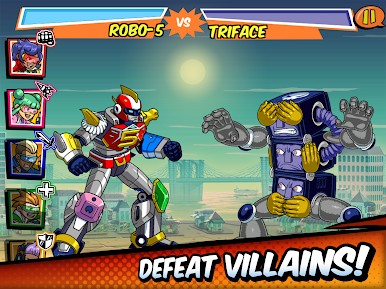
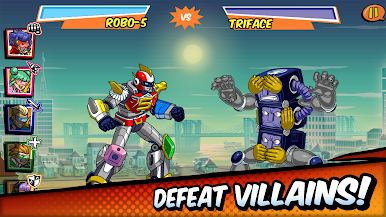
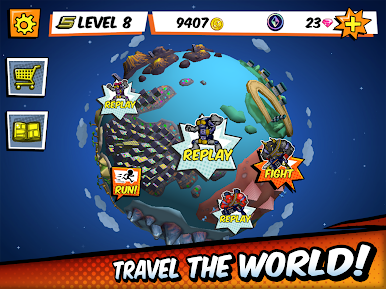
★ Epic robot boss battles - Your vehicles combine to form a super robot named Robo-5! Customize Robo-5’s attacks (from arm rockets to a blazing sword!) and use them in real-time battles against giant monsters
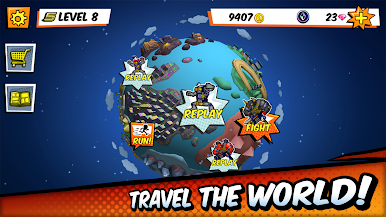
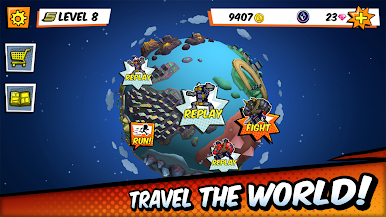
★ Level up for battle! - Run to level up and unlock new gear and robot battles! Lots of cool characters, items, and more to collect and upgrade
★ Endless runner mode - Fight for justice as long as you like with an endless mode. Set your high score for taking down evil!
*This game is currently available in English.
Having problems? Got a suggestion? We’d love to hear from you! You can reach us at: super5@altitude-games.com
Terms of Service: https://altitude-games.com/altitude-games-terms-service-end-user-license-agreement/
Privacy Policy: https://altitude-games.com/privacy-policy
By Altitude Games








Play Run Run Super 5 on PC. It’s easy to get started.
-
Download and install BlueStacks on your PC
-
Complete Google sign-in to access the Play Store, or do it later
-
Look for Run Run Super 5 in the search bar at the top right corner
-
Click to install Run Run Super 5 from the search results
-
Complete Google sign-in (if you skipped step 2) to install Run Run Super 5
-
Click the Run Run Super 5 icon on the home screen to start playing

