

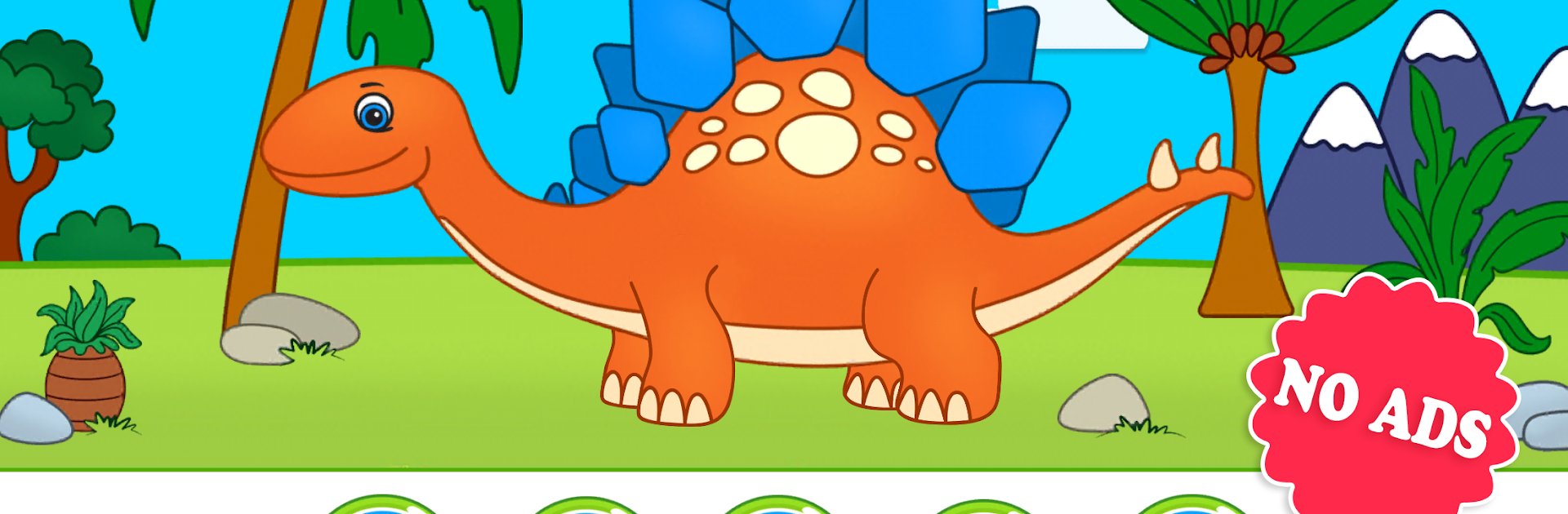
Dinosaur Puzzles for Kids
Play on PC with BlueStacks – the Android Gaming Platform, trusted by 500M+ gamers.

Page Modified on: Feb 1, 2025
Play Dinosaur Puzzles for Kids on PC or Mac
Dinosaur Puzzles for Kids brings the Puzzle genre to life, and throws up exciting challenges for gamers. Developed by Amax Kids, this Android game is best experienced on BlueStacks, the World’s #1 app player for PC and Mac users.
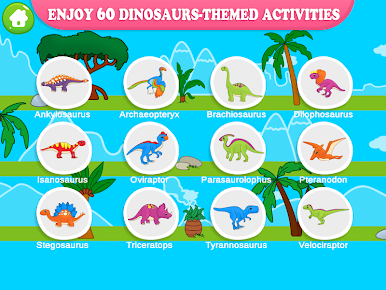
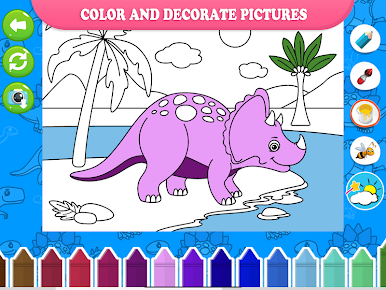
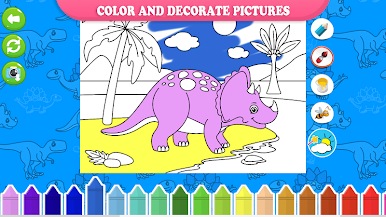
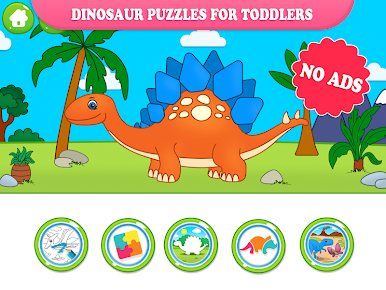
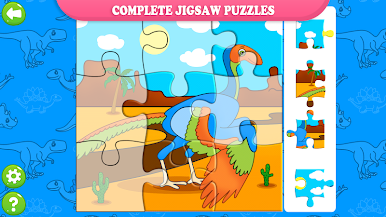
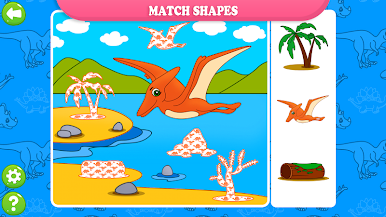
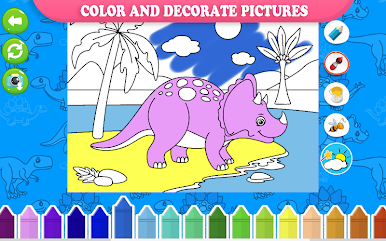
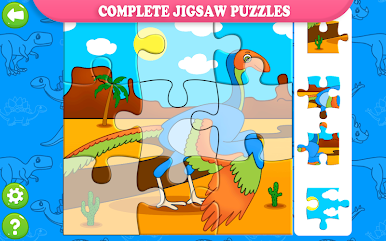
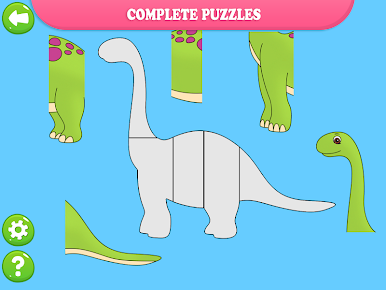
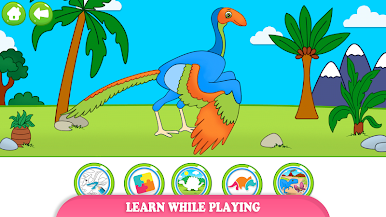
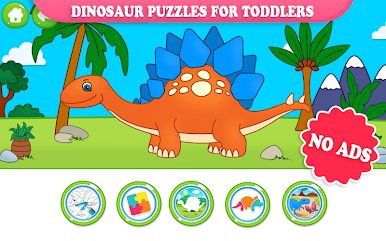
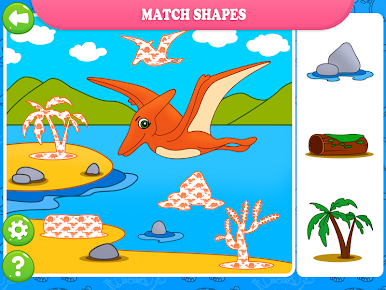
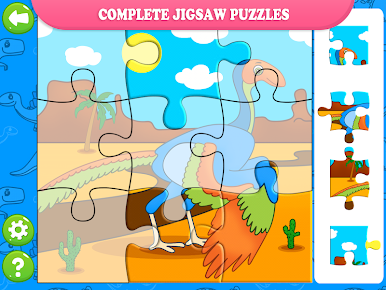
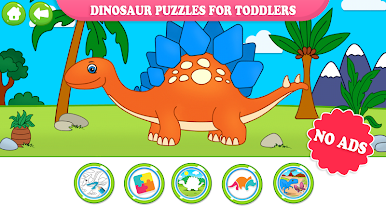
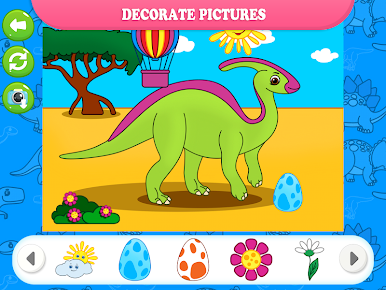
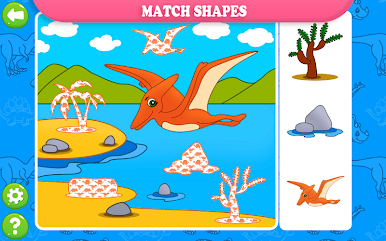
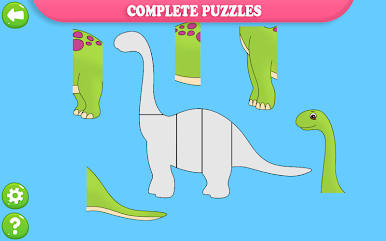
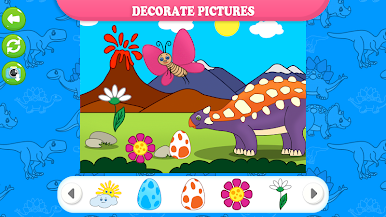
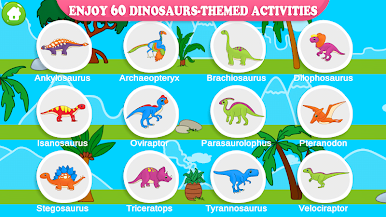
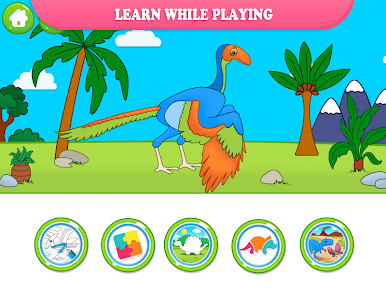
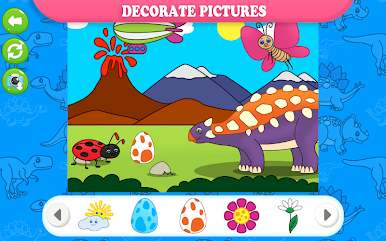
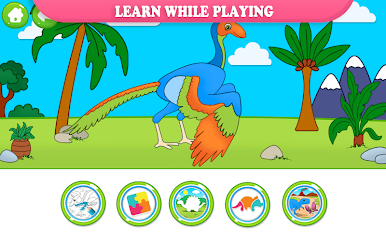
Dinosaur Puzzles for Kids feels like a big box of dino themed activities that are easy to pick up and fiddle with. It is not only jigsaws. There are shape matching scenes where a background shows a dinosaur with empty outlines, and the child drags the right pieces into the gaps until the picture is filled. There is a simple build-a-dino puzzle with chunky parts, plus a classic jigsaw that breaks a picture into lots of little pieces and asks for careful placement. The coloring part is relaxed too. Kids can draw with a finger, drop cute stickers on bright backgrounds, and save their finished pages to a gallery to share with family later.
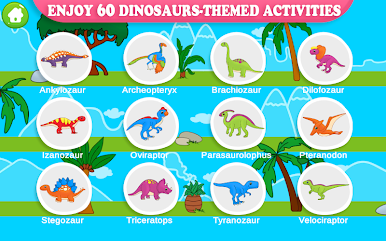
What stands out is how gentle it all is. No timers, no loud pressure. Pieces snap into place with soft feedback, the art is friendly, and the tasks are short enough that a child finishes before getting bored. It encourages observation and logic without making a big deal out of it, and all that dragging around is good for fine motor control. There are around 60 small activities, so there is always something new without feeling overwhelming. On PC with BlueStacks, the bigger screen helps a lot, and dragging pieces with a mouse feels precise for small hands, or for a parent helping out. It is simple, clean, and honestly just pleasant to let a kid explore for a bit.
Make your gaming sessions memorable with precise controls that give you an edge in close combats and visuals that pop up, bringing every character to life.

Play Dinosaur Puzzles for Kids on PC. It’s easy to get started.
-
Download and install BlueStacks on your PC
-
Complete Google sign-in to access the Play Store, or do it later
-
Look for Dinosaur Puzzles for Kids in the search bar at the top right corner
-
Click to install Dinosaur Puzzles for Kids from the search results
-
Complete Google sign-in (if you skipped step 2) to install Dinosaur Puzzles for Kids
-
Click the Dinosaur Puzzles for Kids icon on the home screen to start playing

