


AmazingTalker: Language tutors
Play on PC with BlueStacks – the Android Gaming Platform, trusted by 500M+ gamers.

Page Modified on: Mar 2, 2026
Run AmazingTalker: Language tutors on PC or Mac
AmazingTalker: Language tutors is an Education app developed by AmazingTalker, Inc. BlueStacks app player is the best platform to play this Android game on your PC or Mac for an immersive gaming experience.
Looking to learn a new language but not sure where to start? Look no further than AmazingTalker! With over 500,000 language learning students already achieving their goals on the platform, you can be sure you’re in good hands.
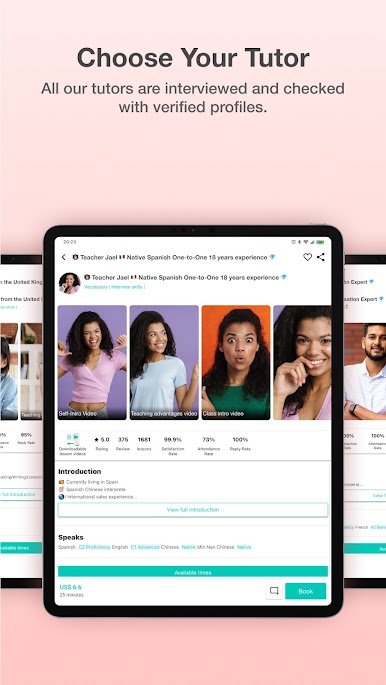
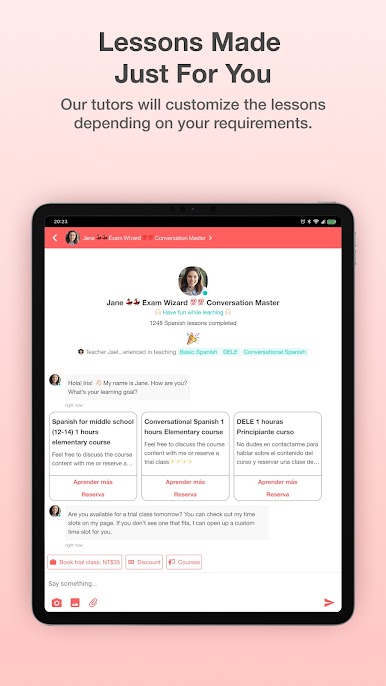
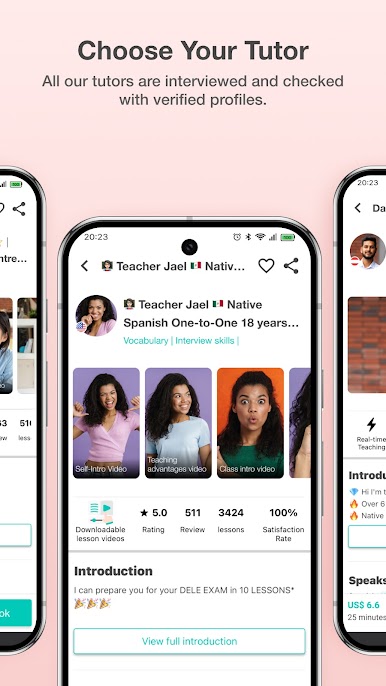
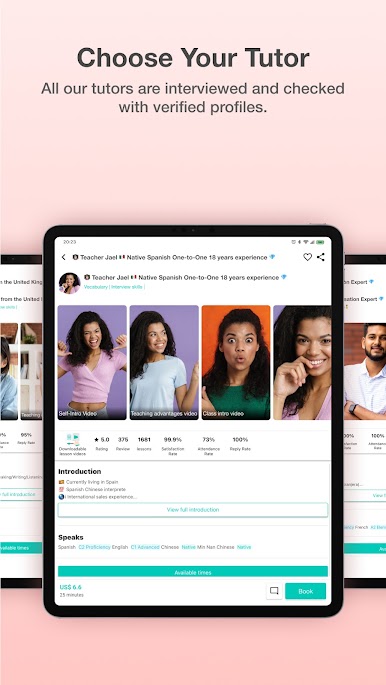
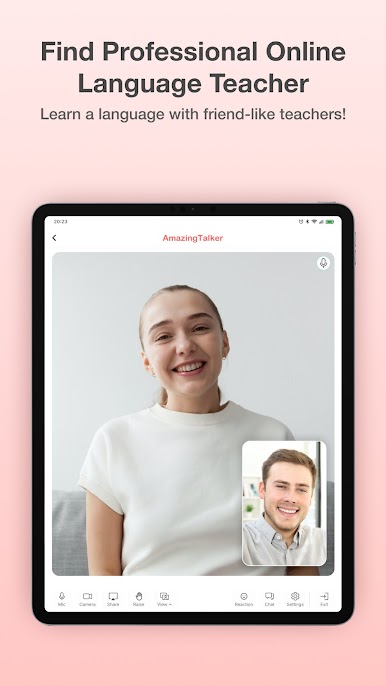
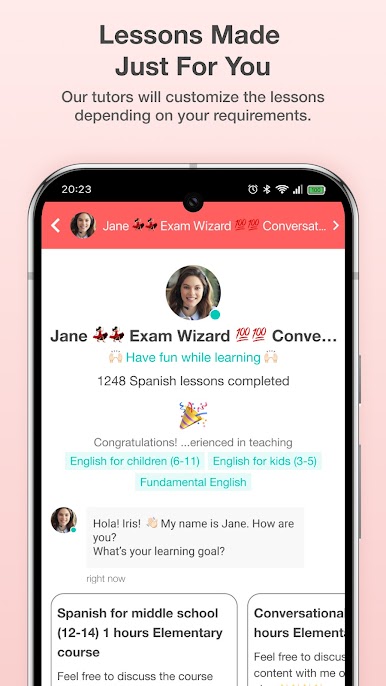
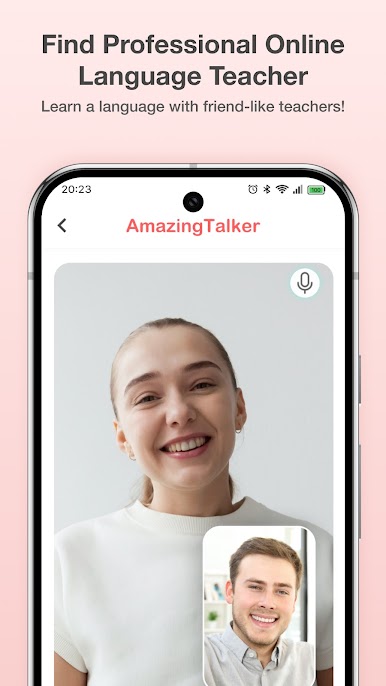
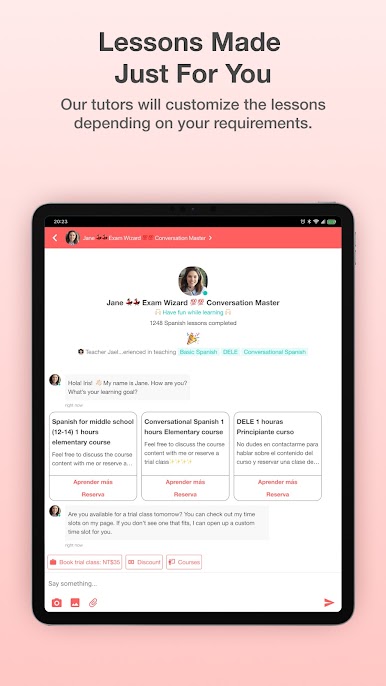
AmazingTalker offers customized 1-on-1 language learning lessons with qualified language tutors who have relevant teaching experience or language teaching certificates. With over 100 languages to choose from, including popular languages like English, Spanish, Korean, and Japanese, you’re sure to find the right tutor for you.
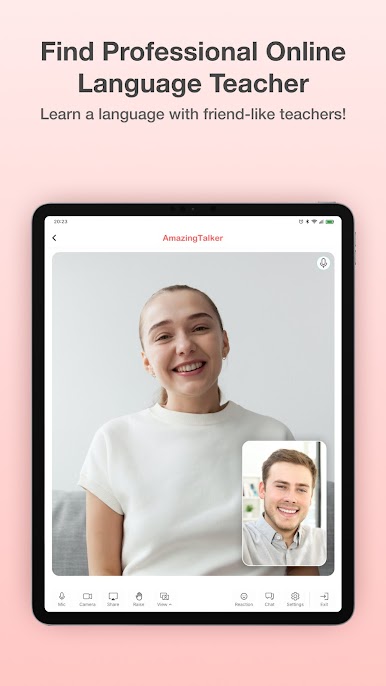
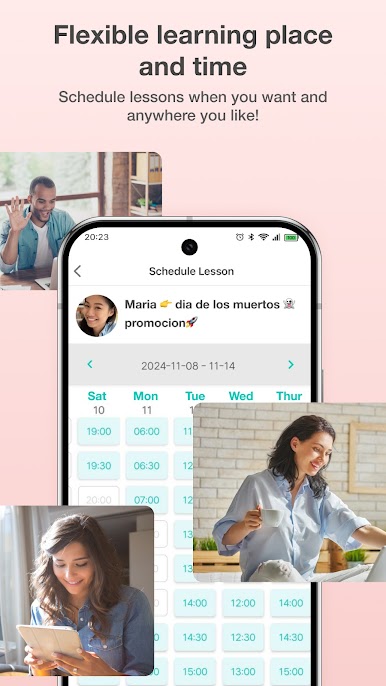
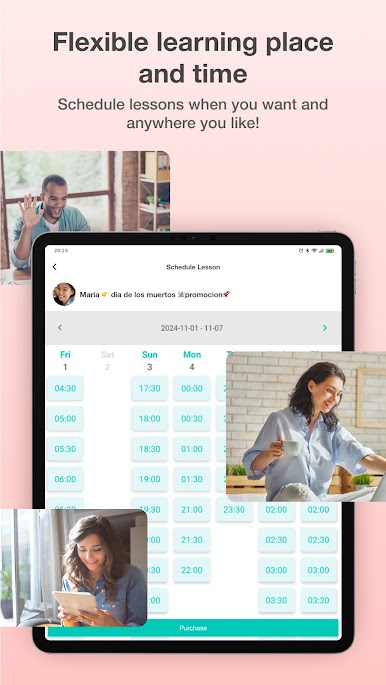
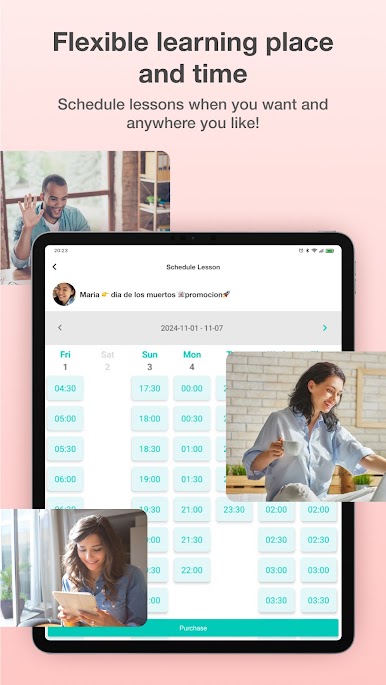
The learning experience is flexible, allowing you to take lessons anywhere you want with your mobile device or computer. And with the option to start with trial classes until you find the best tutor for you, you can be confident in your learning journey.
And if you’re a language expert yourself, why not become a tutor on AmazingTalker? You’ll have the freedom to set your own prices, be your own boss, and work from home on your own schedule. Don’t miss out on the opportunity to connect with native speakers and take your language skills to the next level with AmazingTalker.
Download AmazingTalker: Language tutors on PC with BlueStacks and master a new language.
Play AmazingTalker: Language tutors on PC. It’s easy to get started.
-
Download and install BlueStacks on your PC
-
Complete Google sign-in to access the Play Store, or do it later
-
Look for AmazingTalker: Language tutors in the search bar at the top right corner
-
Click to install AmazingTalker: Language tutors from the search results
-
Complete Google sign-in (if you skipped step 2) to install AmazingTalker: Language tutors
-
Click the AmazingTalker: Language tutors icon on the home screen to start playing

