



Prime Video
Play on PC with BlueStacks – the Android Gaming Platform, trusted by 500M+ gamers.

Page Modified on: Apr 2, 2026
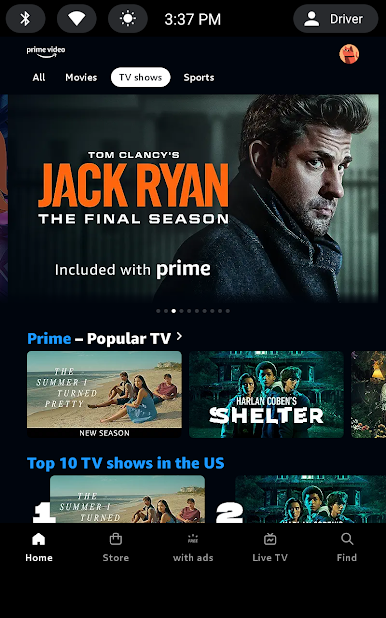
Main Prime Video on PC
App features:
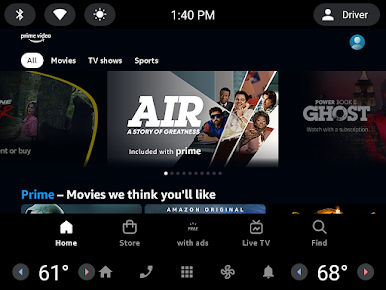
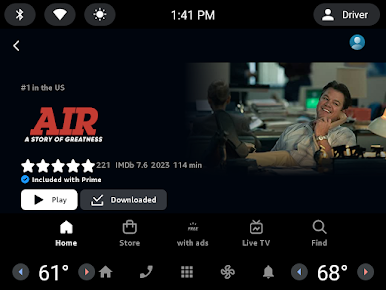
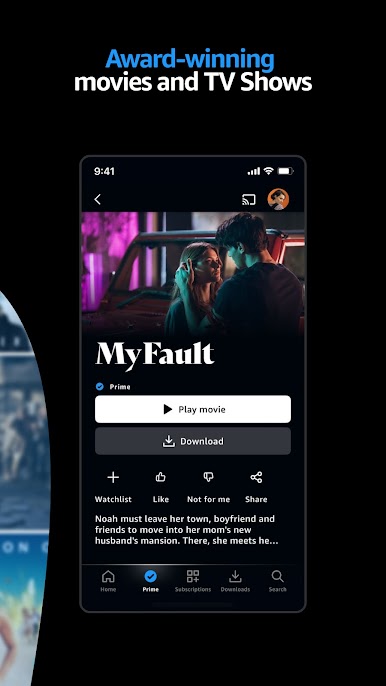
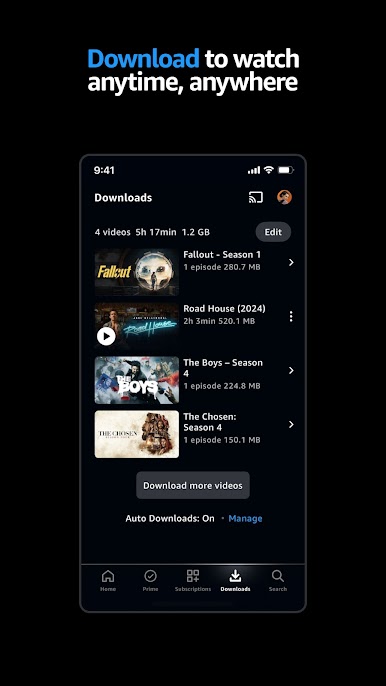
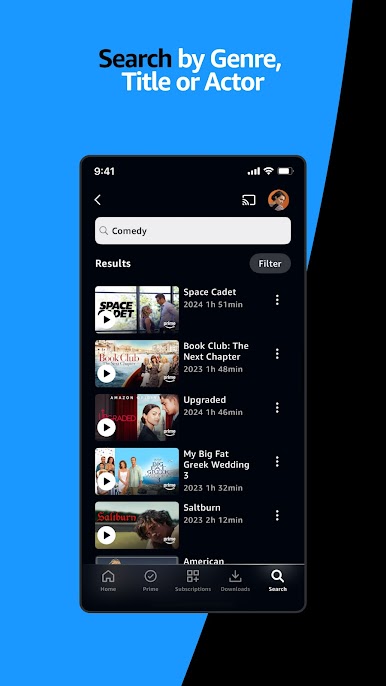
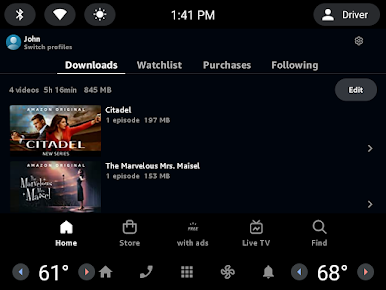
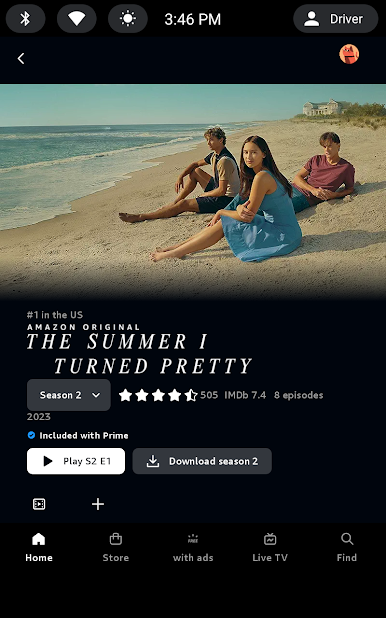
• Download videos to watch anywhere.
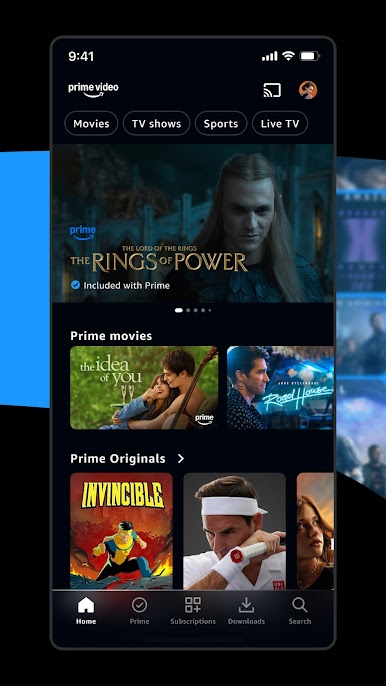
• Rent or buy new-release movies and popular TV shows (availability varies by marketplace).
• Cast from your phone or tablet to the big screen with Chromecast or FireTV.
• Create multiple profiles so each person gets a personalized entertainment experience.
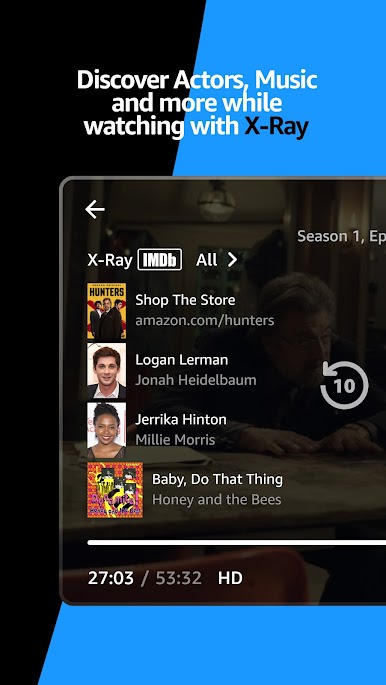
• Go behind the scenes of movies and TV shows with exclusive X-Ray access, powered by IMDb.
For our Terms of Use and usage rules, go to amazon.com/videoterms. Amazon, the Amazon logo, and Prime Video are trademarks of Amazon.com, Inc. or its affiliates.
Play Prime Video on PC. It’s easy to get started.
-
Download and install BlueStacks on your PC
-
Complete Google sign-in to access the Play Store, or do it later
-
Look for Prime Video in the search bar at the top right corner
-
Click to install Prime Video from the search results
-
Complete Google sign-in (if you skipped step 2) to install Prime Video
-
Click the Prime Video icon on the home screen to start playing

