

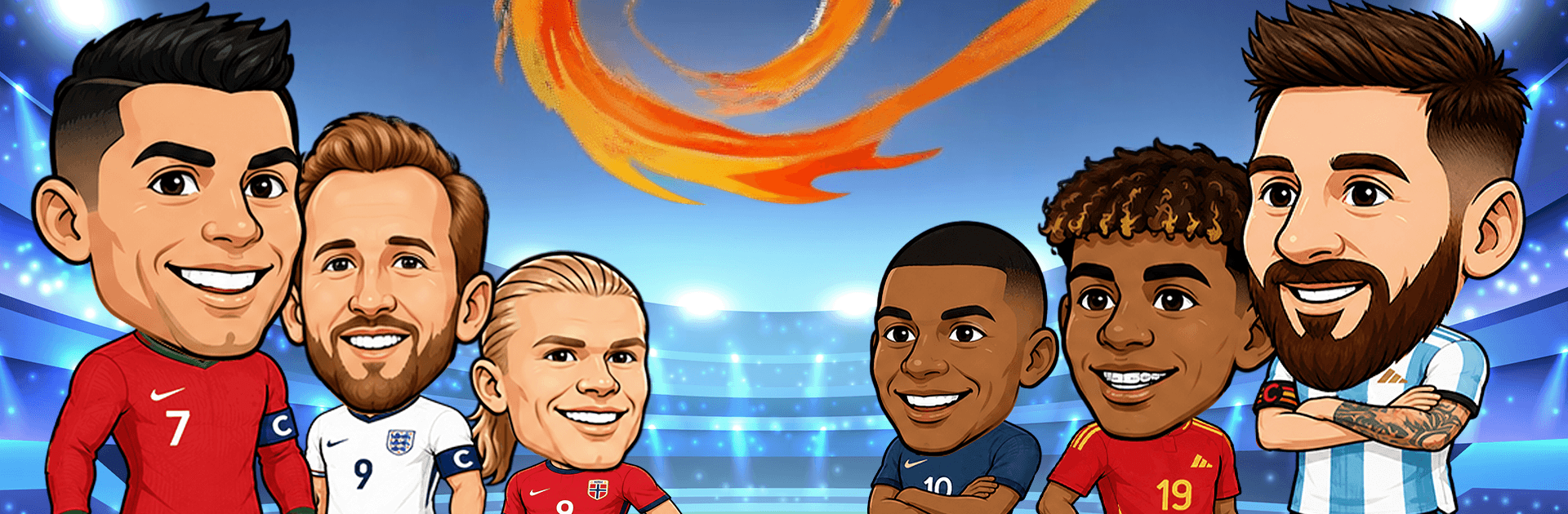
Big Head Soccer: Football Game
Play on PC with BlueStacks – the Android Gaming Platform, trusted by 500M+ gamers.

Page Modified on: Jun 23, 2026
Play Big Head Soccer: Football Game on PC or Mac
Big Head Soccer: Football Game by Amobear VN Game Global has plenty to keep you busy. BlueStacks lets you play it on PC or Mac with more screen space, better control, and fewer mobile limits.
About the Game
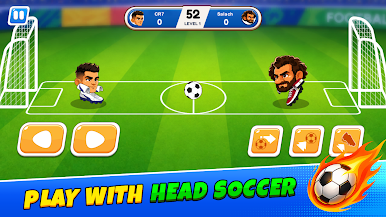
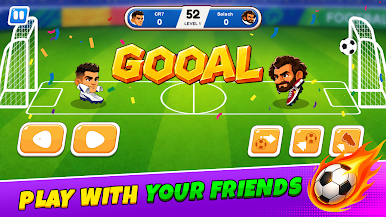
Big Head Soccer: Football Game keeps the focus on quick, punchy matches where one smart move can flip the score. It’s all about timing, angles, and a bit of swagger as you trade shots in compact 1v1 showdowns. Want something easy to jump into but satisfying to master? This Sports title hits that sweet spot—simple controls, high payoff, and plenty of personality.
Game Features
- Quick 1v1 Showdowns: Go head-to-head in short matches that reward sharp reflexes and clever positioning. Every second counts, so make your touches count too.
- Precision Over Luck: You’re in control—jump, block, and fire off shots with tight timing. Land clean strikes or bait your rival into a bad move, then punish the opening.
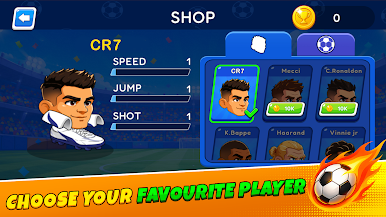
- Big-Head Heroes: Unlock a roster of oversized, over-the-top characters. Each one brings a different vibe and stat line, so find the one that fits your style.
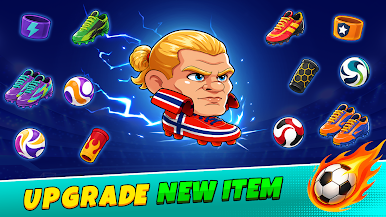
- Gear That Matters: Equip special collars to boost power and accuracy. Hit harder, place shots tighter, and squeeze out those last‑second winners.
- Style Your Kicks: Collect custom soccer balls and bring some flair to every match. It’s not just about scoring—it’s about scoring with style.
- Easy to Learn, Tough to Put Down: Straightforward mechanics make it friendly for newcomers, while skill ceilings and tight matches keep veterans hooked.
- Play Your Way: Enjoy it on your phone, or kick back on a bigger screen with BlueStacks if you like your footy with more elbow room.
Ready to top the leaderboard? We bet you do. Let precise controls and sharp visuals optimized on BlueStacks lead you to victory.
Play Big Head Soccer: Football Game on PC. It’s easy to get started.
-
Download and install BlueStacks on your PC
-
Complete Google sign-in to access the Play Store, or do it later
-
Look for Big Head Soccer: Football Game in the search bar at the top right corner
-
Click to install Big Head Soccer: Football Game from the search results
-
Complete Google sign-in (if you skipped step 2) to install Big Head Soccer: Football Game
-
Click the Big Head Soccer: Football Game icon on the home screen to start playing

