


EasyCoder AI: Learn Java
Play on PC with BlueStacks – the Android Gaming Platform, trusted by 500M+ gamers.

Page Modified on: Jan 28, 2026
Run EASY CODER : Learn to develop & run java programs on PC or Mac
Get freedom from your phone’s obvious limitations. Use EASY CODER : Learn to develop & run java programs, made by AMensah, a Education app on your PC or Mac with BlueStacks, and level up your experience.
About the App
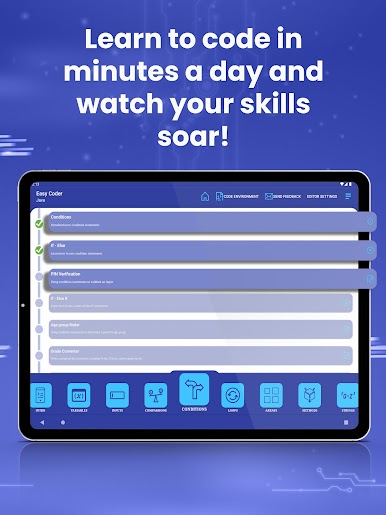
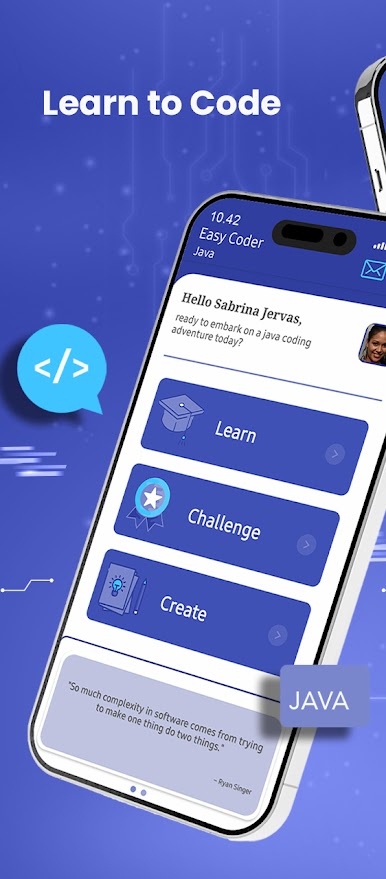
Ever wanted to try your hand at coding, but didn’t know where to start? EASY CODER : Learn to develop & run java programs, from AMensah, offers a laid-back way to pick up Java programming right from your phone (or with BlueStacks on your computer if you like a bigger screen). Whether you’re a complete newbie or someone looking to freshen up those programming basics, this Education app gives you an easy path into the coding world—no stuffy classrooms or hard-to-understand instructions.
App Features
-
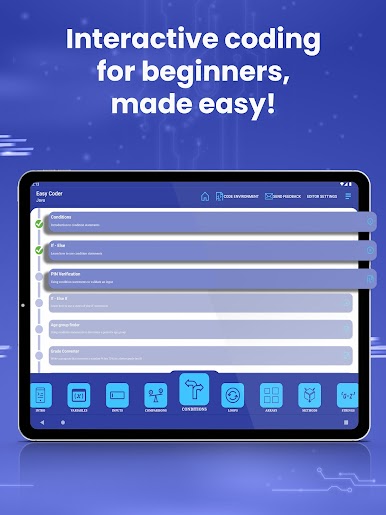
Video-Powered Learning
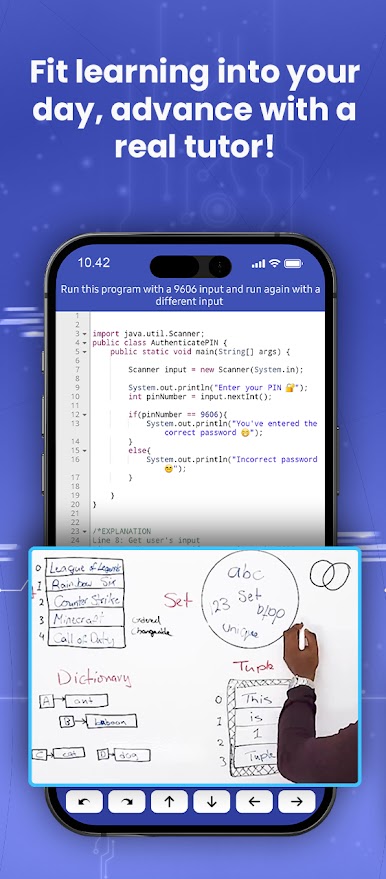
Dig into short, straightforward video tutorials that walk you through key Java concepts. The bite-sized format helps things click, even if you’re just squeezing in a quick lesson during a break. -
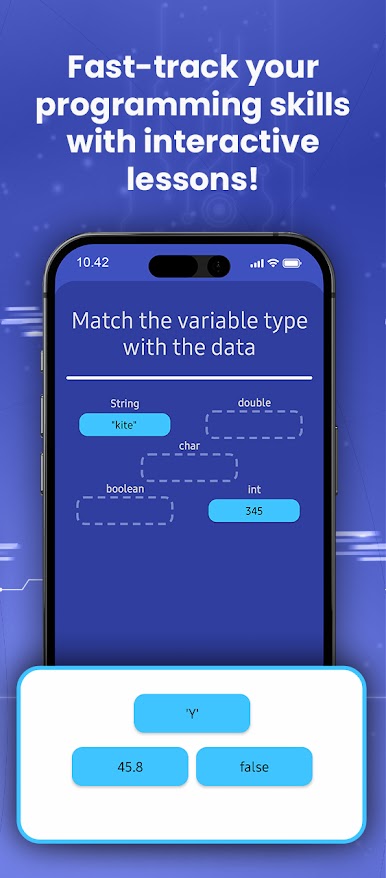
Quizzes for Practice
Check out the built-in quizzes after you finish lessons—perfect for making sure you’re actually picking things up, not just watching videos on autopilot. -
From Beginner to Advanced
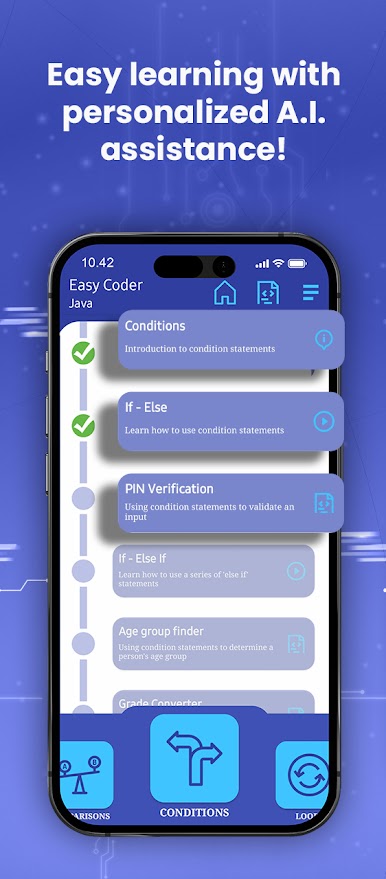
Start with foundations if you’re brand new, or jump right into more advanced topics if you’ve coded before. The material scales with you, so you won’t feel stuck or overwhelmed. -
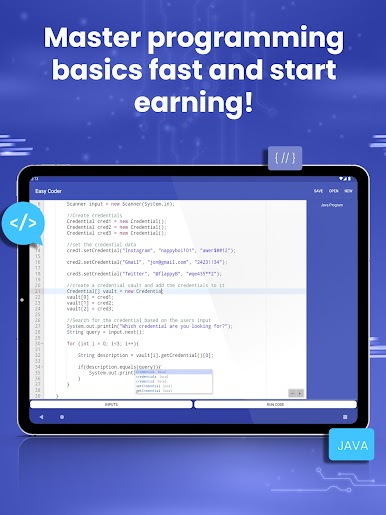
Hands-On Coding Playground
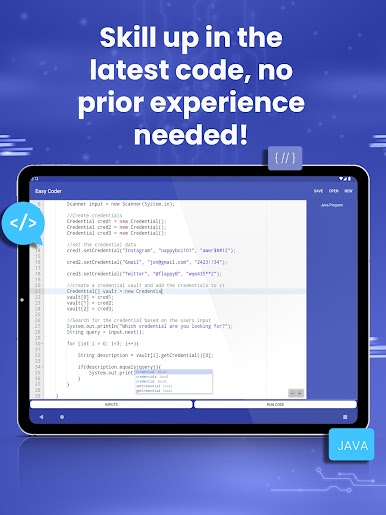
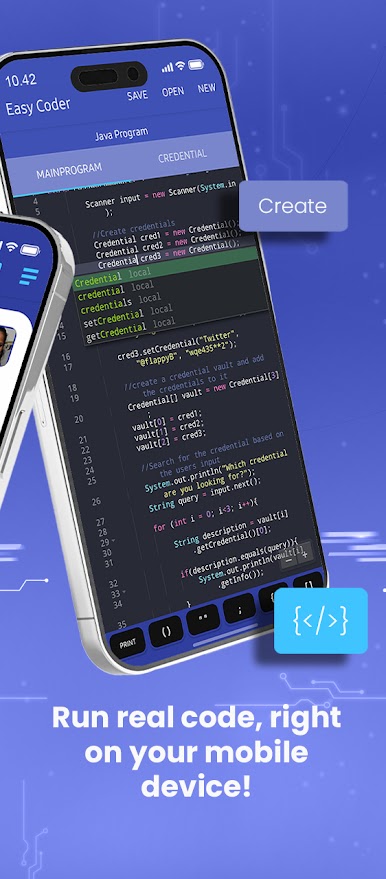
It’s not all theory—you get to run and test your own Java programs inside the app. Write, edit, and watch your code in action, all on your device. -
Clean, Chill Design
The layout’s easy on the eyes and straightforward to use. No clutter, no confusion—just you, your curiosity, and some code. -
Great for Self-Starters
Learning solo? EASY CODER : Learn to develop & run java programs is like having a mini coding class in your pocket—do a lesson, try a quiz, or experiment with code whenever you feel like it. -
Zero Cost to Get Started
Everything’s unlocked out of the box. No strings attached—just a lot of useful programming knowledge waiting. -
Accessible with BlueStacks
Prefer going through lessons on your computer? No problem—BlueStacks can run the app smoothly, so you can switch between mobile and PC with ease.
If coding’s on your mind but you want something approachable, EASY CODER : Learn to develop & run java programs lets you jump in, get your hands dirty, and see real progress, all in your own time.
BlueStacks gives you the much-needed freedom to experience your favorite apps on a bigger screen. Get it now.

Play EasyCoder AI: Learn Java on PC. It’s easy to get started.
-
Download and install BlueStacks on your PC
-
Complete Google sign-in to access the Play Store, or do it later
-
Look for EasyCoder AI: Learn Java in the search bar at the top right corner
-
Click to install EasyCoder AI: Learn Java from the search results
-
Complete Google sign-in (if you skipped step 2) to install EasyCoder AI: Learn Java
-
Click the EasyCoder AI: Learn Java icon on the home screen to start playing

