


Sleep Sounds - Sleep And Relax
Play on PC with BlueStacks – the Android Gaming Platform, trusted by 500M+ gamers.

Page Modified on: Aug 5, 2025
Play Sleep Sounds - Sleep And Relax on PC
Play our carefully selected sleep sounds and you will sleep like a baby.
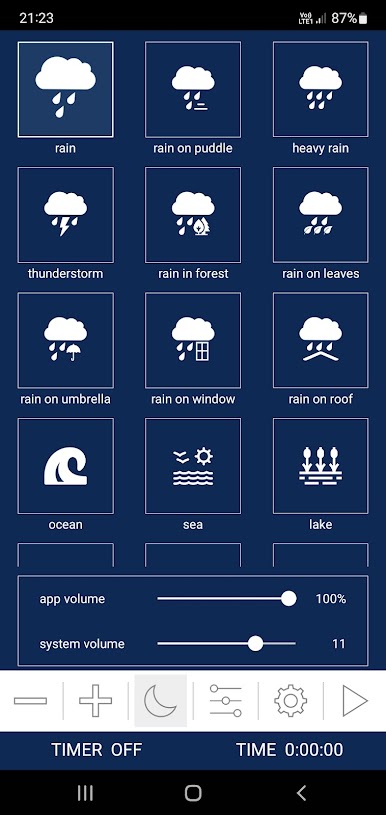
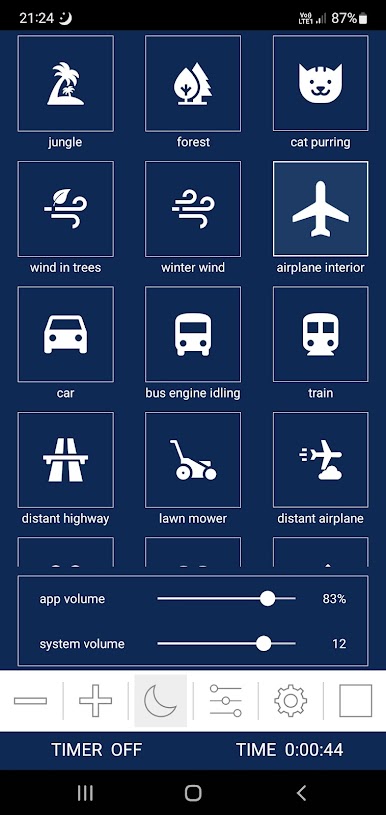
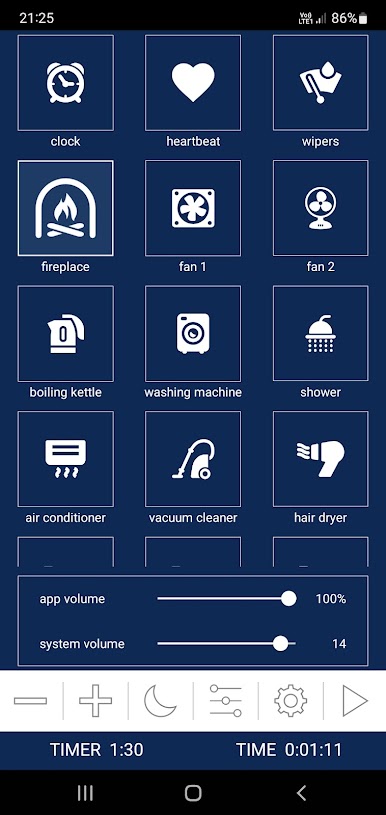
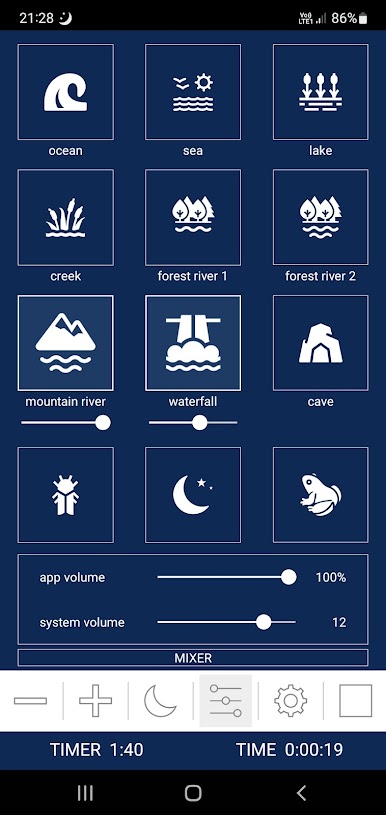
Simply select the sound you want or create your own mix using these HD sounds:
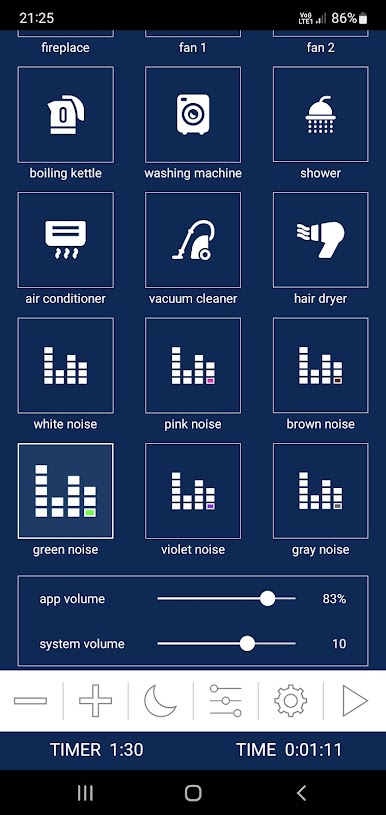
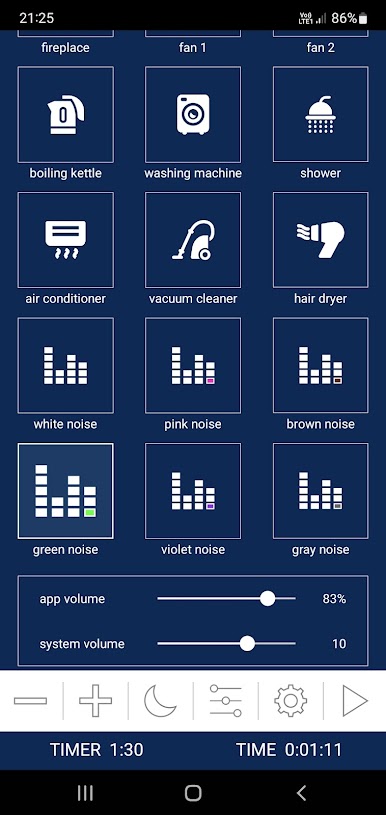
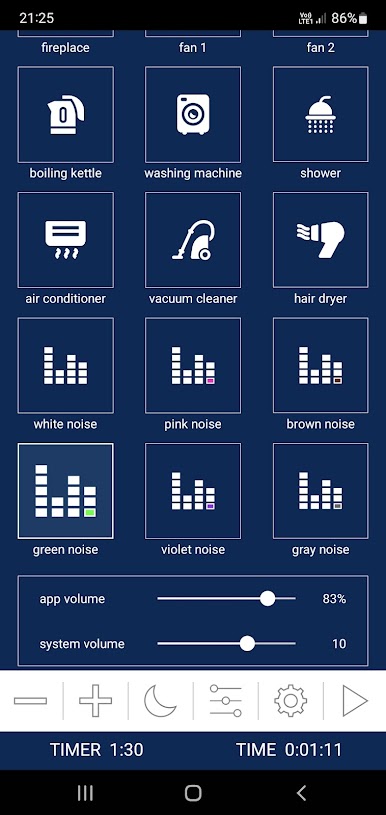
✔ Pure white noise
✔ Pure pink noise
✔ Pure brown noise
✔ Pure green noise
✔ Pure violet noise
✔ Pure gray noise
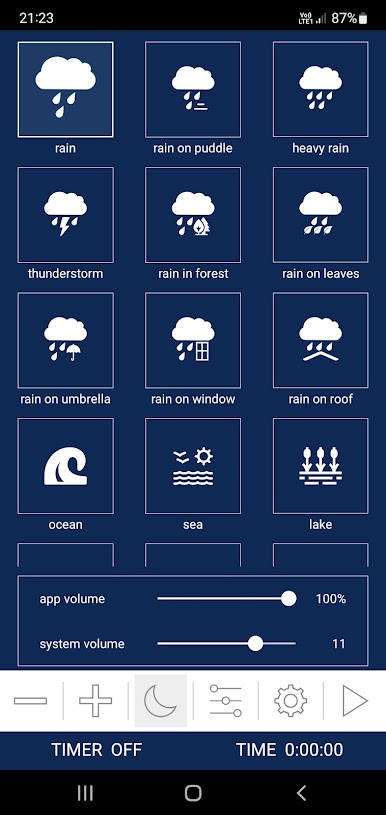
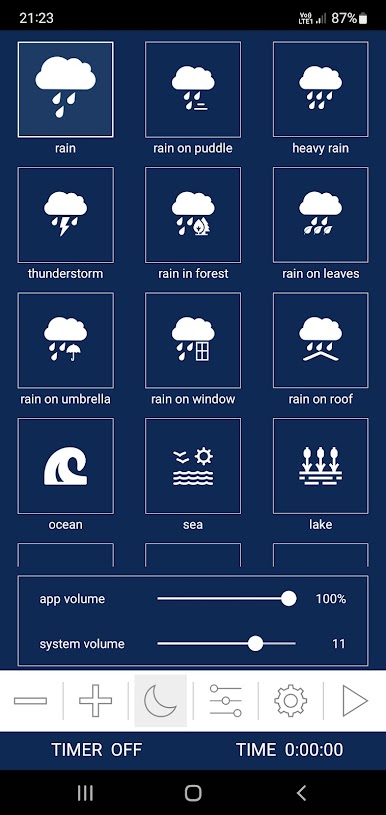
✔ Rain
✔ Rain on umbrella
✔ Rain on window
✔ Rain on puddle
✔ Rain on leaves
✔ Rain in forest
✔ Rain on roof
✔ Heavy rain
✔ Thunder (thunderstorm)
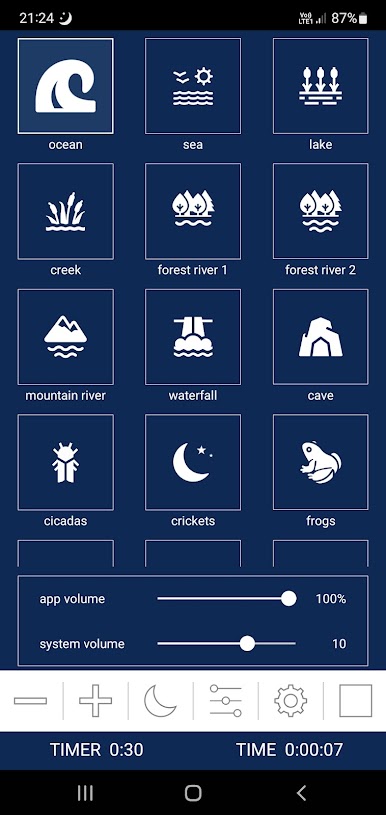
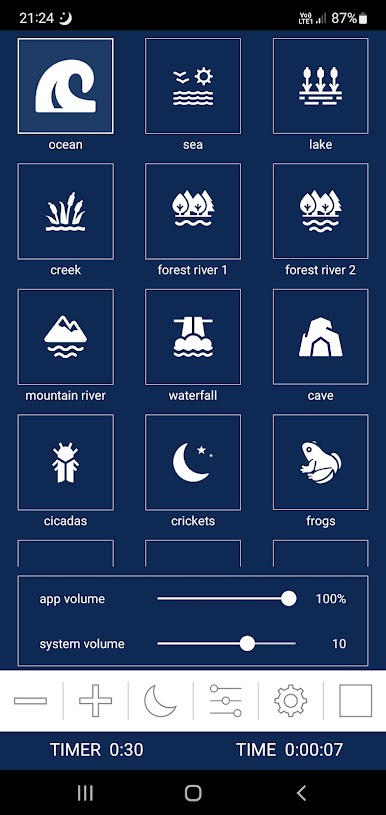
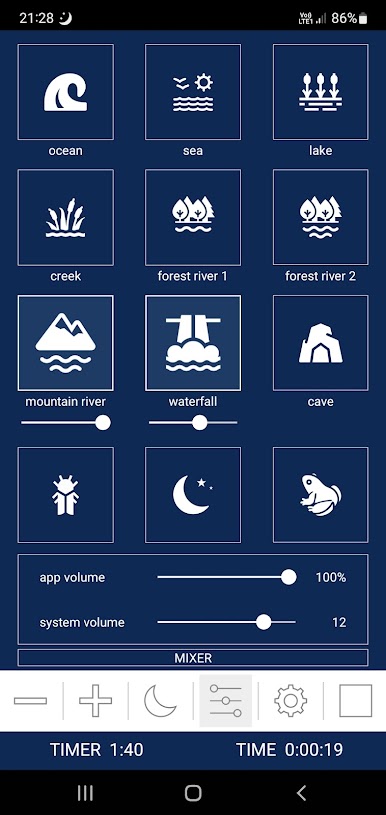
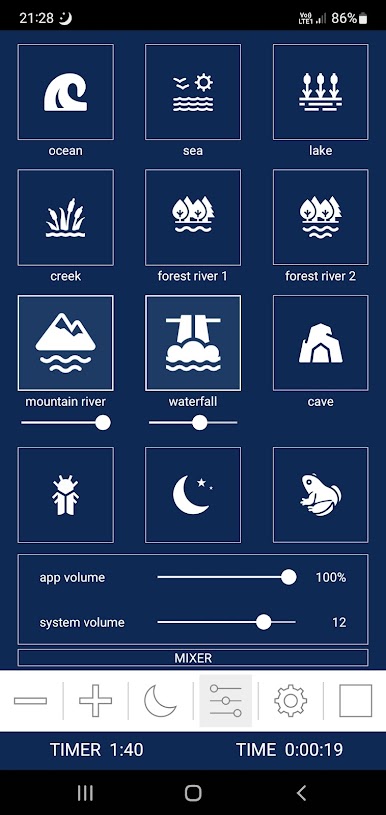
✔ Ocean
✔ Sea
✔ Lake
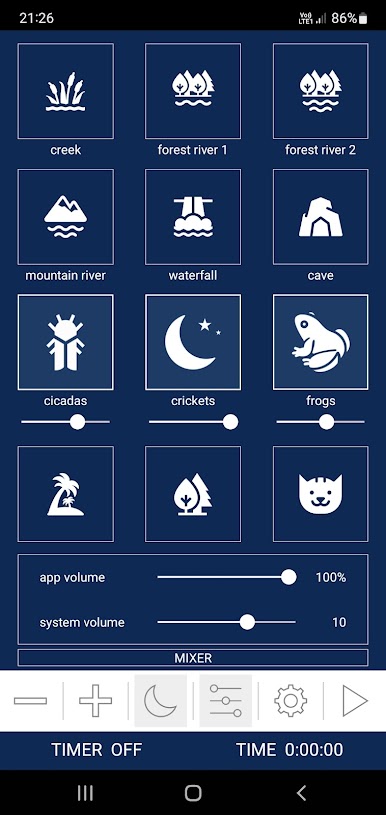
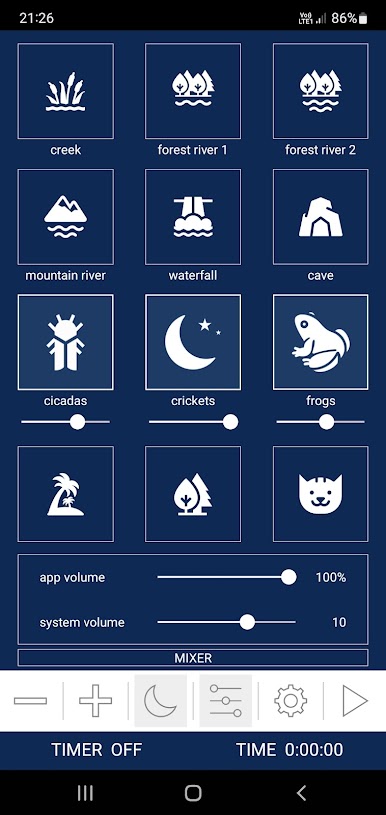
✔ Creek
✔ Forest river
✔ Mountain river
✔ Waterfall
✔ Cave
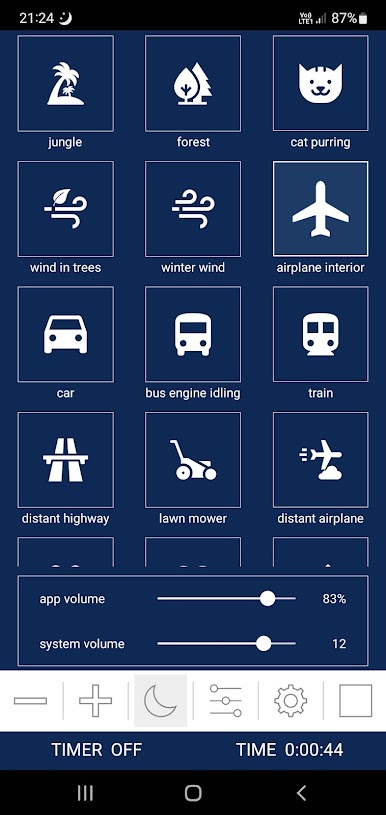
✔ Strong wind in trees
✔ Winter wind
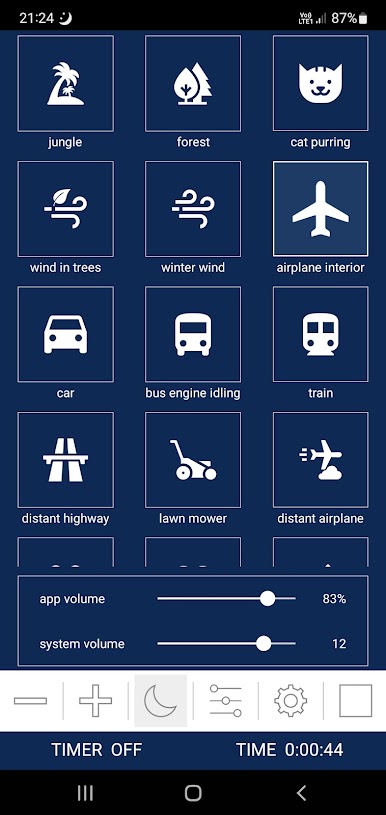
✔ Forest
✔ Cicadas
✔ Crickets
✔ Frogs
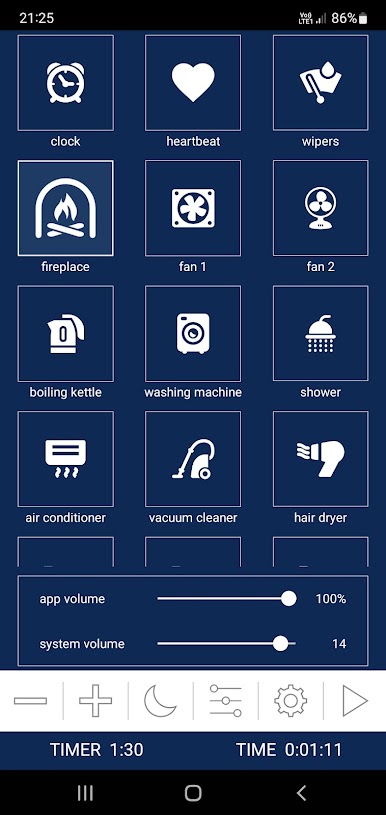
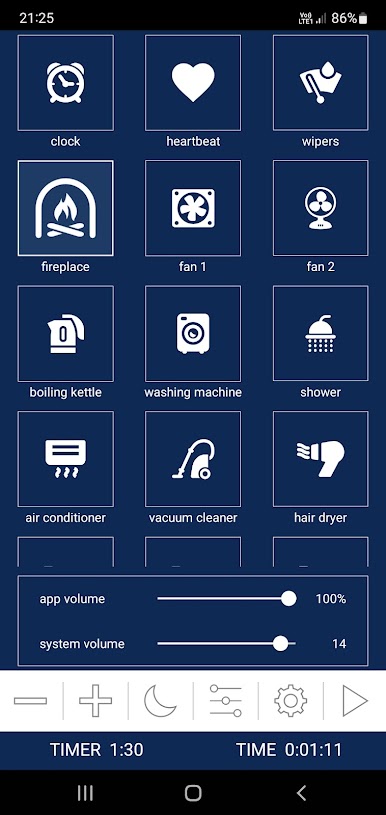
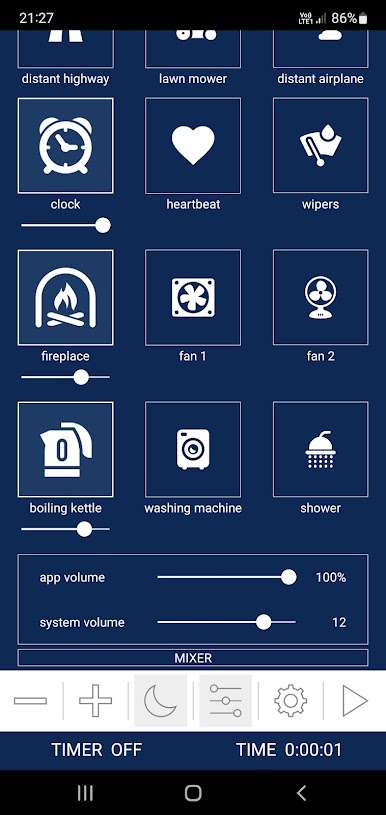
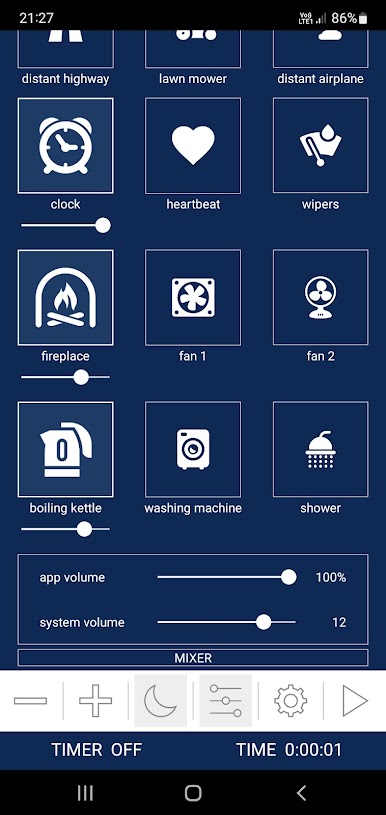
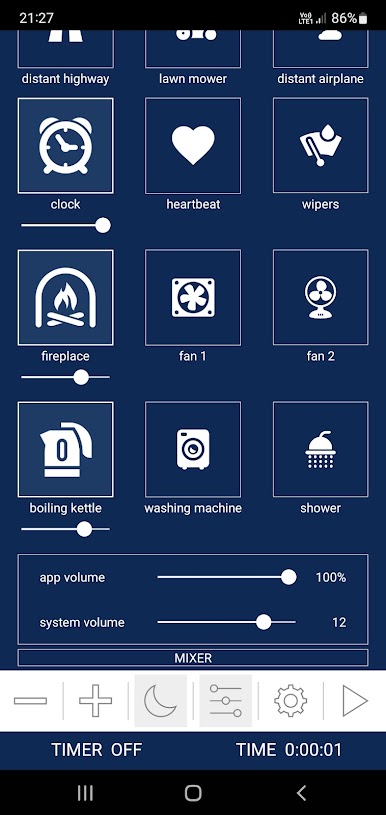
✔ Fireplace
✔ Jungle
✔ Cat purring
✔ Clock
✔ Heartbeat
✔ Car wipers
✔ Car
✔ Bus
✔ Train
✔ Airplane
✔ Air conditioner
✔ Fan
✔ Vacuum cleaner
✔ Hair dryer
✔ Washing machine
✔ Shower
✔ Boiling kettle
✔ Distant airplane
✔ Lawn mower
✔ Highway
App features:
✔ 50+ HD sounds
✔ All sounds are free!
✔ Infinite playback
✔ Timer with soft fade out
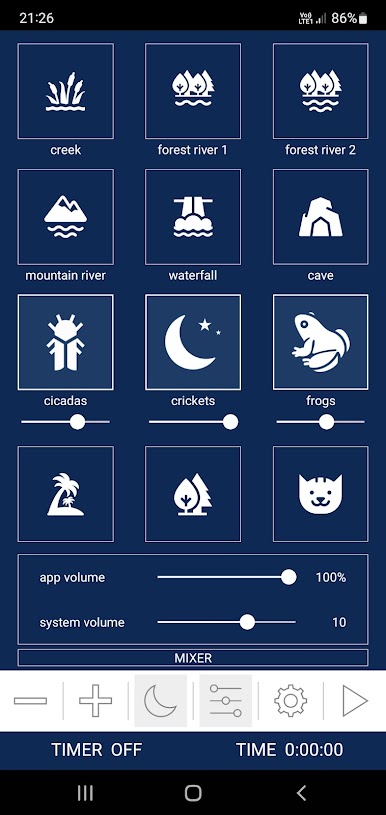
✔ Mixer with support for adjusting the volume of each sound in the mix
✔ Background audio support
✔ No ads with sound
✔ Works offline
✔ Lightweight and easy to use
✔ Simple and beautiful design
Get a better sleep with Sleep Sounds Free!
Our free sleep app is a sleep aid that really works and helps you or your baby fall asleep quickly and sleep better!
Play Sleep Sounds - Sleep And Relax on PC. It’s easy to get started.
-
Download and install BlueStacks on your PC
-
Complete Google sign-in to access the Play Store, or do it later
-
Look for Sleep Sounds - Sleep And Relax in the search bar at the top right corner
-
Click to install Sleep Sounds - Sleep And Relax from the search results
-
Complete Google sign-in (if you skipped step 2) to install Sleep Sounds - Sleep And Relax
-
Click the Sleep Sounds - Sleep And Relax icon on the home screen to start playing

