


Military Shooter 3D: FPS War
Play on PC with BlueStacks – the Android Gaming Platform, trusted by 500M+ gamers.

Page Modified on: Feb 16, 2026
Main Military Shooter 3D: FPS War on PC
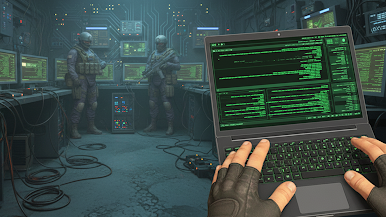
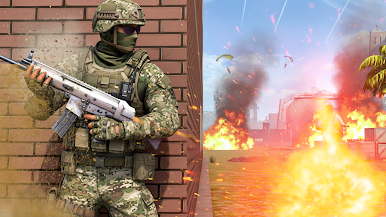
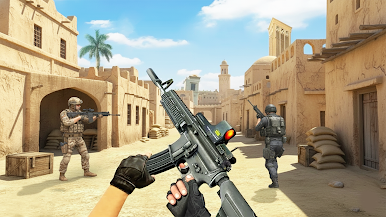
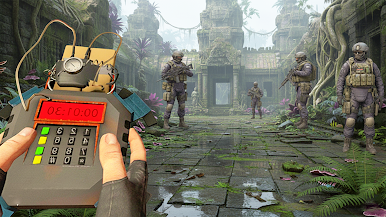
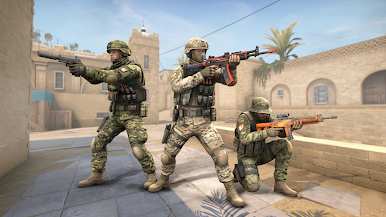
Take on dangerous missions across deserts, cities, and military bases. Use powerful weapons, eliminate enemies, and rescue hostages while completing challenging objectives. With smooth controls and realistic environments, this game delivers intense military action for every shooter fan.
Unlock new guns, upgrade your arsenal, and become the ultimate soldier on the front lines. Whether you enjoy army shooting games, FPS combat, or offline war games, this title offers nonstop action and excitement.
🎮 Game Features
🔫 Intense FPS military shooting gameplay
🎯 Multiple missions across different battle zones
🪖 Realistic army environments and combat scenarios
🔧 Upgradeable weapons: rifles, snipers, and SMGs
🎮 Smooth and easy touch controls
📶 Offline gameplay – no internet required
🌆 High-quality 3D graphics and effects
Take aim, complete your mission, and become a true military hero.
Download Military Shooter 3D: FPS War now and join the battle!
Play Military Shooter 3D: FPS War on PC. It’s easy to get started.
-
Download and install BlueStacks on your PC
-
Complete Google sign-in to access the Play Store, or do it later
-
Look for Military Shooter 3D: FPS War in the search bar at the top right corner
-
Click to install Military Shooter 3D: FPS War from the search results
-
Complete Google sign-in (if you skipped step 2) to install Military Shooter 3D: FPS War
-
Click the Military Shooter 3D: FPS War icon on the home screen to start playing

