


Slot Goddess
Play on PC with BlueStacks – the Android Gaming Platform, trusted by 500M+ gamers.

Page Modified on: May 18, 2026
Play Slot Goddess on PC or Mac
Explore a whole new adventure with Slot Goddess, a Casual game created by Lijin Beauty. Experience great gameplay with BlueStacks, the most popular gaming platform to play Android games on your PC or Mac.
About the Game
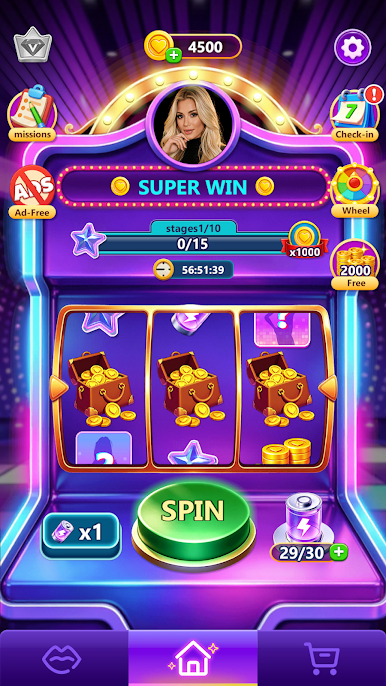
Slot Goddess is a Casual spin-and-collect experience that blends the rush of slot reels with the satisfaction of building a collection. It’s easy to hop in, tap to spin, and watch resources stack up while you chase big matches and rare tiles. Want something to work toward? Stars, coins, stamina, and unlockable video clips give you steady progress without any real-money play.
Game Features
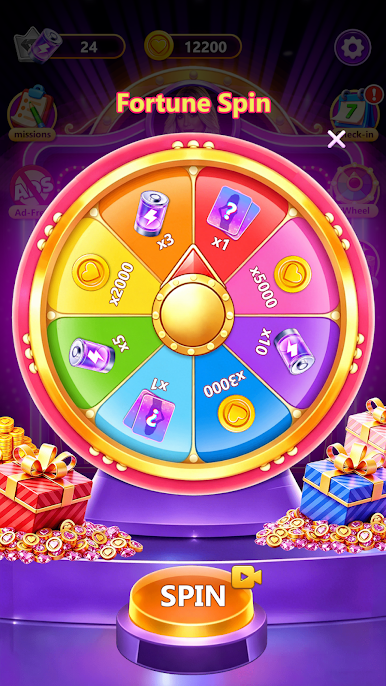
- One-tap spins: Simple controls make it effortless to play a round anytime. Every spin can drop coins, stars, stamina, or a mysterious tile.
- Big match multipliers: Line up three of a kind to trigger juicy multipliers that pour resources into your stash in a flash.
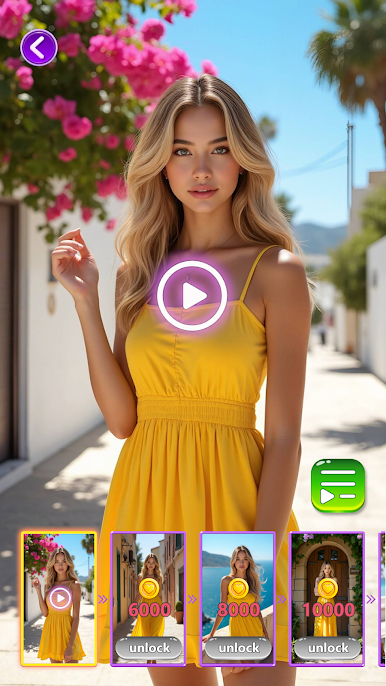
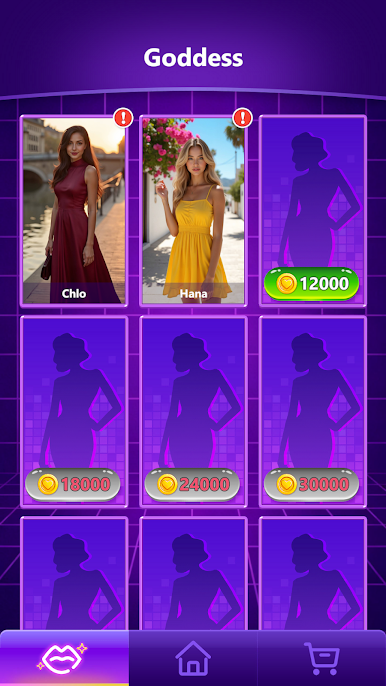
- Mysterious tiles & video clips: Hit a triple mystery tile to open a new, finely produced video segment. Prefer control? Spend coins to unlock more clips and grow your personal gallery.
- Star-powered progression: Collect stars to raise your standing. Each upgrade pushes your progress forward and can return extra coins or stamina to keep you spinning.
- Resource balance that matters: Coins unlock content; stamina keeps the reels turning. Managing both is the key to long-term momentum.
- Achievements worth chasing: Hit milestones to earn titles and bonus goodies that highlight your collection and track record.
- Clean, punchy presentation: Bright visuals and smooth animations make each spin feel crisp, quick, and satisfying.
- Great for short sessions: Built for quick breaks, but deep enough for collectors who like steady growth and goals.
- Purely for fun: No real currency involved—everything you earn and spend is in-game only.
- Optional PC play: Prefer a bigger screen? Slot Goddess runs smoothly on BlueStacks without changing the easy, tap-to-spin feel.
Start playing Slot Goddess on BlueStacks and get a smoother, more comfortable PC or Mac setup.
Play Slot Goddess on PC. It’s easy to get started.
-
Download and install BlueStacks on your PC
-
Complete Google sign-in to access the Play Store, or do it later
-
Look for Slot Goddess in the search bar at the top right corner
-
Click to install Slot Goddess from the search results
-
Complete Google sign-in (if you skipped step 2) to install Slot Goddess
-
Click the Slot Goddess icon on the home screen to start playing

