


Sim-Ex Practice Exam A+ Core 1
Play on PC with BlueStacks – the Android Gaming Platform, trusted by 500M+ gamers.

Page Modified on: Nov 29, 2023
Play Sim-Ex Practice Exam A+ Core 1 on PC
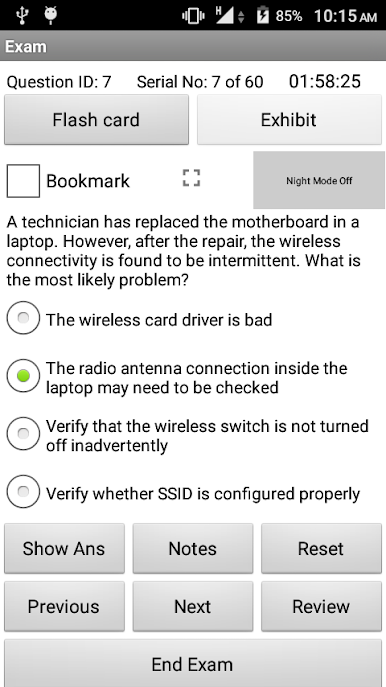
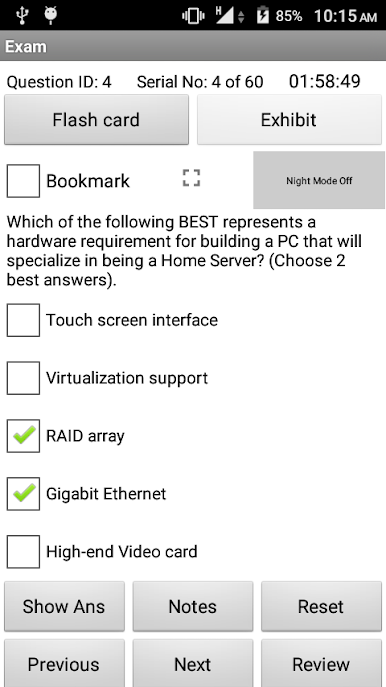
Question types supported are
1. Multiple choice single answer
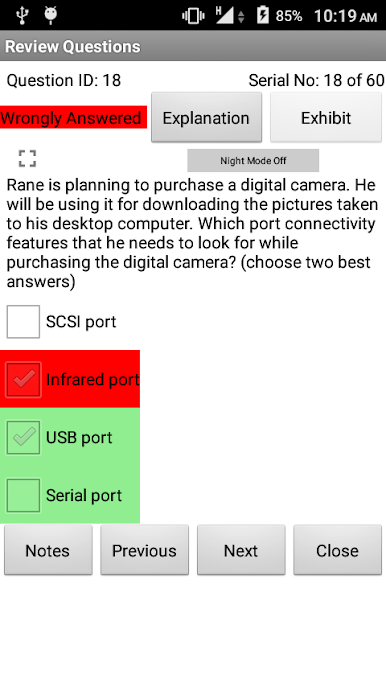
2. Multiple choice multiple answer
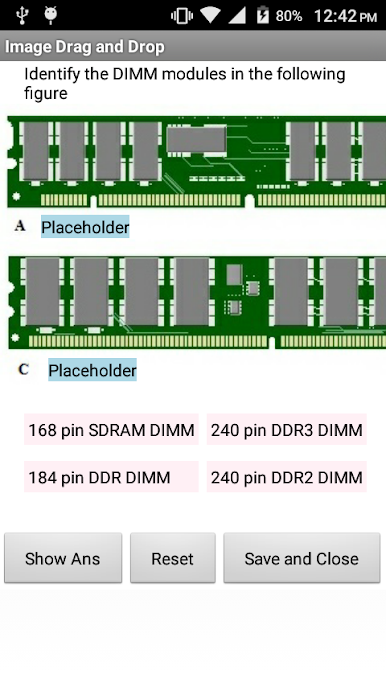
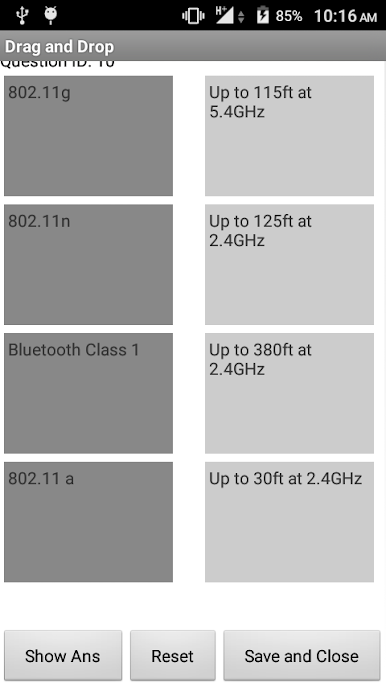
3. Performance Based questions.
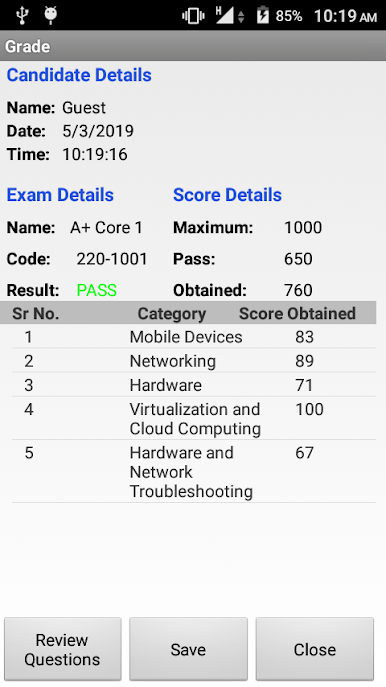
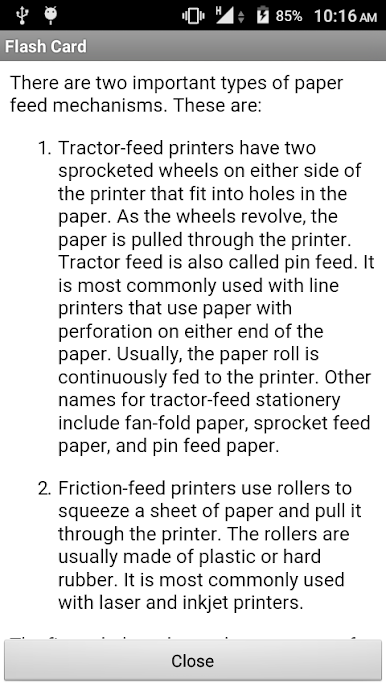
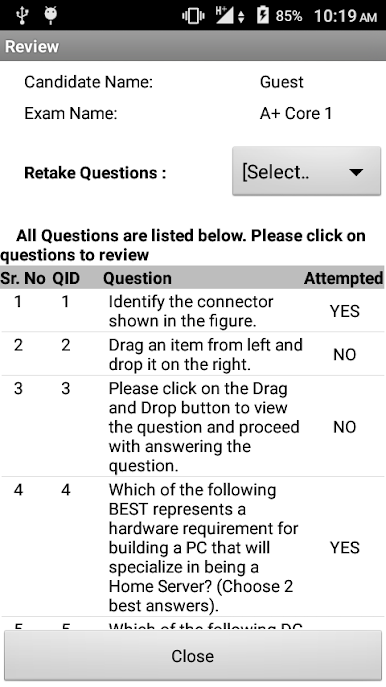
Complete explanation is provided for each question in Learn mode, and actual exam environment is simulated in Exam mode. Options to save the results and reviewing questions are provided.
Desktop version of the app is available with 350+ questions at
http://www.simulationexams.com/exam-details/aplus-core1.htm
Play Sim-Ex Practice Exam A+ Core 1 on PC. It’s easy to get started.
-
Download and install BlueStacks on your PC
-
Complete Google sign-in to access the Play Store, or do it later
-
Look for Sim-Ex Practice Exam A+ Core 1 in the search bar at the top right corner
-
Click to install Sim-Ex Practice Exam A+ Core 1 from the search results
-
Complete Google sign-in (if you skipped step 2) to install Sim-Ex Practice Exam A+ Core 1
-
Click the Sim-Ex Practice Exam A+ Core 1 icon on the home screen to start playing

