


Viya Avatar Maker:emoji
Play on PC with BlueStacks – the Android Gaming Platform, trusted by 500M+ gamers.

Page Modified on: Oct 13, 2025
Play Viya Avatar Maker:emoji on PC
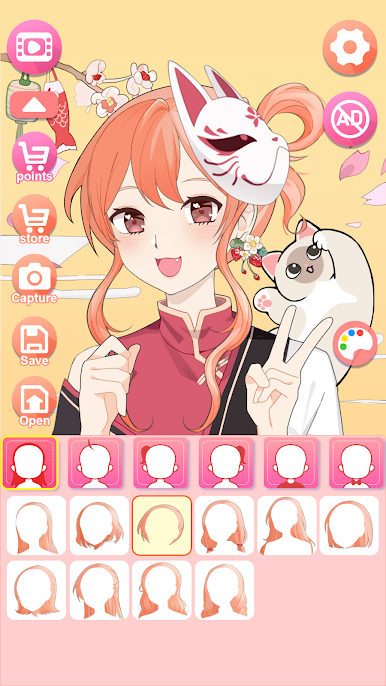
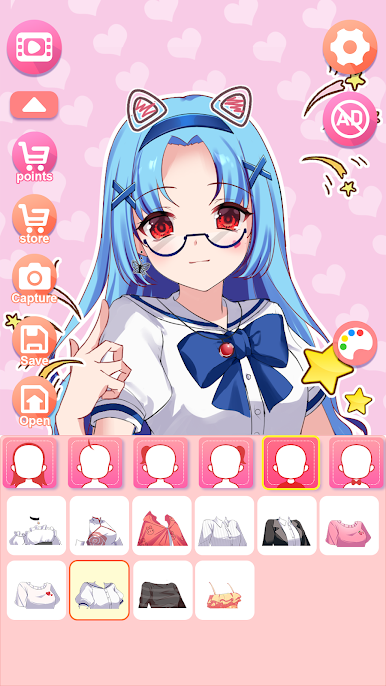
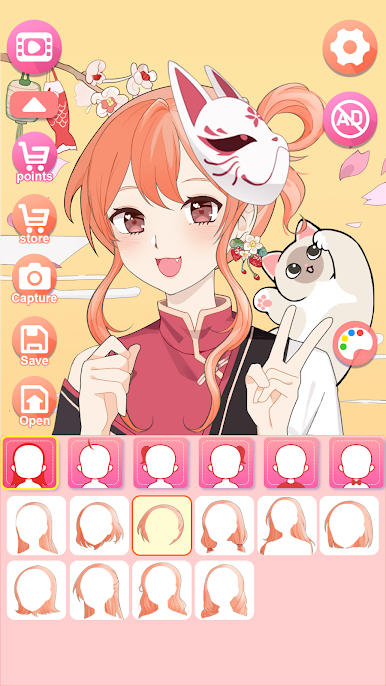
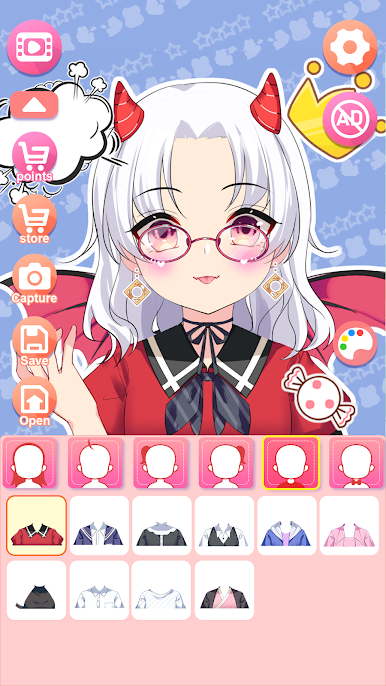
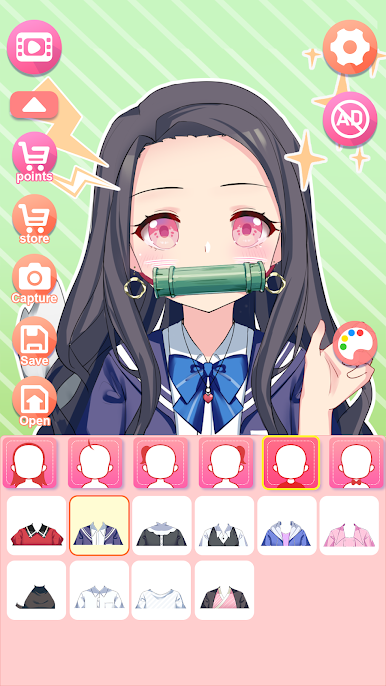
If you want to create an avatar, a new anime character, or need to customize your exclusive character image, play this game!
How to Play
Just choose any images you like to DIY. You can combine various icons.
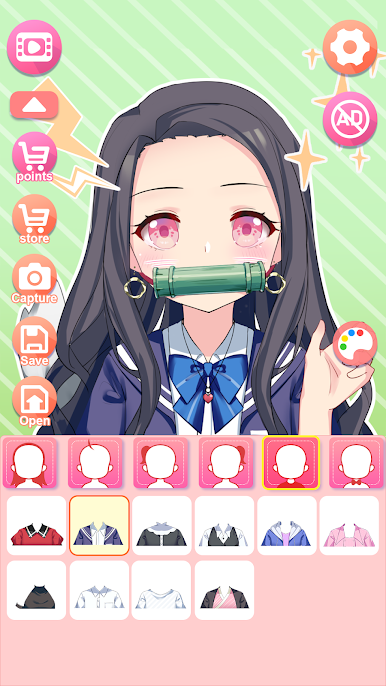
Make up the face of your character, then match them with the perfect outfit, and save the character to use it as your social network avatar.
To become a character creator, and cartoon maker, and make your own characters here.
Have fun and have a try!
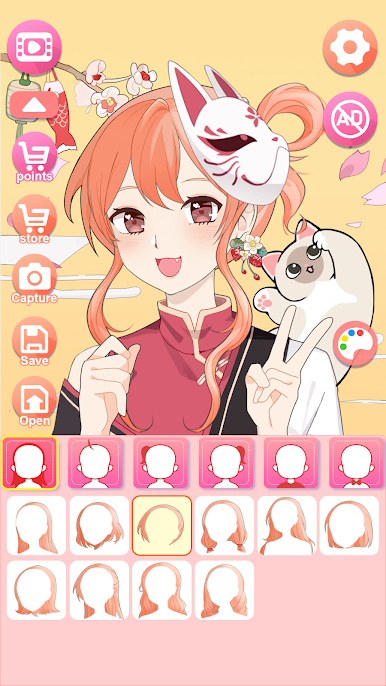
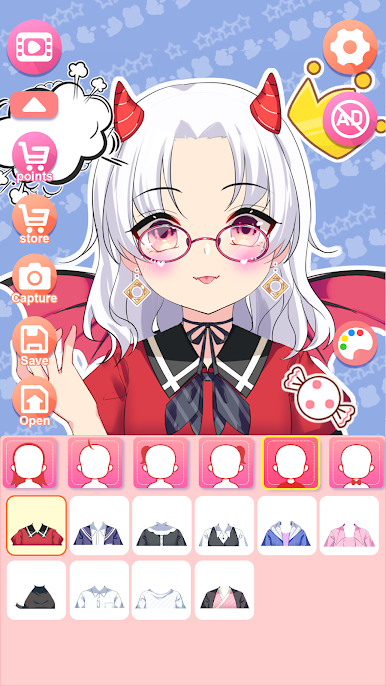
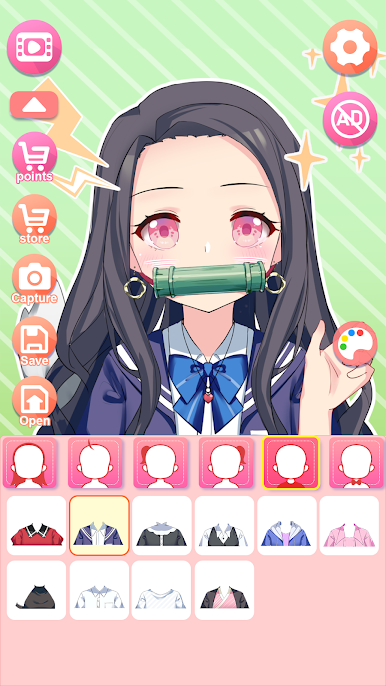
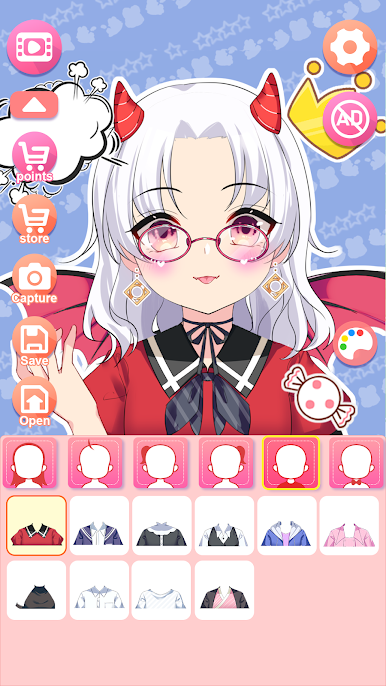
Play Viya Avatar Maker:emoji on PC. It’s easy to get started.
-
Download and install BlueStacks on your PC
-
Complete Google sign-in to access the Play Store, or do it later
-
Look for Viya Avatar Maker:emoji in the search bar at the top right corner
-
Click to install Viya Avatar Maker:emoji from the search results
-
Complete Google sign-in (if you skipped step 2) to install Viya Avatar Maker:emoji
-
Click the Viya Avatar Maker:emoji icon on the home screen to start playing

