

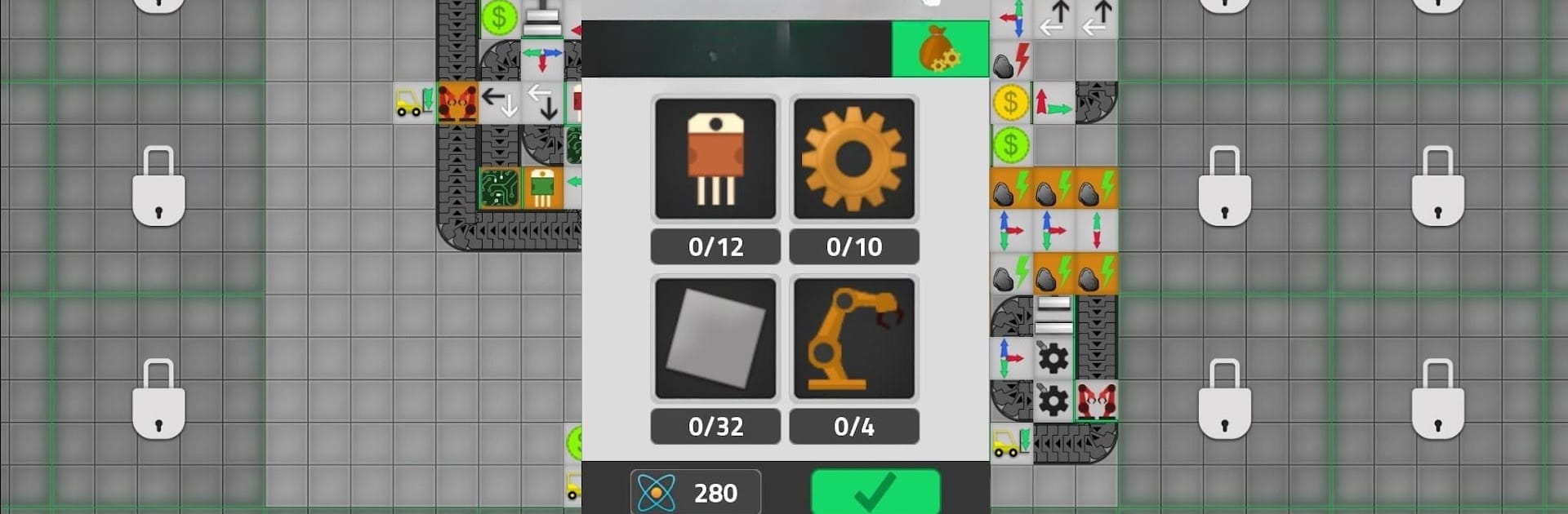
Factory Simulator
Play on PC with BlueStacks – the Android Gaming Platform, trusted by 500M+ gamers.

Page Modified on: Dec 13, 2024
Play Factory Simulator on PC or Mac
From the innovators and creators at Andromeda Coders, Factory Simulator is another fun addition to the World of Simulation games. Go beyond your mobile screen and play it bigger and better on your PC or Mac. An immersive experience awaits you.
About the Game
Ever wondered what it’s like to run your own industrial empire from the ground up? Factory Simulator is a laid-back yet surprisingly deep Simulation game by Andromeda Coders where you’ll manage raw resources, automate production lines, and watch your profits climb. It’s a perfect blend of strategy and tinkering—whether you’re a fan of min-maxing or just looking for that oddly soothing feeling of things running like clockwork, this game serves up some serious satisfaction.
Game Features
-
Resource Gathering
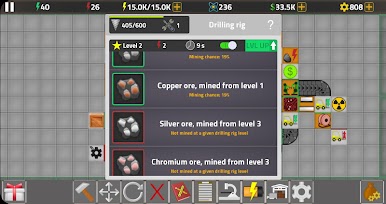
Start small—grab some wood and stone, dig up iron, and keep an eye out for hidden gems. The thrill is in collecting the right materials and figuring out how to use them most efficiently. -
Automated Machines
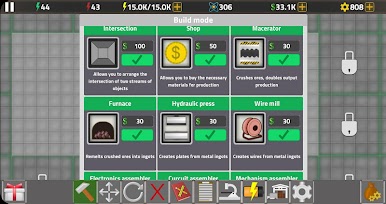
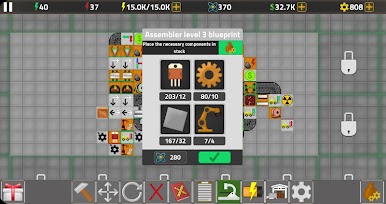
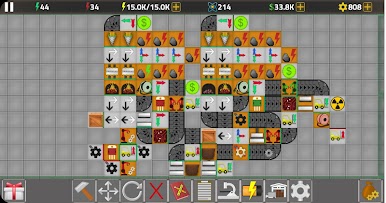
Why break your back when machines can do the heavy lifting? Build conveyors, drills, and other gadgets to automate everything. The more you automate, the more fun it gets watching items zip around your factory. -
Factory Upgrades
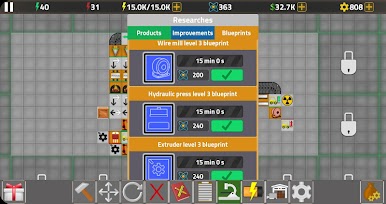
Reinvest your hard-earned cash to unlock better machines and faster systems. Upgrading feels rewarding, giving you that push to reach bigger and bolder goals. -
Expansive Map
There’s always room to grow. Expand your land, discover new resource spots, and keep redesigning your layout to boost productivity. -
Trading and Economy
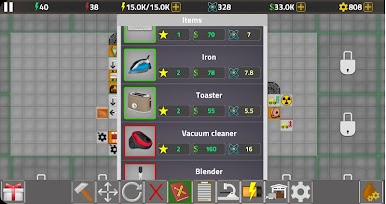
Produce items and sell them for profit. There’s a real sense of accomplishment when you spot the market demands and deliver just what’s needed. -
Casual Yet Strategic Gameplay
Jump in for a quick break or lose hours optimizing the perfect factory floor. It’s up to you—there’s no rushing, just the satisfaction of clever planning at your own pace. -
Optimized for PC with BlueStacks
If you’re looking for a smoother experience and more intuitive controls, playing Factory Simulator on BlueStacks lets you enjoy sharper visuals and easy management.
Whether you’re a builder, strategist, or just love seeing things run smoothly, Factory Simulator offers plenty to fiddle with and perfect—all wrapped up in a chill, rewarding package.
Get ready for a buttery smooth, high-performance gaming action only on BlueStacks.
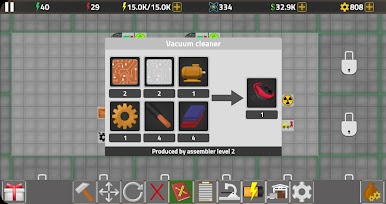
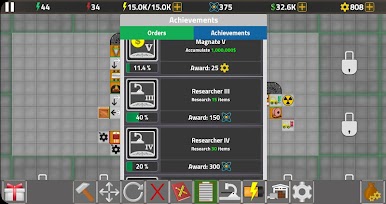
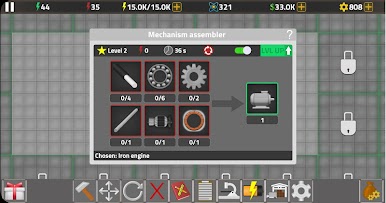
Play Factory Simulator on PC. It’s easy to get started.
-
Download and install BlueStacks on your PC
-
Complete Google sign-in to access the Play Store, or do it later
-
Look for Factory Simulator in the search bar at the top right corner
-
Click to install Factory Simulator from the search results
-
Complete Google sign-in (if you skipped step 2) to install Factory Simulator
-
Click the Factory Simulator icon on the home screen to start playing

