


Smart Voice Recorder
Play on PC with BlueStacks – the Android Gaming Platform, trusted by 500M+ gamers.

Page Modified on: Oct 30, 2025
Main Smart Voice Recorder on PC
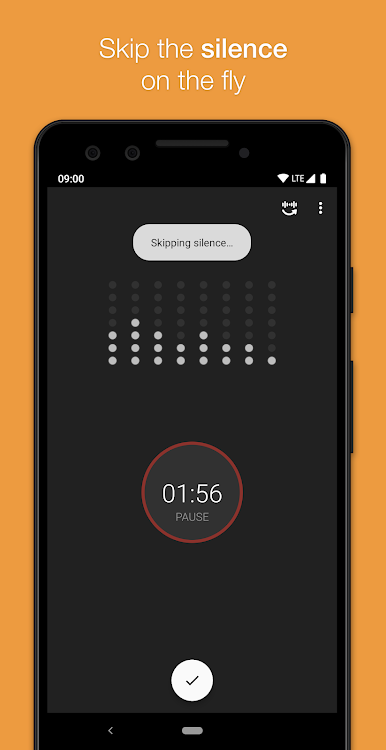
With a skipping silence on-the-fly feature, recordings could be shortened by omitting relative silence. It allows you, for example, to catch night sleep talks or maybe some snoring, whatever comes first. 😴 By the way, it is how the idea to make this app was born: my spouse wanted to prove that I talk at night. It turns out, I do. 🤔
Since 2012 this app has been installed on more than 50 million devices worldwide and proven to be a reliable everyday tool.
Regarding phone calls: 📲
This app is not designed explicitly for recording phone calls. Some manufacturers block the ability to record the other party of a phone call for privacy or legal reasons. Therefore recordings will be paused during phone calls by default. Remember to be responsible and comply with your local laws.
More features:
• Automatic and manual sensitivity control for Skip silence mode (Beta)
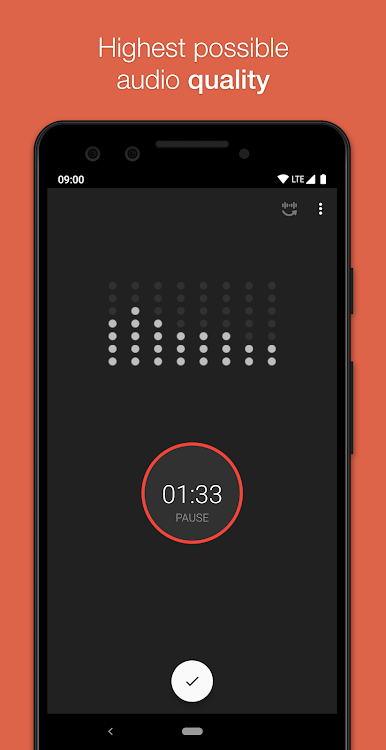
• Live audio spectrum analyzer
• Wave/PCM encoding with adjustable sample rate (8-44 kHz)
• Recording in the background (even when a display is off)
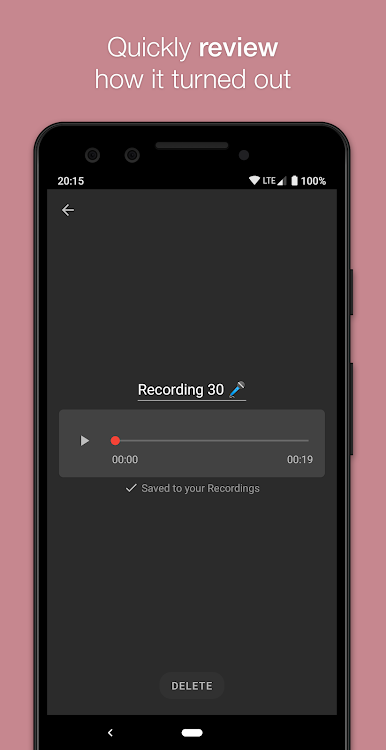
• Save/pause/resume/cancel recording process control
• Efficient and easy on the battery
• Recording time limited only by available storage along with a 2GB limit per file
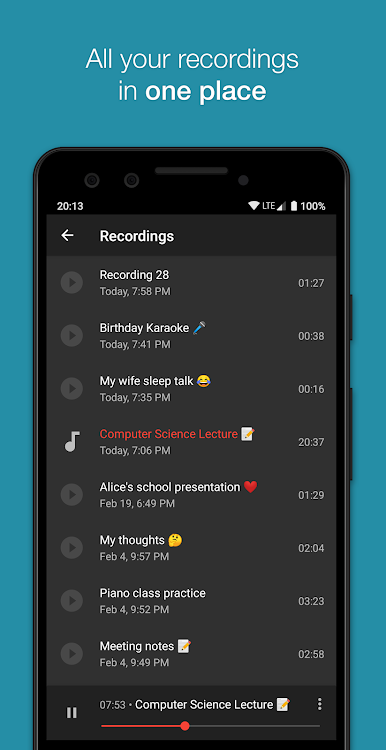
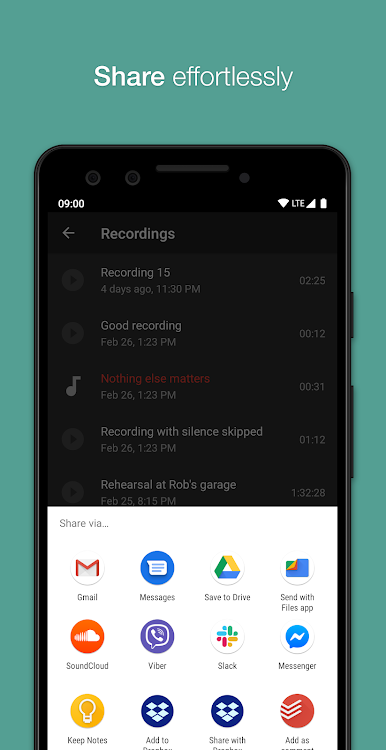
• Straightforward recordings list and many sharing options
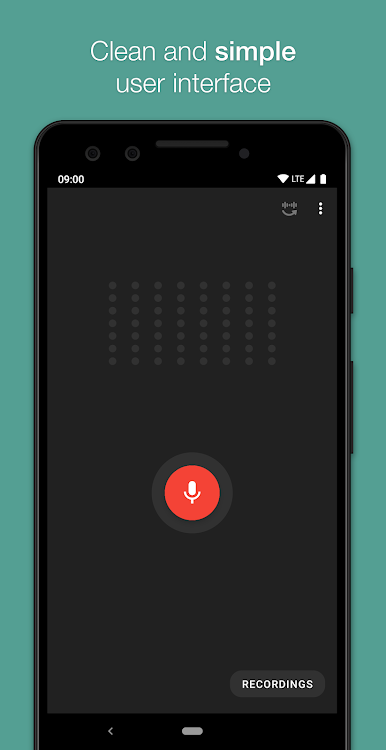
• Launcher shortcut to start recording in one tap
• Microphone gain calibration tool.
Play Smart Voice Recorder on PC. It’s easy to get started.
-
Download and install BlueStacks on your PC
-
Complete Google sign-in to access the Play Store, or do it later
-
Look for Smart Voice Recorder in the search bar at the top right corner
-
Click to install Smart Voice Recorder from the search results
-
Complete Google sign-in (if you skipped step 2) to install Smart Voice Recorder
-
Click the Smart Voice Recorder icon on the home screen to start playing

