


German - English Translator
Play on PC with BlueStacks – the Android Gaming Platform, trusted by 500M+ gamers.

Page Modified on: Jan 22, 2026
Run German - English Translator : free & offline on PC or Mac
Get freedom from your phone’s obvious limitations. Use German – English Translator : free & offline, made by Aloha Std, a Tools app on your PC or Mac with BlueStacks, and level up your experience.
About the App
Need to swap between German and English throughout your day? German – English Translator : free & offline by Aloha Std makes it simple to look up words, understand that tricky sentence, or just check a translation while you’re on the go. Whether you’re learning the language, planning a trip, or just need quick answers, this handy app keeps things straightforward and super friendly to use—no internet required.
App Features
-
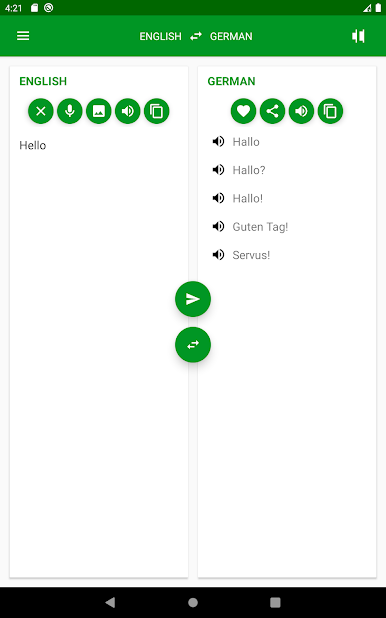
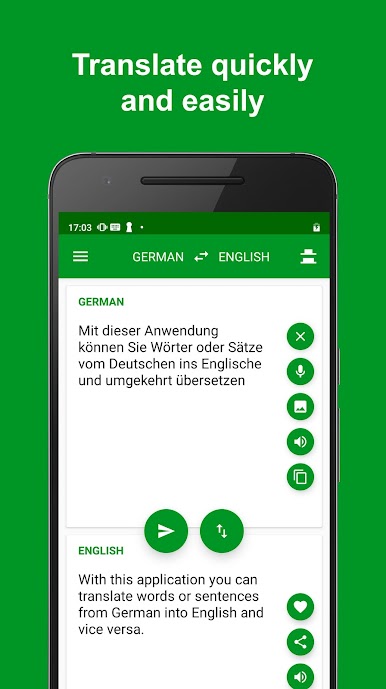
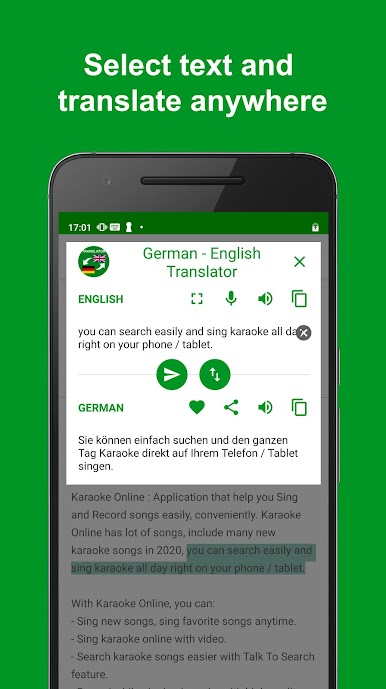
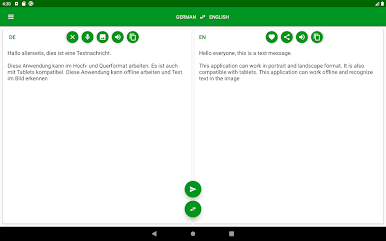
Instant Translations
Get your words and sentences switched from German to English or vice versa—just select your text, and the app does the rest. No need to overthink it. -
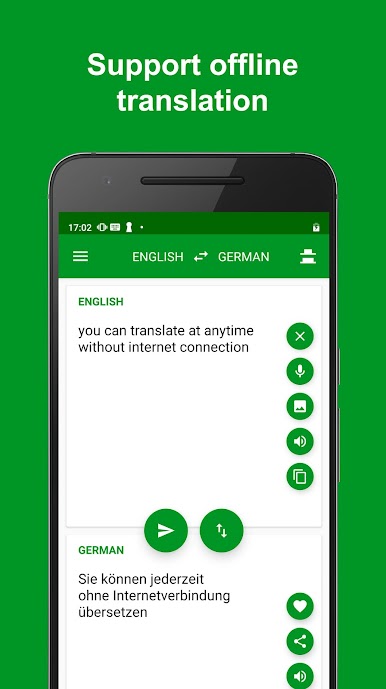
Fully Offline Use
The app works even when you don’t have Wi-Fi or data going. Perfect for travel or spotty connections. -
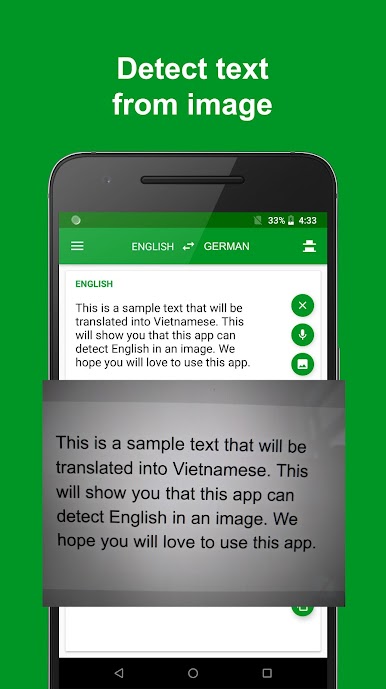
Text from Images
Ran into a sign or document in another language? Use your camera to snap a photo, and the app will pull out the text and translate it for you. -
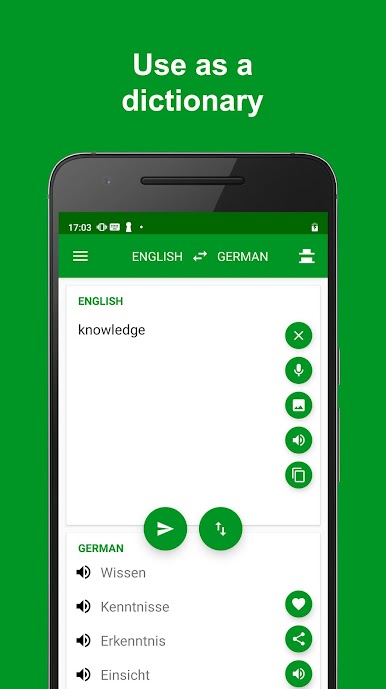
Dictionary Functionality
Need more than just translations? Use it as a straightforward dictionary to look up meanings on the spot. -
Voice Input Support
Not in the mood to type? Just speak what you want translated in German or English, and get instant results. -
Audio Pronunciation
Tap to hear translations spoken aloud—great for catching the right accent or learning how things really sound. -
Clean, Practical Design
Everything’s laid out where you’d expect. Simple controls and a layout that helps you find what you want without getting lost. -
Great for Travelers
Whether it’s street signs, menus, or casual chats, having fast translation and offline features means less stress on foreign adventures.
The German – English Translator : free & offline can also run smoothly on your PC using BlueStacks if you prefer a bigger screen.
Ready to experience German – English Translator : free & offline on a bigger screen, in all its glory? Download BlueStacks now.
Play German - English Translator on PC. It’s easy to get started.
-
Download and install BlueStacks on your PC
-
Complete Google sign-in to access the Play Store, or do it later
-
Look for German - English Translator in the search bar at the top right corner
-
Click to install German - English Translator from the search results
-
Complete Google sign-in (if you skipped step 2) to install German - English Translator
-
Click the German - English Translator icon on the home screen to start playing

