


Magic Circus: Match 3 Puzzle
Play on PC with BlueStacks – the Android Gaming Platform, trusted by 500M+ gamers.

Page Modified on: Mar 3, 2026
Play Magic Circus - Match 3 on PC or Mac
Step into the World of Magic Circus – Match 3, a thrilling Puzzle game from the house of Anima_Games. Play this Android game on BlueStacks App Player and experience immersive gaming on PC or Mac.
About the Game
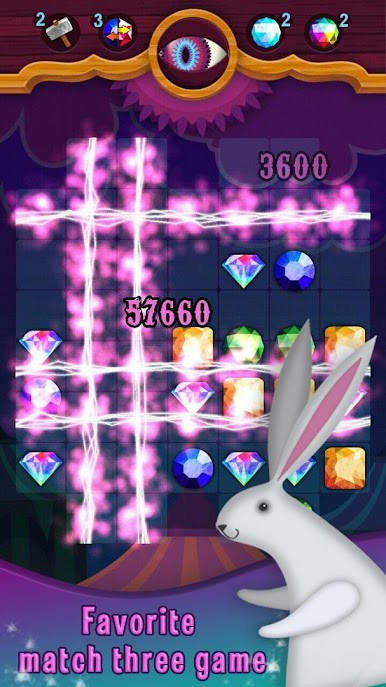
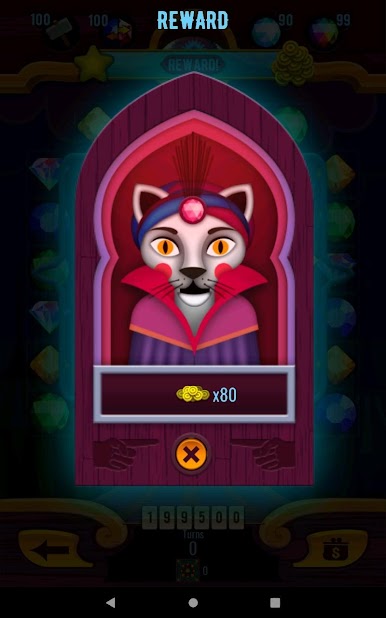
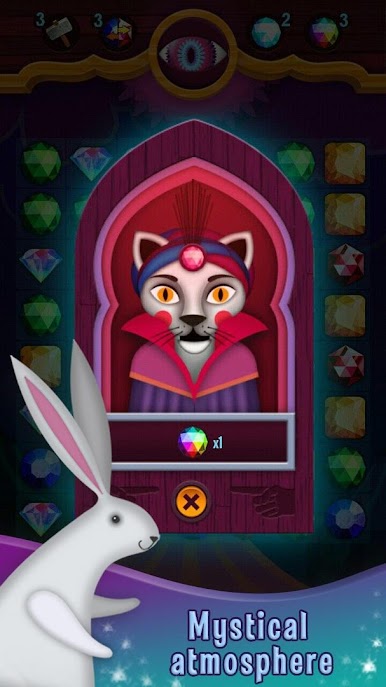
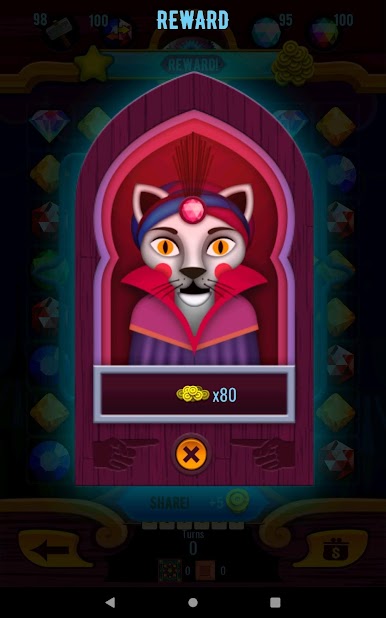
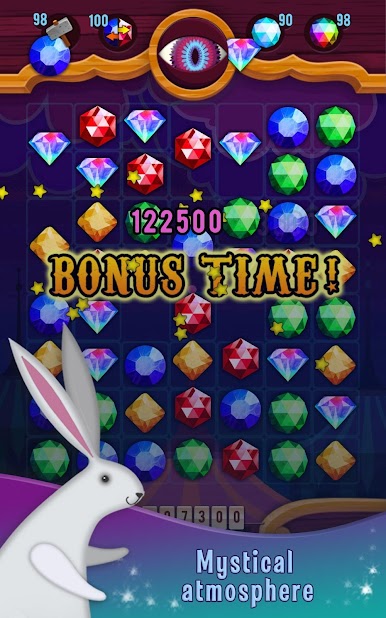
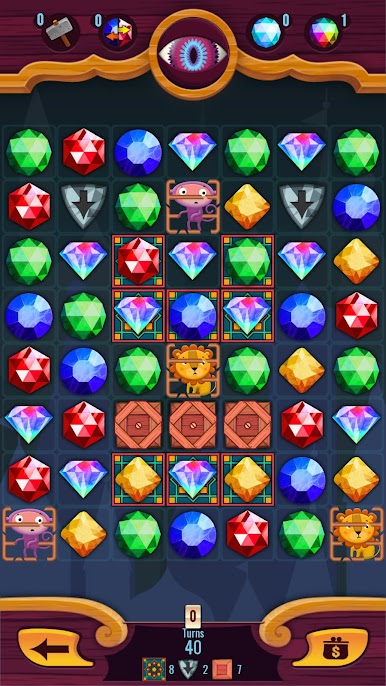
Step right up to Magic Circus – Match 3, where every tap brings a pinch of magic and a whole lot of fun. This puzzle adventure mixes colorful crystals with a circus twist, tossing you into a world that’s just mysterious enough to keep you curious. Whether you’re taking a short break or settling in for a longer session, there’s always a new challenge waiting around the corner.
Game Features
-
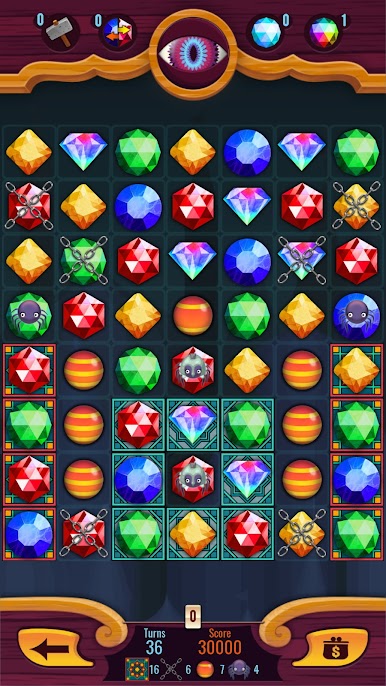
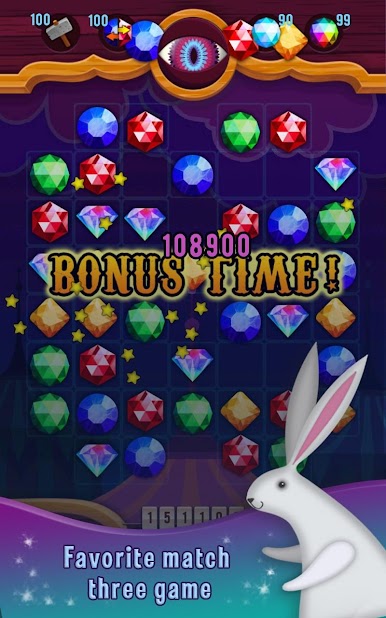
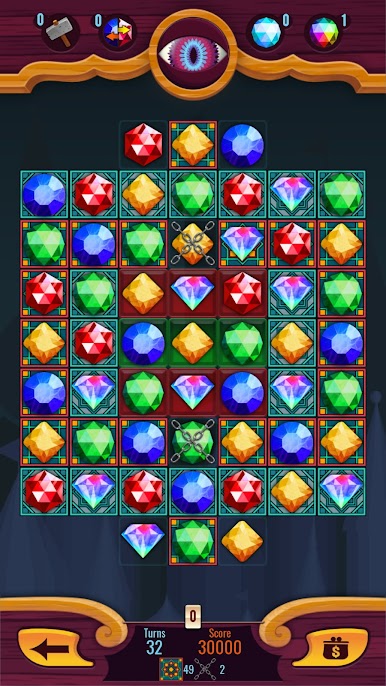
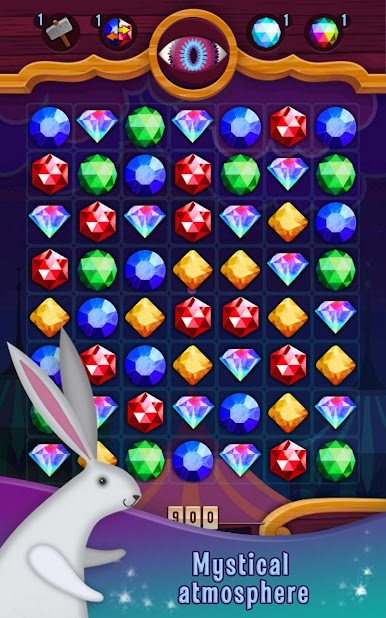
Match-3 Fun with a Magical Circus Flair
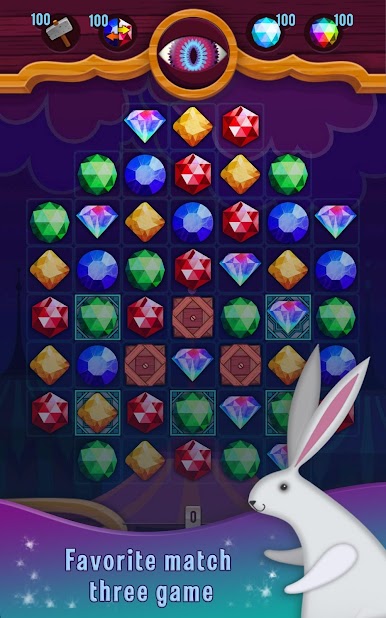
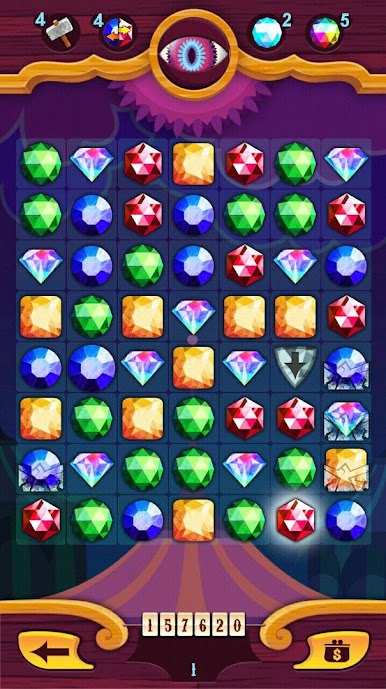
Slide, swap, and line up crystals in a carnival-inspired setting, all while unraveling surprises and secrets on each level. -
No WiFi? No Problem
You won’t need an internet connection to keep the circus in town—play anywhere, anytime, no strings attached. -
Endless Playtime
With unlimited lives, forget the stress of running out. Got a few minutes or want to marathon through the night? Your call! -
Loads of Levels
There’s a huge variety of puzzles to crack, so you’re not running out of fresh tricks any time soon. -
Obstacles Galore
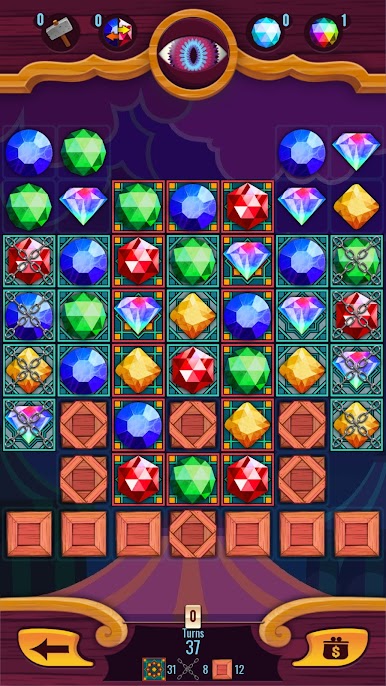
Expect to run into plenty of quirky challenges—each level brings its own surprises, not just the usual match-3 routine. -
Play Bigger on BlueStacks
If you want that full-on circus experience, try playing Magic Circus – Match 3 on BlueStacks for a bigger screen and smoother moves.
Magic Circus – Match 3 from Anima_Games serves up that classic puzzle genre vibe but keeps things light, magical, and just a little bit mysterious.
Get ready for a buttery smooth, high-performance gaming action only on BlueStacks.



Play Magic Circus: Match 3 Puzzle on PC. It’s easy to get started.
-
Download and install BlueStacks on your PC
-
Complete Google sign-in to access the Play Store, or do it later
-
Look for Magic Circus: Match 3 Puzzle in the search bar at the top right corner
-
Click to install Magic Circus: Match 3 Puzzle from the search results
-
Complete Google sign-in (if you skipped step 2) to install Magic Circus: Match 3 Puzzle
-
Click the Magic Circus: Match 3 Puzzle icon on the home screen to start playing

