


Animal Park – Singing Zoo
Play on PC with BlueStacks – the Android Gaming Platform, trusted by 500M+ gamers.

Page Modified on: Mar 25, 2026
Play Animal Park – Singing Zoo on PC
Key Features:
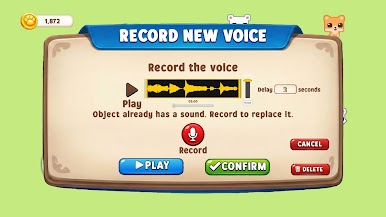
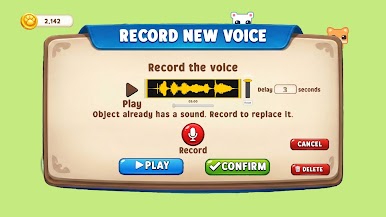
• Record your voice & hear your Singing Zoo animals sing it back 🎤
• Collect dozens of unique singing animals — in this Singing Zoo, each one shouts or sings in YOUR voice!
• Build, decorate and customize your Singing Zoo across several unique islands
• Discover secret combinations to unlock Rare & Epic Singing Zoo animals
• Share your Zoo creations with millions of players worldwide
• Seasonal events and fresh content in your Singing Zoo all year round!
Continuous Updates & Fresh Content!
• New singing animals added to your Singing Zoo regularly
• Fresh seasonal Singing Zoo events and limited-time challenges
• New islands and worlds to fill with your Singing Zoo sounds
• More ways to record, remix and surprise your Singing Zoo!
Why You'll Love Animal Park – Singing Zoo:
• It's the only Singing Zoo where YOU are the music
• Record any sound and hear your Singing Zoo sing it back
• Collect em all, grow em all and make your Singing Zoo totally yours
• The most fun, personal and creative Singing Zoo game ever made
There's no other Singing Zoo like it — because no one else has your voice!
Record. Collect. Sing. Download Animal Park – Singing Zoo and start your Zoo today!





Play Animal Park – Singing Zoo on PC. It’s easy to get started.
-
Download and install BlueStacks on your PC
-
Complete Google sign-in to access the Play Store, or do it later
-
Look for Animal Park – Singing Zoo in the search bar at the top right corner
-
Click to install Animal Park – Singing Zoo from the search results
-
Complete Google sign-in (if you skipped step 2) to install Animal Park – Singing Zoo
-
Click the Animal Park – Singing Zoo icon on the home screen to start playing

