


Anime Launcher
Play on PC with BlueStacks – the Android Gaming Platform, trusted by 500M+ gamers.

Page Modified on: Mar 5, 2026
Play Anime Launcher on PC
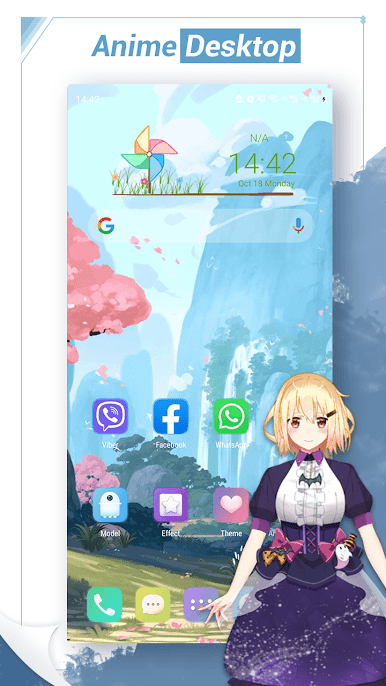
Anime Launcher also has many themes, icon packs, desktop effects, and needless to say, Anime Launcher has many features that many traditional launchers have.👍
🔥 Features:
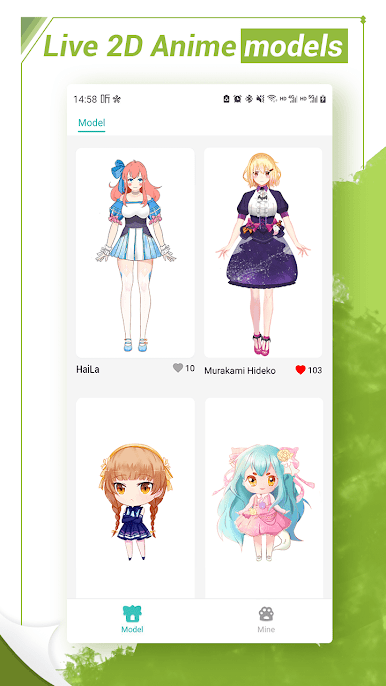
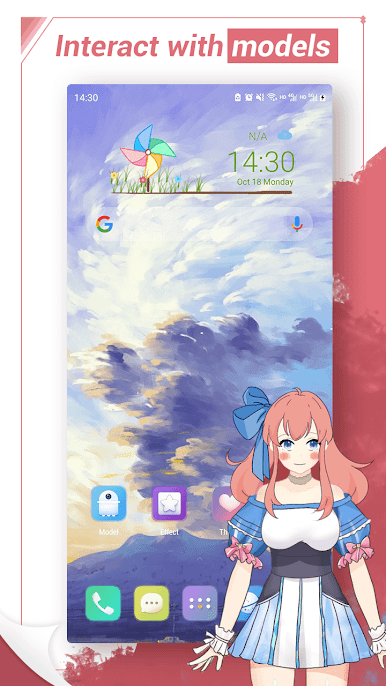
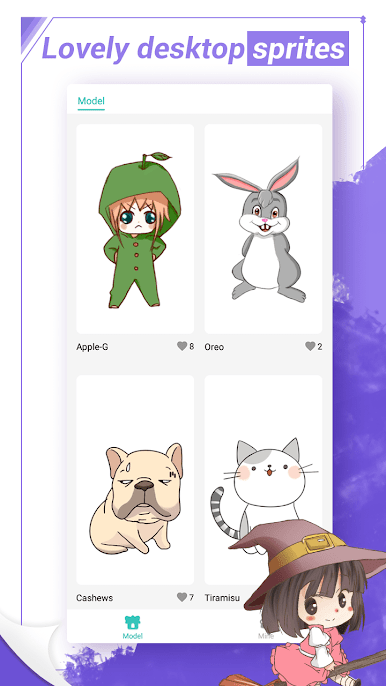
* You can interact with models and change models' setting
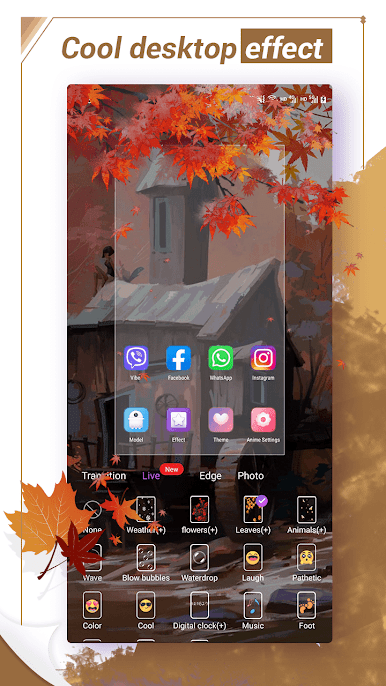
* Anime Launcher has cool desktop live effect, finger effect, edge effects
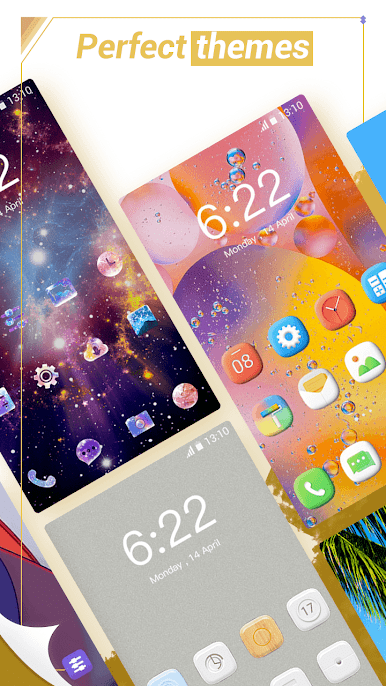
* Anime Launcher has many perfect themes
* Anime Launcher support many icon pack
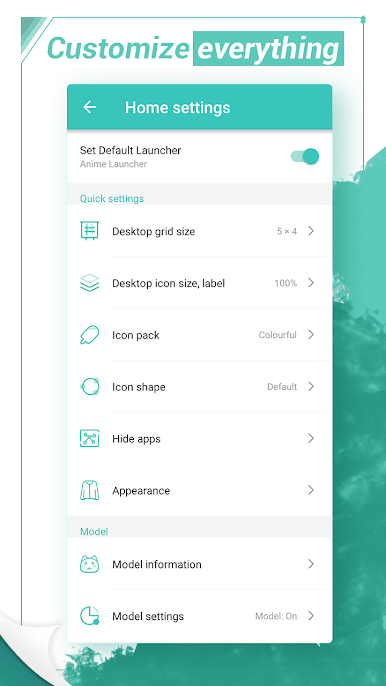
* Customize almost everything in Anime Launcher
* Many beautiful wallpapers, anime wallpaper, various types
* Support edit icons
* Adjust desktop grid size, icon size and label color
* You can change icon shape in Anime Launcher
* You can hide apps in Anime Launcher
* Gesture support in Anime Launcher
* Notification badges for desktop icon
* Lock Anime Launcher desktop
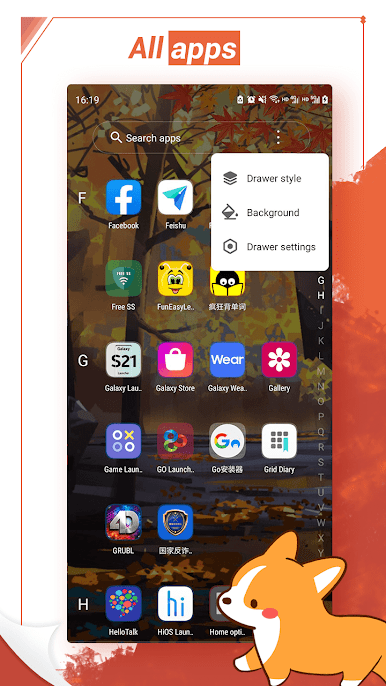
* Drawer style: vertical, horizontal, vertical with category
* Drawer background options
* Folder style options
* Scollable folder in Anime Launcher desktop
* Dock options
❤️ Hope you will find fun and value in this anime comic launcher, thanks for using, comments are welcome!
Play Anime Launcher on PC. It’s easy to get started.
-
Download and install BlueStacks on your PC
-
Complete Google sign-in to access the Play Store, or do it later
-
Look for Anime Launcher in the search bar at the top right corner
-
Click to install Anime Launcher from the search results
-
Complete Google sign-in (if you skipped step 2) to install Anime Launcher
-
Click the Anime Launcher icon on the home screen to start playing

