


AniPlayer - Video Player
Play on PC with BlueStacks – the Android Gaming Platform, trusted by 500M+ gamers.

Page Modified on: Jul 29, 2026
Play AniPlayer - Video Player on PC
Open local videos from Android’s “Open with” menu, or save remote video links inside the app for quick access later. AniPlayer supports smooth playback controls, HLS streams, quality selection, playback speed, aspect ratio modes, fullscreen landscape viewing, and picture-in-picture.
Features:
Play local video files opened from Android
Add and save direct online video links
HLS streaming support
Quality selector for supported streams
Playback speed controls
Fit, crop, and stretch video sizing
Fullscreen landscape mode
Clean dark interface
No broad storage permission required
AniPlayer keeps the experience simple: add a link, open a file, and start watching.
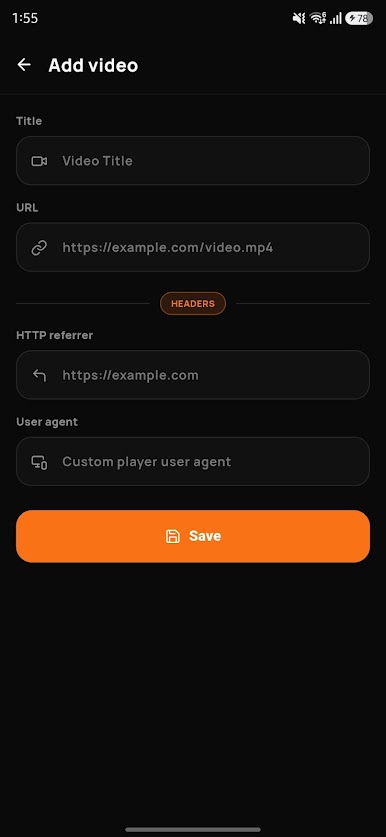

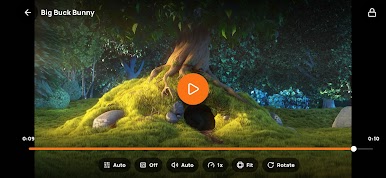
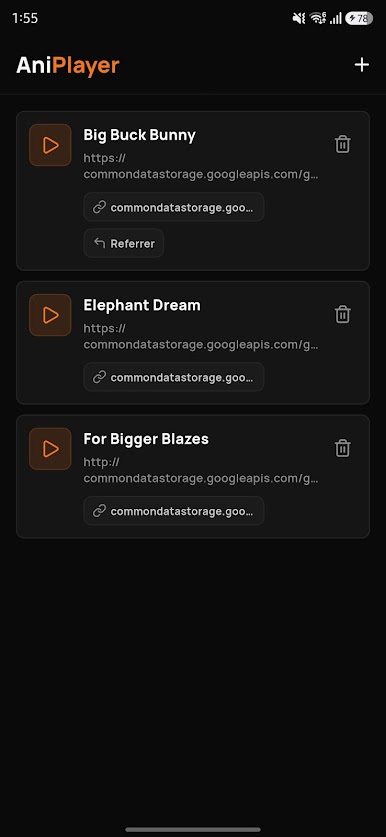
Play AniPlayer - Video Player on PC. It’s easy to get started.
-
Download and install BlueStacks on your PC
-
Complete Google sign-in to access the Play Store, or do it later
-
Look for AniPlayer - Video Player in the search bar at the top right corner
-
Click to install AniPlayer - Video Player from the search results
-
Complete Google sign-in (if you skipped step 2) to install AniPlayer - Video Player
-
Click the AniPlayer - Video Player icon on the home screen to start playing

