


AnimeLovers V3 - Nonton Anime
Play on PC with BlueStacks – the Android Gaming Platform, trusted by 500M+ gamers.

Page Modified on: Feb 20, 2026
Main AnimeLovers V3 - Nonton Anime on PC
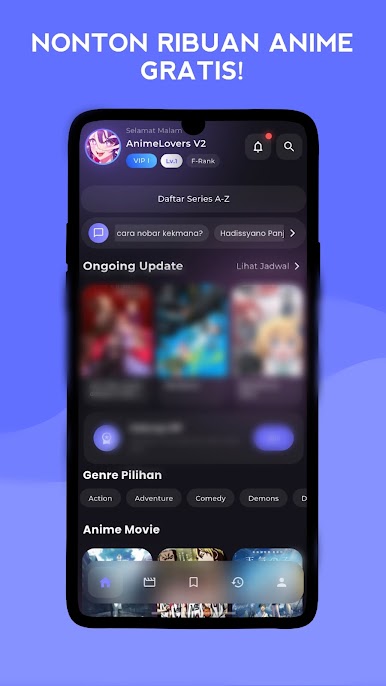
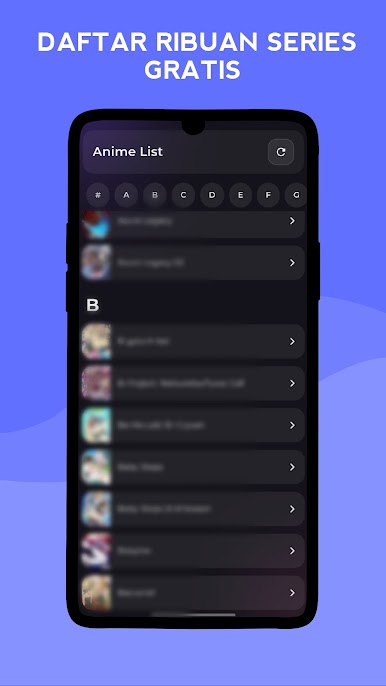
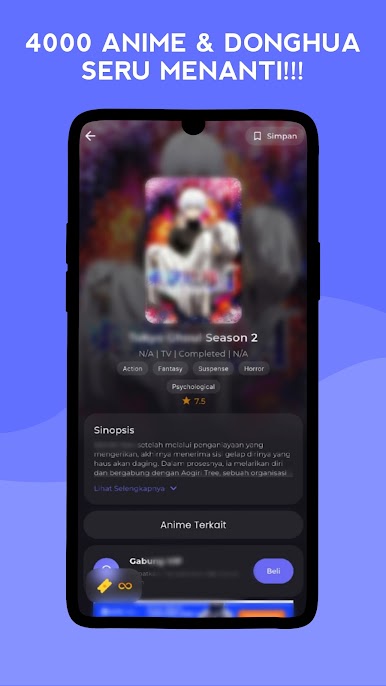
This application has thousands of anime that you can watch for free without ads and complete features.
Feature :
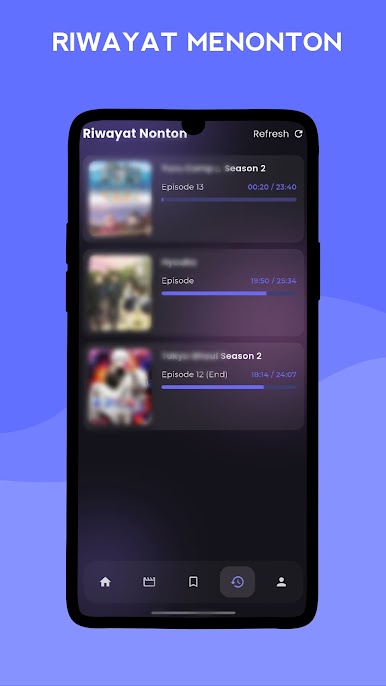
- Watch History
- Download Anime
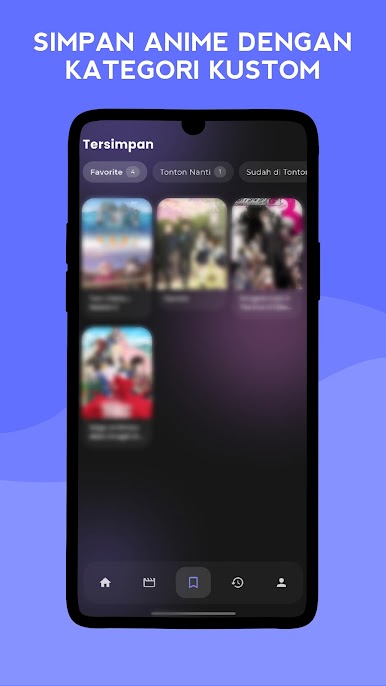
- Subscribe / Bookmark / Pin / Add Playlist
- Set Watch Speed
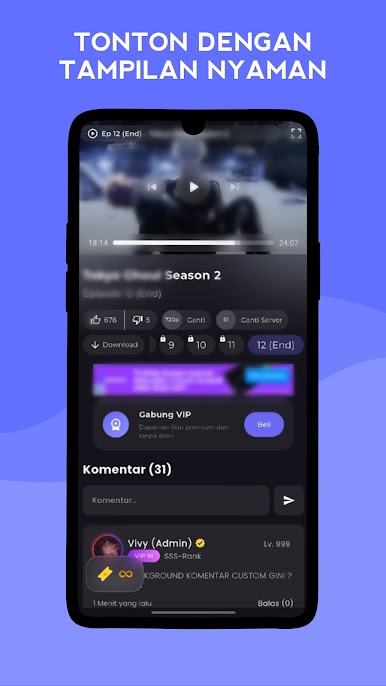
- Resolution options 360p - 1080p even 4k
- Cinematic Video Player mode
- Watching anime
- Like & Dislike
- Comment
Play AnimeLovers V3 - Nonton Anime on PC. It’s easy to get started.
-
Download and install BlueStacks on your PC
-
Complete Google sign-in to access the Play Store, or do it later
-
Look for AnimeLovers V3 - Nonton Anime in the search bar at the top right corner
-
Click to install AnimeLovers V3 - Nonton Anime from the search results
-
Complete Google sign-in (if you skipped step 2) to install AnimeLovers V3 - Nonton Anime
-
Click the AnimeLovers V3 - Nonton Anime icon on the home screen to start playing

