


Lucky Scratch
Play on PC with BlueStacks – the Android Gaming Platform, trusted by 500M+ gamers.

Page Modified on: Oct 21, 2026
Play Lucky Scratch on PC
Start your journey by cleaning plates to earn money. Use your earnings to buy scratch cards, reveal hidden prizes, and grow your fortune!
Each level brings new opportunities to win. Scratch all the cards, collect your rewards, and reach the target amount to unlock the next level. The more you earn, the further you progress!
Game Features:
Clean & Earn: Clean plates and collect money to get started.
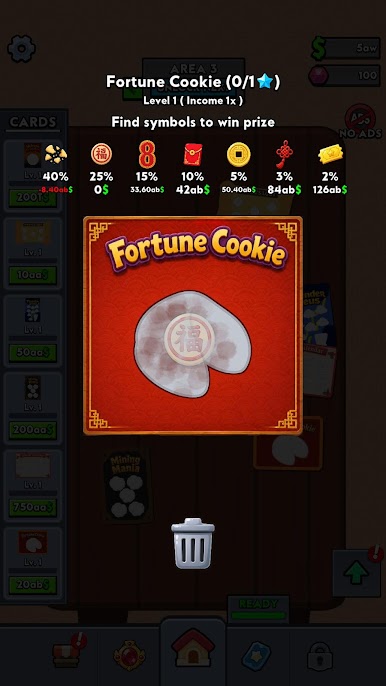
Scratch & Win: Buy scratch cards and discover exciting hidden prizes.
Upgrade & Progress: Use your winnings to improve your gameplay.
Unlock New Levels: Reach your money goals to advance through increasingly exciting levels.
Try Your Luck: Every scratch is a new chance to win big!
Can you turn a small start into a huge fortune?
Download Lucky Scratch and start scratching your way to success!
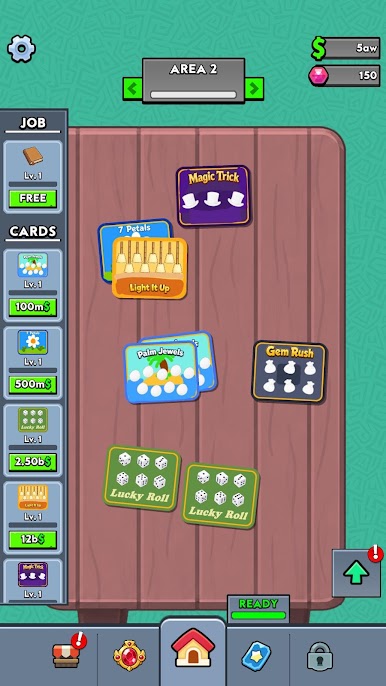
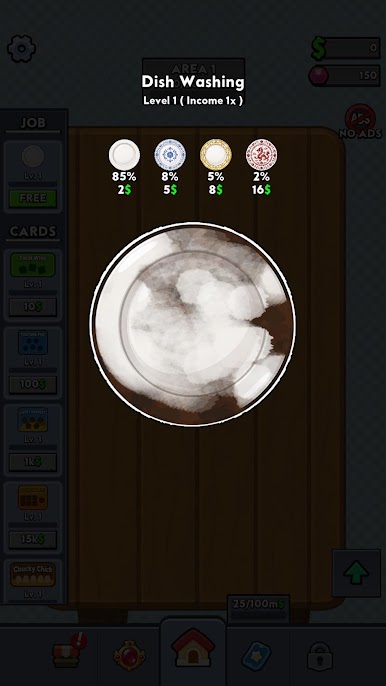
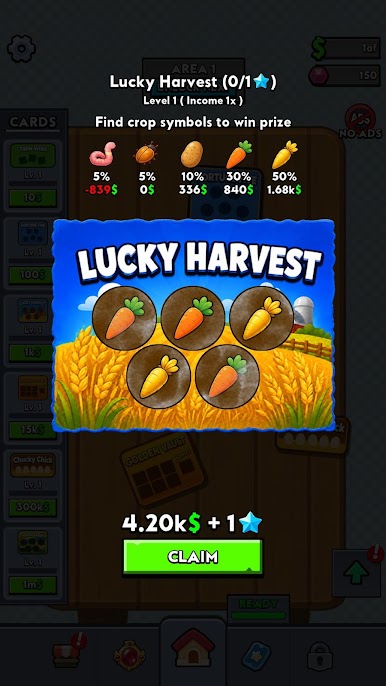
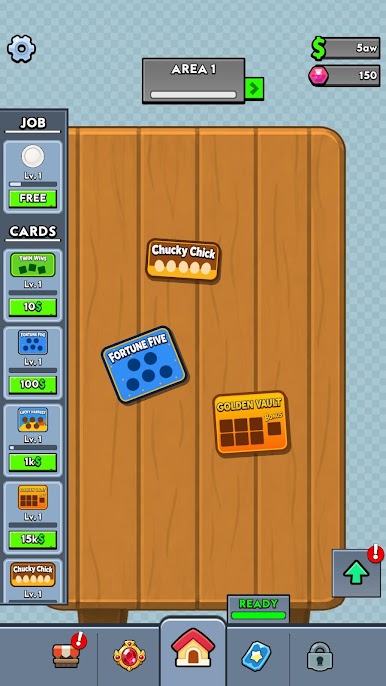
Play Lucky Scratch on PC. It’s easy to get started.
-
Download and install BlueStacks on your PC
-
Complete Google sign-in to access the Play Store, or do it later
-
Look for Lucky Scratch in the search bar at the top right corner
-
Click to install Lucky Scratch from the search results
-
Complete Google sign-in (if you skipped step 2) to install Lucky Scratch
-
Click the Lucky Scratch icon on the home screen to start playing

