


APKMirror Installer (Official)
Play on PC with BlueStacks – the Android Gaming Platform, trusted by 500M+ gamers.

Page Modified on: Feb 26, 2026
Run APKMirror Installer (Official) on PC or Mac
Multitask effortlessly on your PC or Mac as you try out APKMirror Installer (Official), a Tools app by APK Mirror on BlueStacks.
About the App
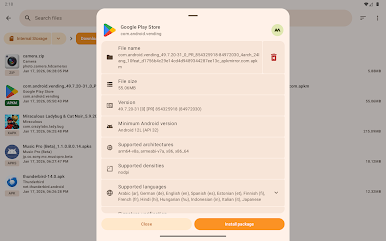
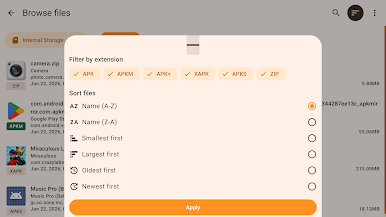
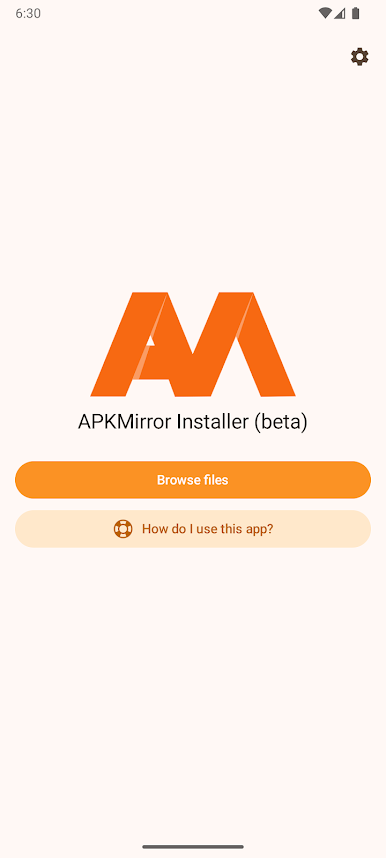
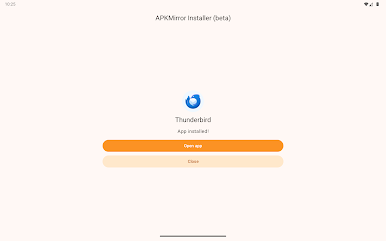
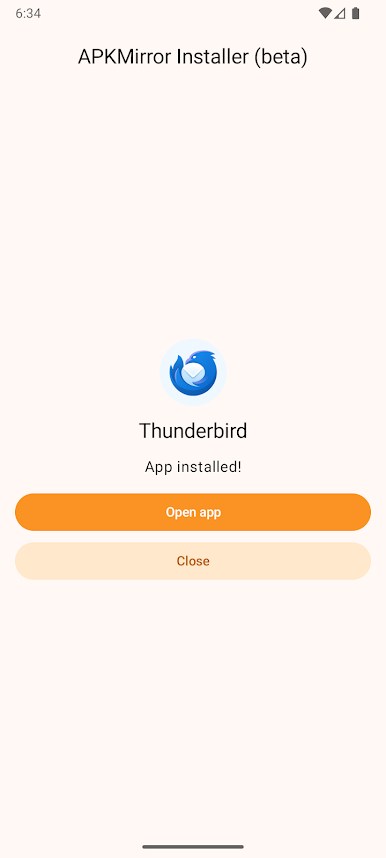
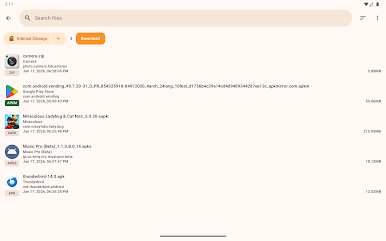
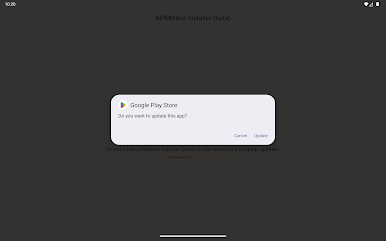
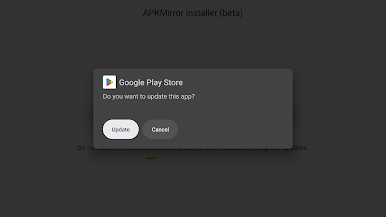
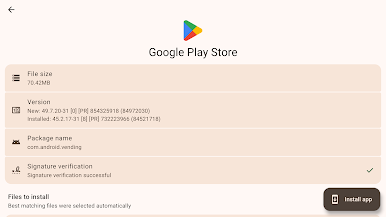
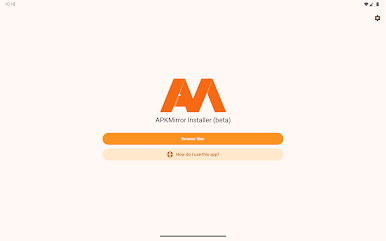
APKMirror Installer (Official) is your go-to tool for managing and installing a variety of app bundle files, like .apkm, .xapk, and .apks, besides regular APK files. Navigate the modern landscape of split APKs and app bundles with ease, unraveling the complexities of dynamic app delivery without breaking a sweat. Need to know why an APK failed to install? This app will tell you the exact issue, taking the guesswork out of sideloading.
App Features
Support for Multiple File Formats
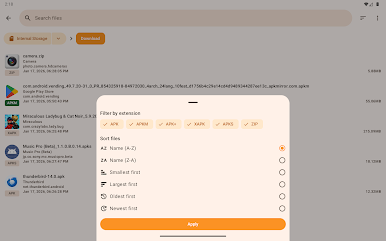
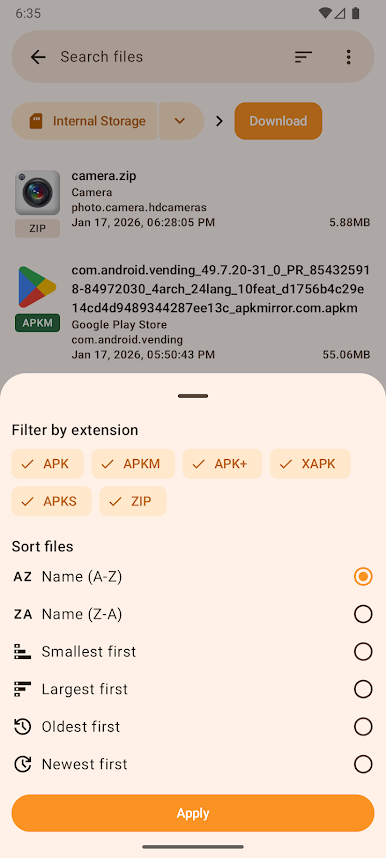
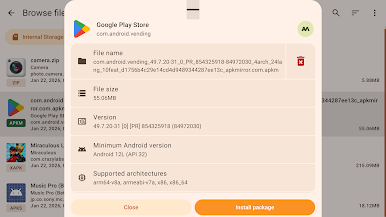
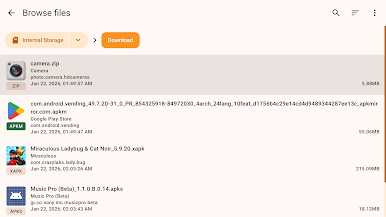
Install various app bundles such as .apkm, .xapk, and .apks. It’s not just these types—it handles traditional APK files too.
Transparency in Installation
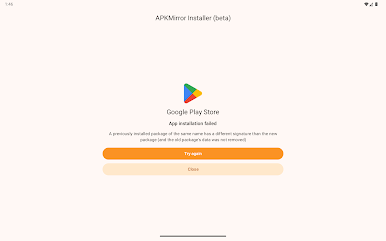
Get detailed failure reasons if sideloading an APK doesn’t work. No more wondering—understand what’s going on.
Customize Installations
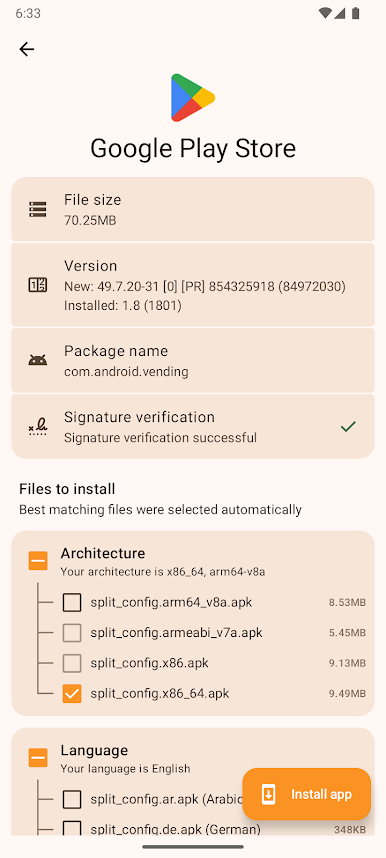
Fine-tune which split APKs to install from .apkm files, letting you save space and manage resources better.
Address Bugs and Issues
Encountering bugs with MIUI devices like Xiaomi, Redmi, or Poco? Disable MIUI optimizations to avoid hiccups.
APKMirror Installer (Official) is fully compatible with BlueStacks. Emulating Android on your PC has never been this smooth.
BlueStacks gives you the much-needed freedom to experience your favorite apps on a bigger screen. Get it now.
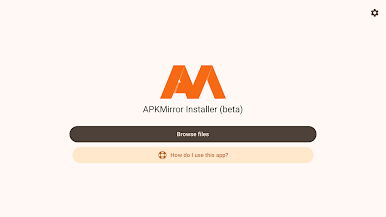
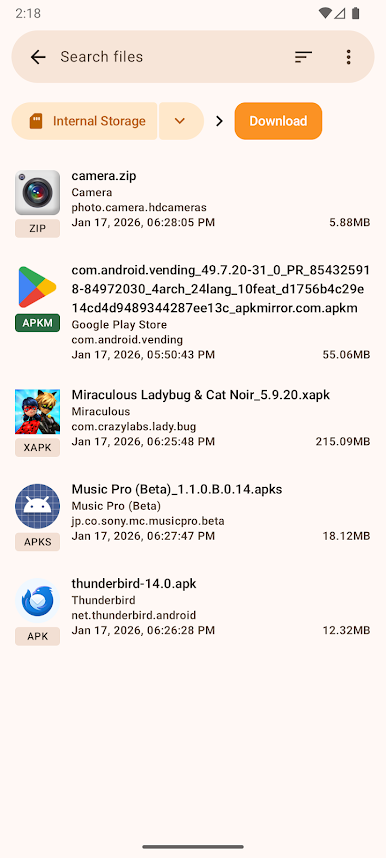
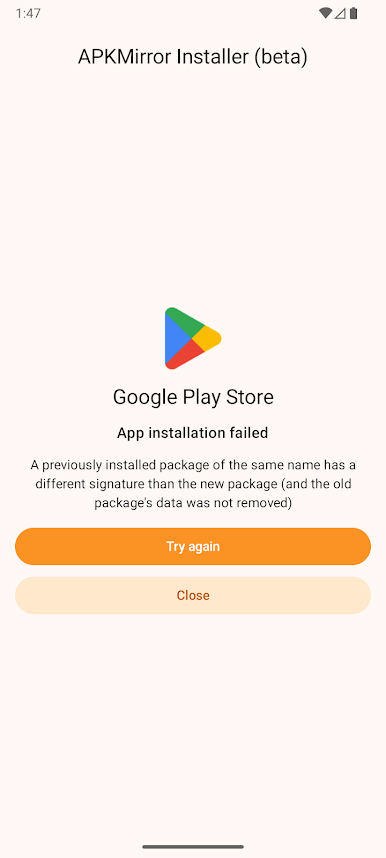
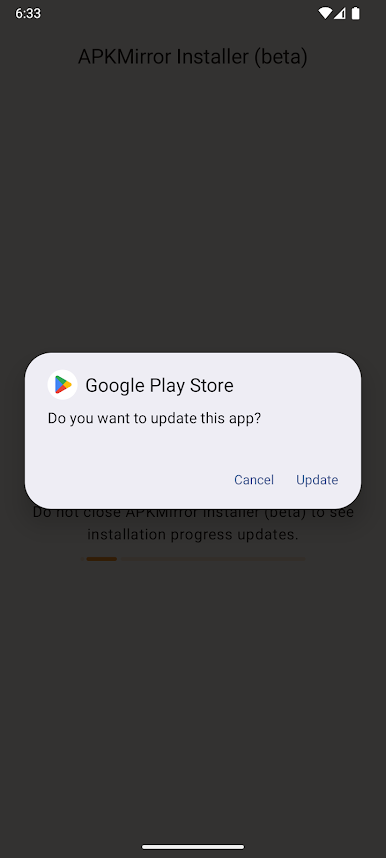
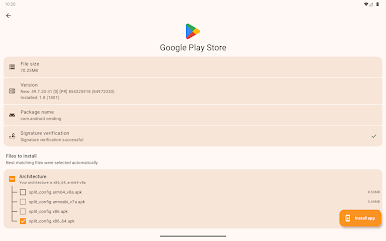
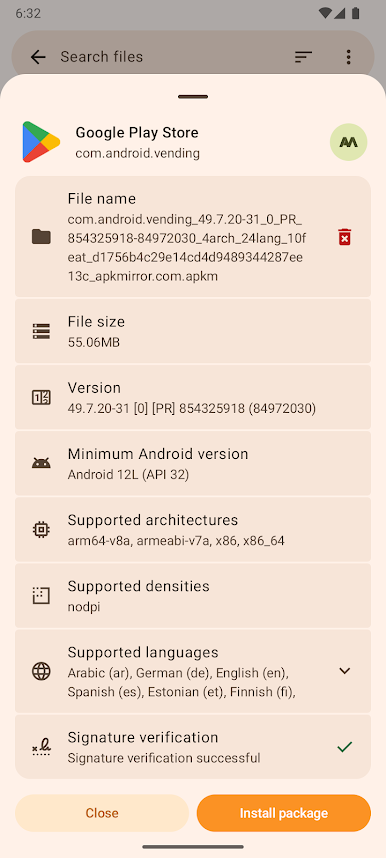
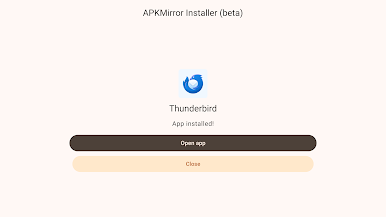
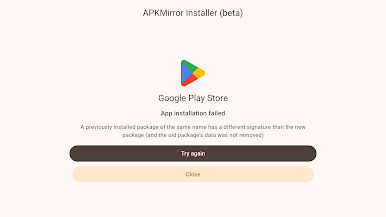
Play APKMirror Installer (Official) on PC. It’s easy to get started.
-
Download and install BlueStacks on your PC
-
Complete Google sign-in to access the Play Store, or do it later
-
Look for APKMirror Installer (Official) in the search bar at the top right corner
-
Click to install APKMirror Installer (Official) from the search results
-
Complete Google sign-in (if you skipped step 2) to install APKMirror Installer (Official)
-
Click the APKMirror Installer (Official) icon on the home screen to start playing

