


Solitaire Stack: PVP Card Game
Play on PC with BlueStacks – the Android Gaming Platform, trusted by 500M+ gamers.

Page Modified on: Feb 13, 2026
Play Solitaire Stack: PVP Card Game on PC
Ditch boring solo play & unlock competitive solitaire! Battle global players online—test your wits and speed for thrilling clashes!
⚔️ Real-Time PVP Duels!
Skip dull solo practice, match real global players instantly! Fast-paced matches, compete for speed & score—climb to Solitaire Master!
🔄 Smart Strategy!
Core rule: alternate red/black suits, descending numbers! Drag single cards or full stacks—plan wisely to break through!
🃏 Easy Win Tips!
Goal: Sort all cards! Arrange spades, hearts, diamonds, clubs from A to K. Clear the board to win!
Unwind & sharpen your mind anytime! Play Solitaire Stack: PVP Card Game, start your championship journey now!
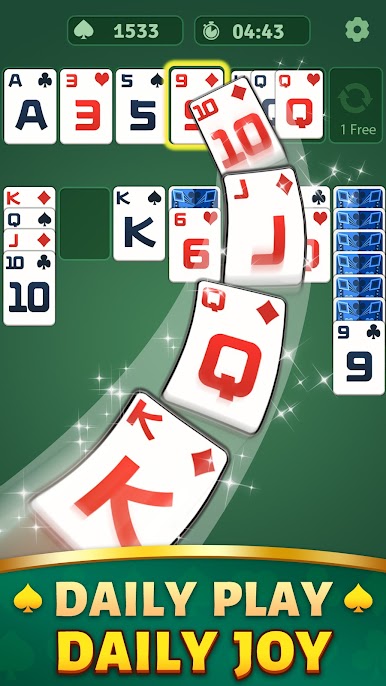
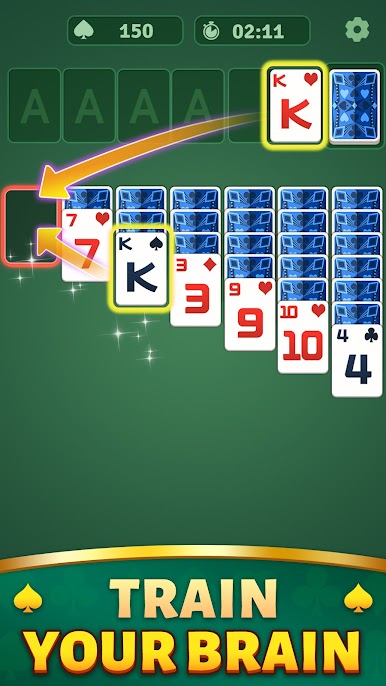
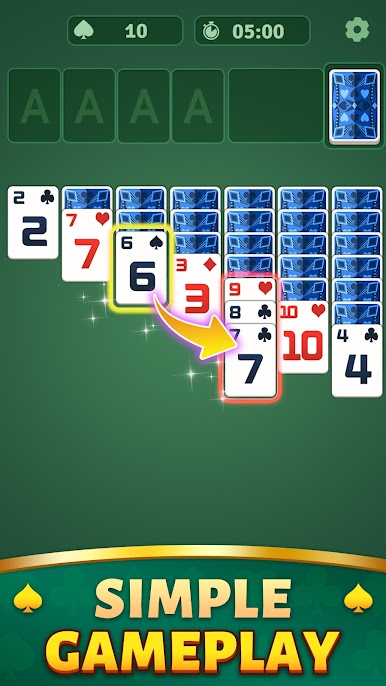
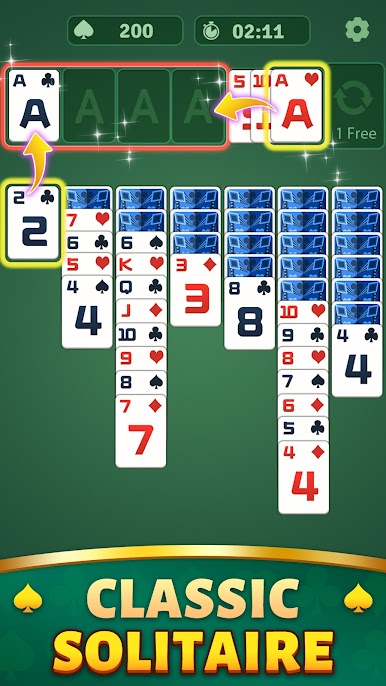
Play Solitaire Stack: PVP Card Game on PC. It’s easy to get started.
-
Download and install BlueStacks on your PC
-
Complete Google sign-in to access the Play Store, or do it later
-
Look for Solitaire Stack: PVP Card Game in the search bar at the top right corner
-
Click to install Solitaire Stack: PVP Card Game from the search results
-
Complete Google sign-in (if you skipped step 2) to install Solitaire Stack: PVP Card Game
-
Click the Solitaire Stack: PVP Card Game icon on the home screen to start playing

