

Solitaire Stack: PVP Card Game
Play on PC with BlueStacks – the Android Gaming Platform, trusted by 500M+ gamers.

Page Modified on: Feb 13, 2026
Play Solitaire Stack: PVP Card Game on PC or Mac
Bring your A-game to Solitaire Stack: PVP Card Game, the Card game sensation from WH Mob GAMES. Give your gameplay the much-needed boost with precise game controls, high FPS graphics, and top-tier features on your PC or Mac with BlueStacks.
About the Game
Solitaire Stack: PVP Card Game takes the classic solitaire brain teaser and turns it into a race. You’re matched against real people and sprint to clear cards faster while keeping your moves clean and efficient. It’s quick, competitive, and way more intense than playing alone—perfect for a short break or a focused challenge.
Game Features
- Real-Time PVP Duels: Jump into head-to-head matches against global players and see who can organize their tableau the fastest. Speed and accuracy both matter.
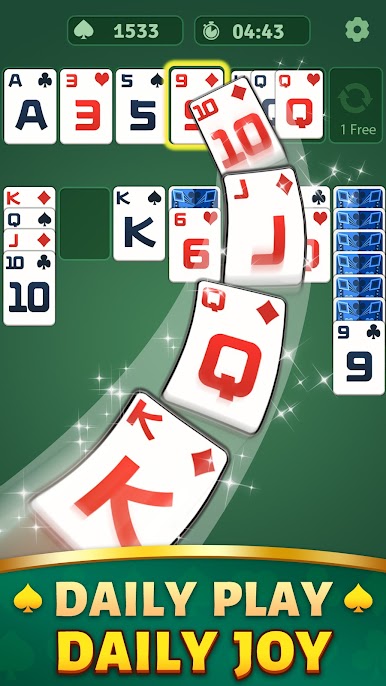
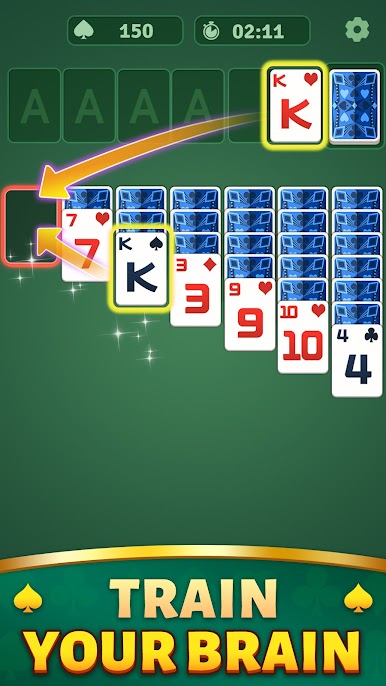
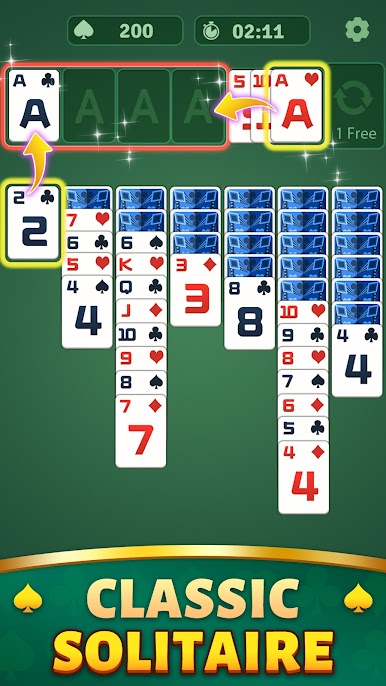
- Classic Rules, Competitive Twist: Build descending stacks by alternating red and black suits, just like you know. Move single cards or whole runs to open new paths and outpace your rival.
- Foundations to Win: Sort spades, hearts, diamonds, and clubs from A to K. Clear your board to secure the victory or edge out your opponent on score.
- Fast Matchmaking: Get into a game in seconds. Rounds are brisk, so you can play one or keep going for a longer session.
- Smooth, Simple Controls: Drag and drop with ease. Quick moves feel great when you’re chasing a tight finish.
- Climb the Ranks: Win matches, push your score, and work your way toward Solitaire Master status. Every game is a shot at a higher standing.
- Smart Strategy Rewarded: Planning a few turns ahead pays off. Timing your stacks and keeping options open can flip a match in an instant.
- From WH Mob GAMES, Genre: Card: A fresh competitive spin on a timeless favorite, built for quick, skill-based play.
- Play on BlueStacks if you want: Prefer a bigger screen and mouse control? You can hop in on PC with BlueStacks without changing the core experience.
Slay your opponents with your epic moves. Play it your way on BlueStacks and dominate the battlefield.

Play Solitaire Stack: PVP Card Game on PC. It’s easy to get started.
-
Download and install BlueStacks on your PC
-
Complete Google sign-in to access the Play Store, or do it later
-
Look for Solitaire Stack: PVP Card Game in the search bar at the top right corner
-
Click to install Solitaire Stack: PVP Card Game from the search results
-
Complete Google sign-in (if you skipped step 2) to install Solitaire Stack: PVP Card Game
-
Click the Solitaire Stack: PVP Card Game icon on the home screen to start playing

