

Artic Fishing
Play on PC with BlueStacks – the Android Gaming Platform, trusted by 500M+ gamers.

Page Modified on: Jun 11, 2026
Play Artic Fishing on PC or Mac
Bring your A-game to Artic Fishing, the Arcade game sensation from Play&Earn Mobile Studios. Give your gameplay the much-needed boost with precise game controls, high FPS graphics, and top-tier features on your PC or Mac with BlueStacks.
About the Game
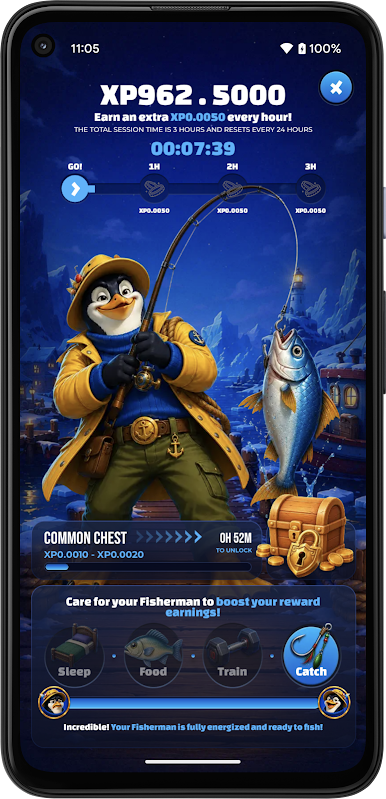
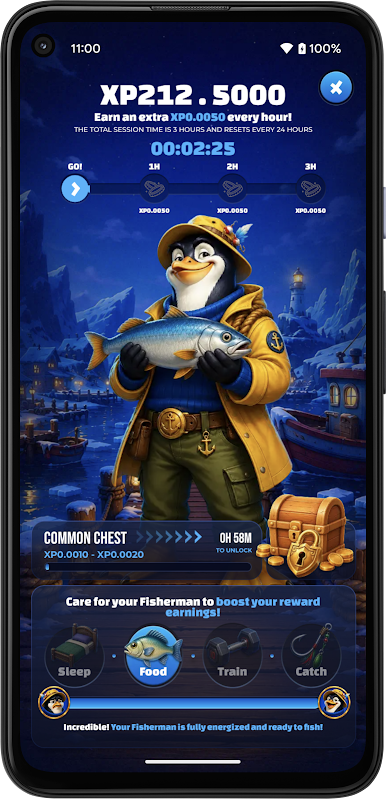
Artic Fishing is a laid‑back Arcade experience where your fish is the star and your attention is the power-up. Feed it, tuck it in for a nap, run quick training sessions, and just hang out. Every little moment you spend together turns into XP, so progress feels steady whether you’re checking in often or taking it slow.
Game Features
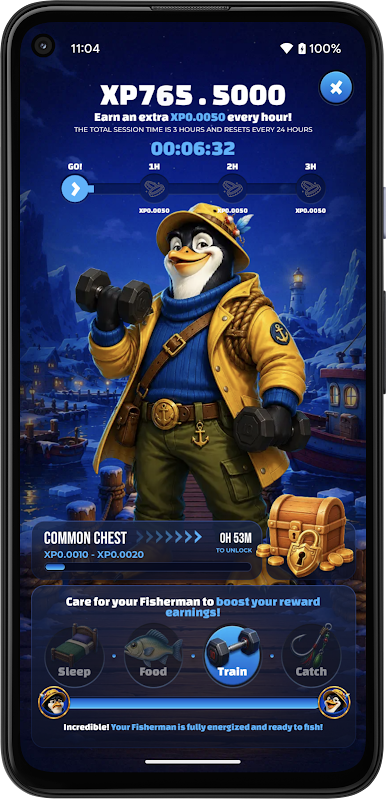
- Daily care, your way: Feed your fish, send it to sleep when it’s tired, and squeeze in short training moments. Simple actions add up fast.
- XP that actually feels earned: Every tap, check‑in, and bit of time with your fish moves the XP bar. Watch your progress grow as you build a routine.
- Play active or keep it chill: Have a few minutes? Train and interact. Busy? Let your fish rest. Staying active in the app still helps you rack up XP.
- Quick training bursts: Short, snappy training sessions give you that light Arcade punch—easy to learn and perfect for one‑hand play.
- A cozy rhythm: No pressure, no rush. Pop in, do a couple of things, and leave happy knowing your fish is cared for.
- Bring friends along: Invite your crew to start their own fish and keep each other motivated. It’s more fun when everyone’s raising a fin.
- Smooth on PC too: Prefer a bigger screen? Artic Fishing plays comfortably on BlueStacks, great for relaxed sessions and clean clicks.
Start playing Artic Fishing on BlueStacks and get a smoother, more comfortable PC or Mac setup.
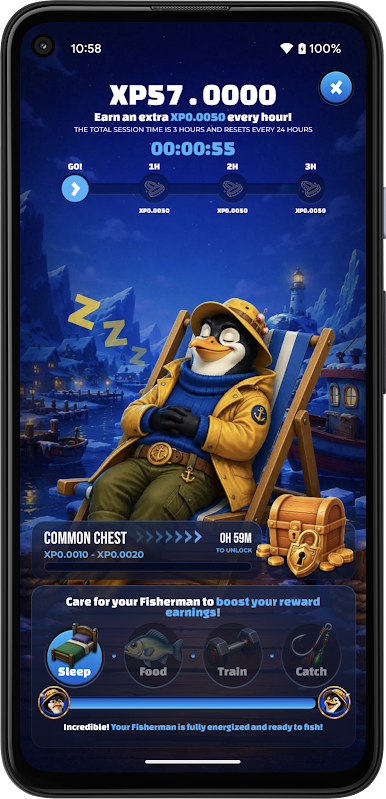
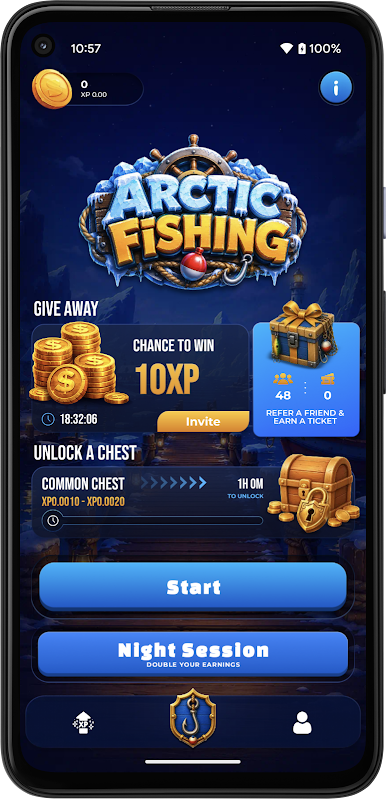
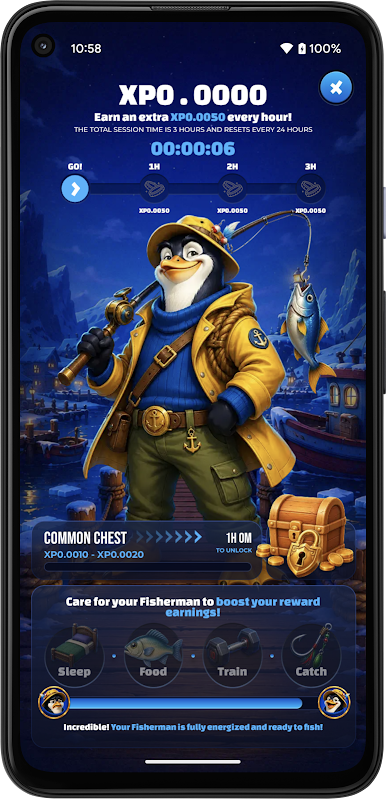
Play Artic Fishing on PC. It’s easy to get started.
-
Download and install BlueStacks on your PC
-
Complete Google sign-in to access the Play Store, or do it later
-
Look for Artic Fishing in the search bar at the top right corner
-
Click to install Artic Fishing from the search results
-
Complete Google sign-in (if you skipped step 2) to install Artic Fishing
-
Click the Artic Fishing icon on the home screen to start playing

