


Gear Up
Play on PC with BlueStacks – the Android Gaming Platform, trusted by 500M+ gamers.

Page Modified on: Mar 4, 2026
Play Gear Up on PC
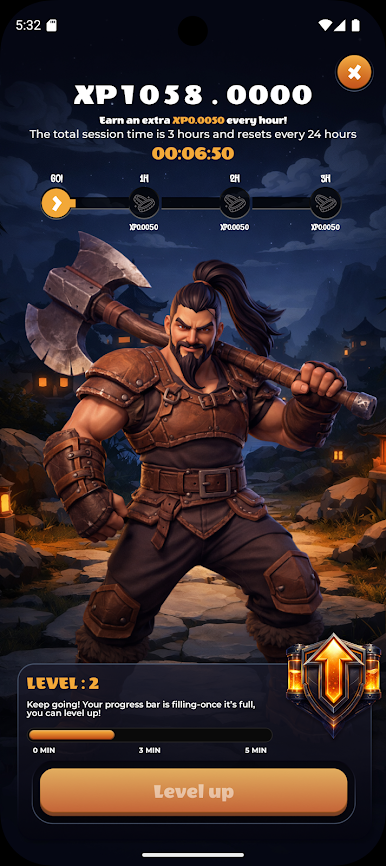
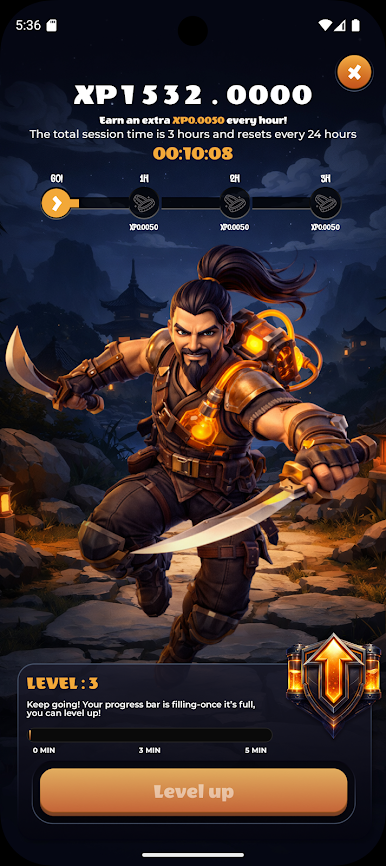
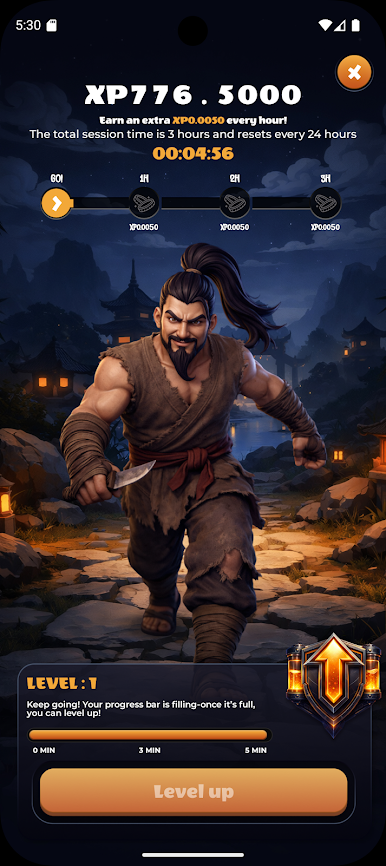
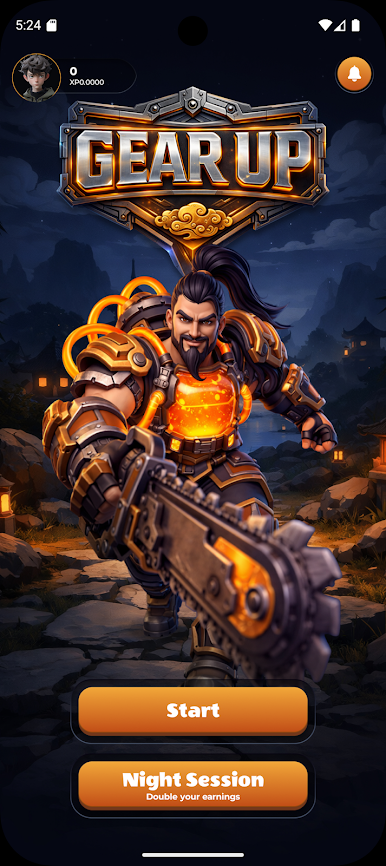
stronger over time. The longer you remain in a session, the more your character evolves and more
XP you will gain. When your hero is ready for the next stage, simply tap the Level Up button to
upgrade it and continue your journey. Keep spending time in the app to unlock new evolutions
and advance in Gear Up. Invite your friends. Join now and enjoy. Let the game begin!
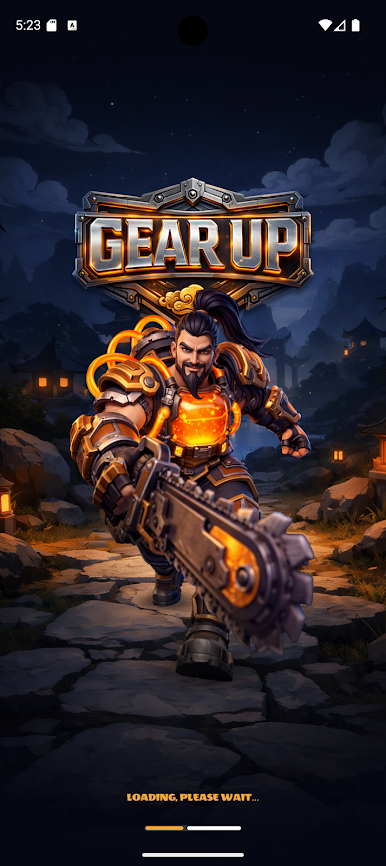
Play Gear Up on PC. It’s easy to get started.
-
Download and install BlueStacks on your PC
-
Complete Google sign-in to access the Play Store, or do it later
-
Look for Gear Up in the search bar at the top right corner
-
Click to install Gear Up from the search results
-
Complete Google sign-in (if you skipped step 2) to install Gear Up
-
Click the Gear Up icon on the home screen to start playing

