


Gorilla King
Play on PC with BlueStacks – the Android Gaming Platform, trusted by 500M+ gamers.

Page Modified on: Feb 25, 2026
Play Gorilla King on PC or Mac
Step into the World of Gorilla King, a thrilling Arcade game from the house of SAR Apps & Games. Play this Android game on BlueStacks App Player and experience immersive gaming on PC or Mac.
About the Game
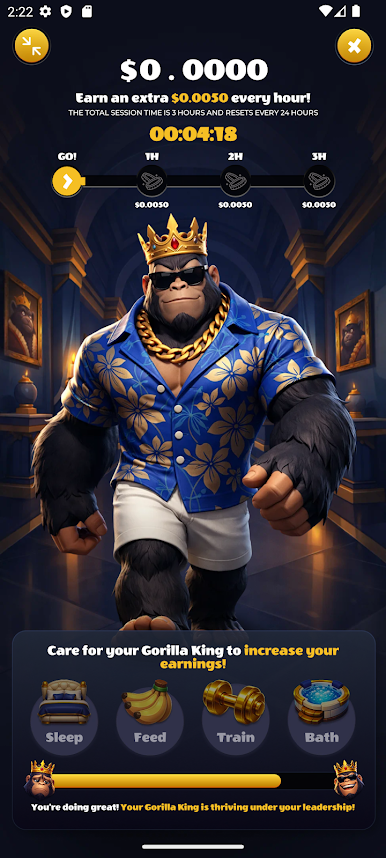
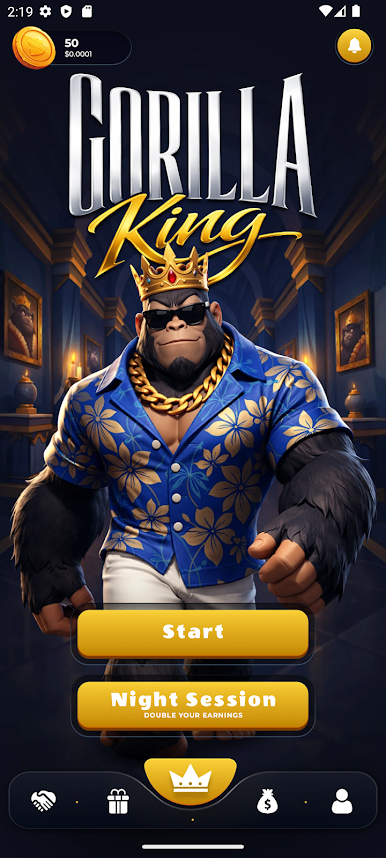
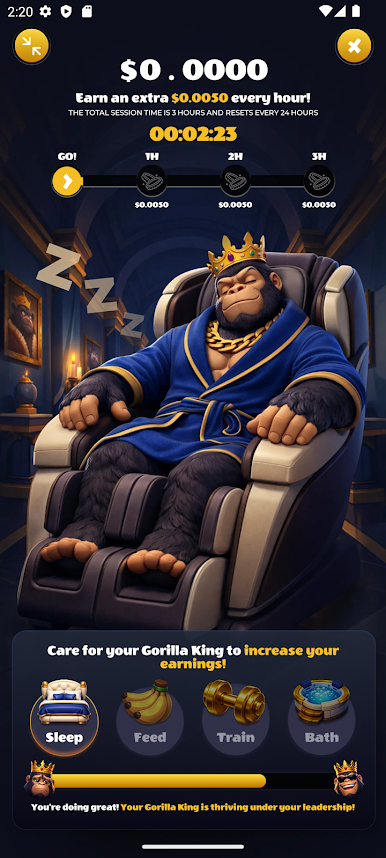
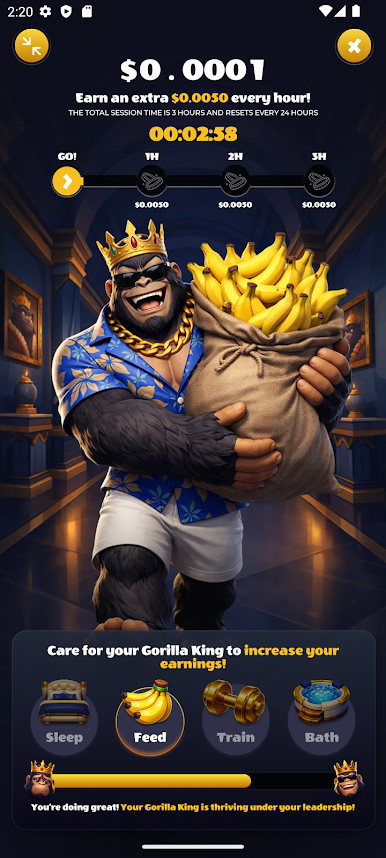
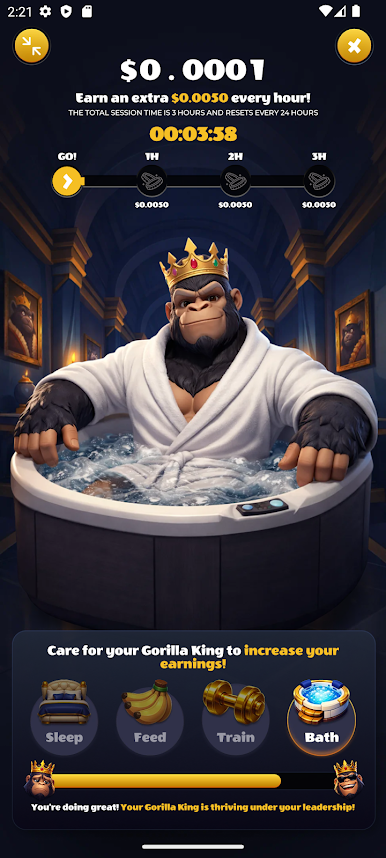
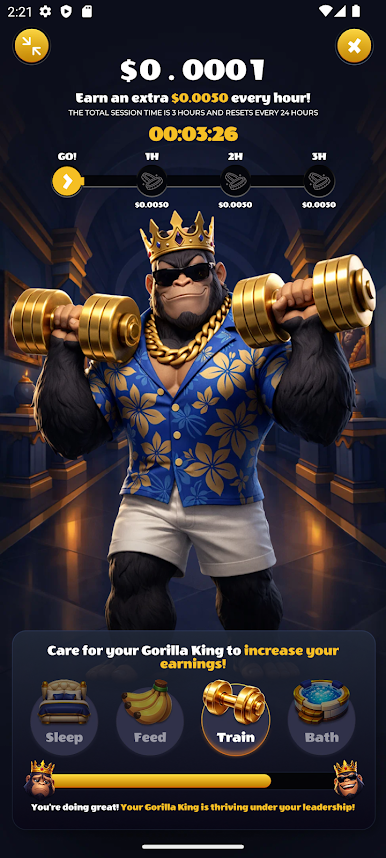
Gorilla King is an Arcade twist on the virtual pet idea, where your day-to-day care turns into steady progress. Feed your gorilla, keep it clean, squeeze in quick training sessions, and let it rest when it’s tired—then watch it grow while your coin count rises. It’s simple, relaxed, and oddly satisfying, whether you’ve got a spare minute or a longer break.
Game Features
- Daily Care: Keep your gorilla fed, washed, and happy with quick, repeatable tasks that feel good to check off.
- Quick Training: Short, tap-friendly drills boost your pet’s abilities and add a nice bump to your earnings.
- Rest Counts: Let your gorilla chill when it needs a breather to keep its mood up and progress steady.
- Earn By Playing: Every interaction adds coins, so staying active in the app keeps the rewards flowing.
- Watch It Grow: See your companion go from little goofball to a confident king as you stick with the routine.
- Easy Controls: Taps and swipes make everything snappy—perfect for quick sessions throughout the day.
- Invite Friends: Get others on board with their own pets and keep each other motivated to care consistently.
- Flexible Sessions: Jump in for a minute or settle in for a longer streak; the pacing fits your schedule.
- Comfy On Big Screens: Plays great on mobile and also feels smooth on PC with BlueStacks if you like a wider view.
Get ready for a buttery smooth, high-performance gaming action only on BlueStacks.
Play Gorilla King on PC. It’s easy to get started.
-
Download and install BlueStacks on your PC
-
Complete Google sign-in to access the Play Store, or do it later
-
Look for Gorilla King in the search bar at the top right corner
-
Click to install Gorilla King from the search results
-
Complete Google sign-in (if you skipped step 2) to install Gorilla King
-
Click the Gorilla King icon on the home screen to start playing

