


Robin Hood
Play on PC with BlueStacks – the Android Gaming Platform, trusted by 500M+ gamers.

Page Modified on: Jan 27, 2026
Play Robin Hood on PC or Mac
Robin Hood is an Arcade game developed by Esmail Elhanash. BlueStacks app player is the best platform to play this Android game on your PC or Mac for an immersive gaming experience.
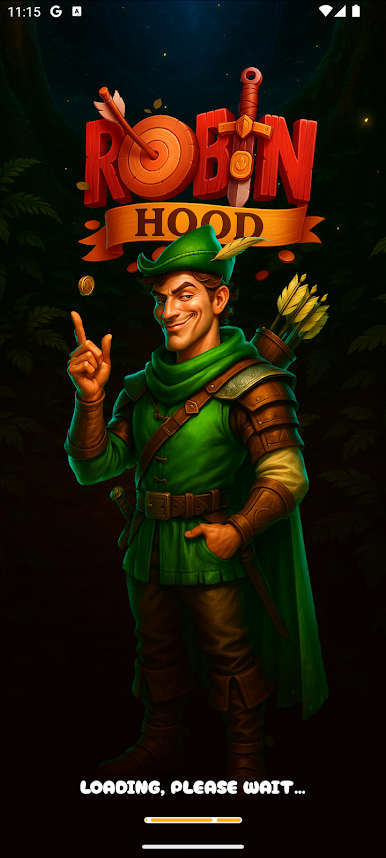
Become the iconic hero, Robin Hood, with your bow and arrow in this exciting game. But there are a lot of obstacles in your way. So, you need to be strategic and careful to get through. Do you have what it takes to be like Robin Hood? Play this game to find out!
About the Game
Robin Hood immerses you in a unique world where you have to be strategic. It lets you edit and customize your profile however you like. The game also features a multiplayer mode that allows you to invite your friends and other players to join the adventure and have fun.
Gameplay Overview
The gameplay requires that you move your hero from left to right with your gamepad controller or keyboard. Moving your hero allows you to collect as many coins as you can to boost up your score and unlock amazing rewards.
Game Features
- Smooth game controls
- Intuitive user interface
- Multiple advanced settings
How to Play?
Download Robin Hood for free from the Google Play Store using the BlueStacks app player.
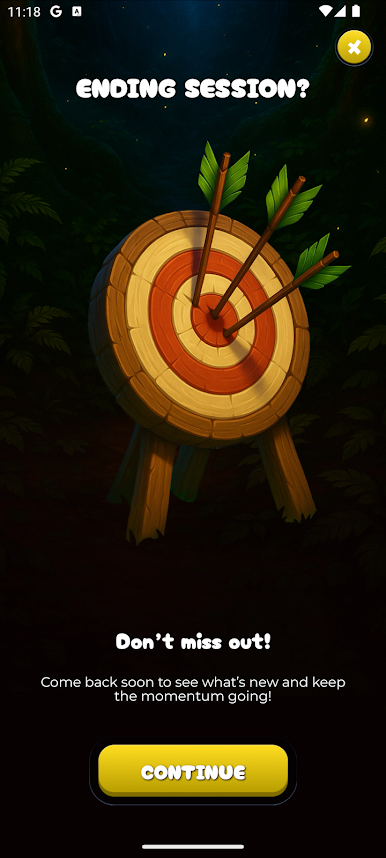
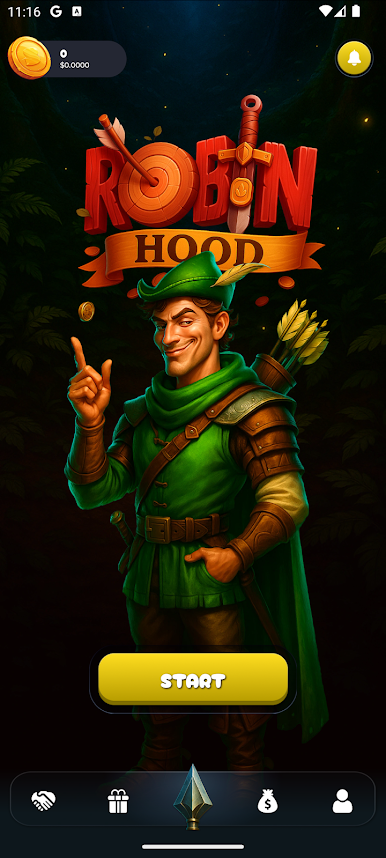
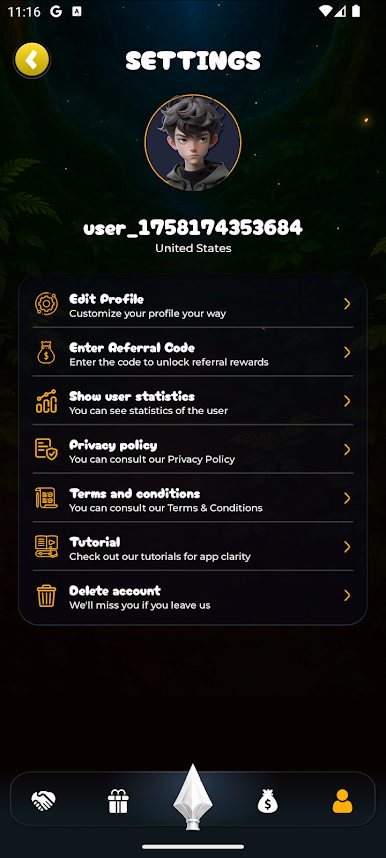
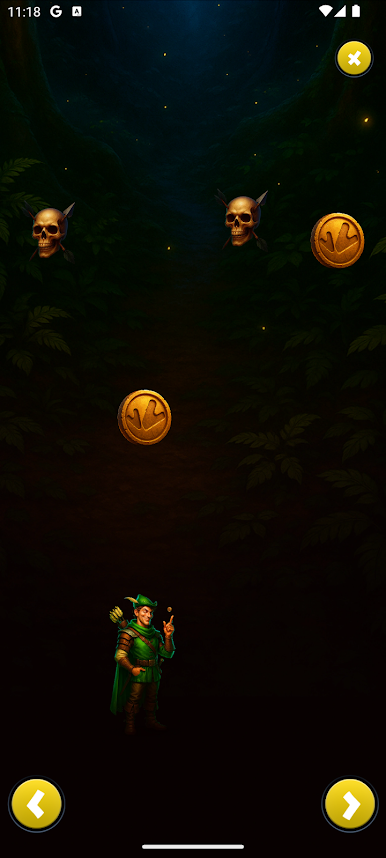
Play Robin Hood on PC. It’s easy to get started.
-
Download and install BlueStacks on your PC
-
Complete Google sign-in to access the Play Store, or do it later
-
Look for Robin Hood in the search bar at the top right corner
-
Click to install Robin Hood from the search results
-
Complete Google sign-in (if you skipped step 2) to install Robin Hood
-
Click the Robin Hood icon on the home screen to start playing

