


Keyboard for Wear OS watches
Play on PC with BlueStacks – the Android Gaming Platform, trusted by 500M+ gamers.

Page Modified on: Mar 4, 2021
Play Keyboard for Wear OS watches on PC
Features:
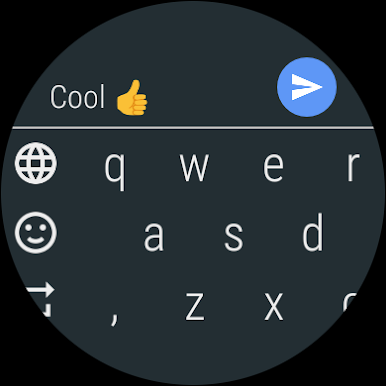
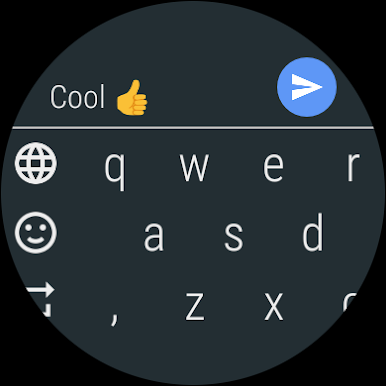
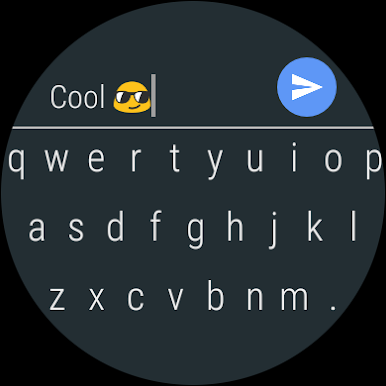
- Bigger keys help to type more easily
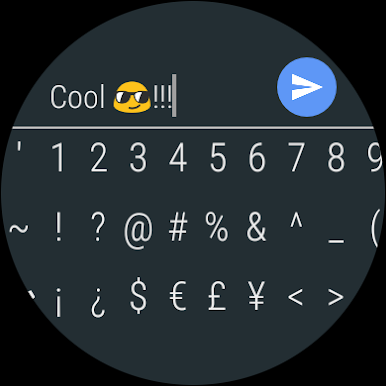
- Many special characters that are missing in stock keyboard
- Swipe back to delete, swipe forward to insert space
- Proven typing experience known from our Android Wear 1 apps on your Wear OS (Android Wear 2) device
- Compatible with every app that you have in your Android Wear smartwatch
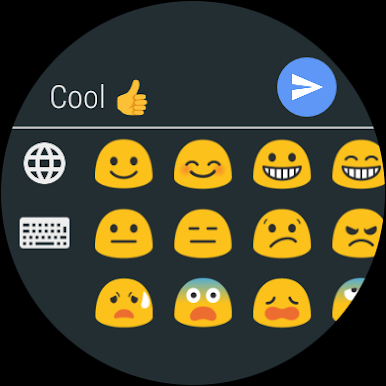
- Emojis! Tons and tons of it (requires the full version)
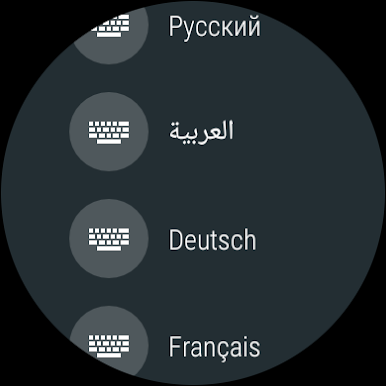
- Support for 11 languages: English, German, French, Italian, Spanish, Russian, Swedish, Finnish, Hebrew, Arabic and Greek (full version)
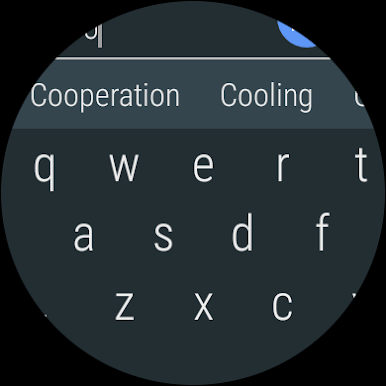
- Text predictions for every supported language
Full version features:
- Non-restricted emoji usage
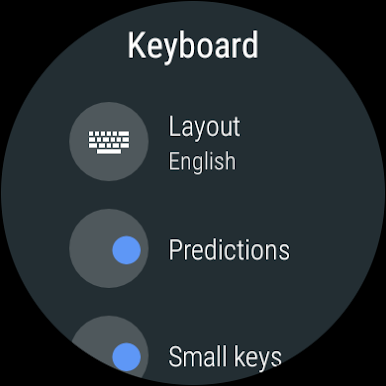
- Configurable for large or small keys
- Additional customization options
Compatible with all smartwatches running Wear OS 2 and higher:
- Motorola Moto 360 (2nd Generation)
- Fossil Q (Explorist, Marshal, Founder, Venture, Wander, ...)
- Ticwatch (E, S)
- Michael Kors (Bradshaw, Sophie, ...)
- Huawei Watch (2, Leo-BX9, Leo-DLXX, ...)
- LG Watch (Urbane, Sport, R, Style, …)
- ASUS ZenWatch (2, 3)
- TAG Heuer
- other Wear OS 2 and higher watches
It will not work with:
- Zenwatch 1
- LG G Watch
- Moto360 1st Generation
- Samsung Gear Live
- Sony Smartwatch 3
Play Keyboard for Wear OS watches on PC. It’s easy to get started.
-
Download and install BlueStacks on your PC
-
Complete Google sign-in to access the Play Store, or do it later
-
Look for Keyboard for Wear OS watches in the search bar at the top right corner
-
Click to install Keyboard for Wear OS watches from the search results
-
Complete Google sign-in (if you skipped step 2) to install Keyboard for Wear OS watches
-
Click the Keyboard for Wear OS watches icon on the home screen to start playing

