

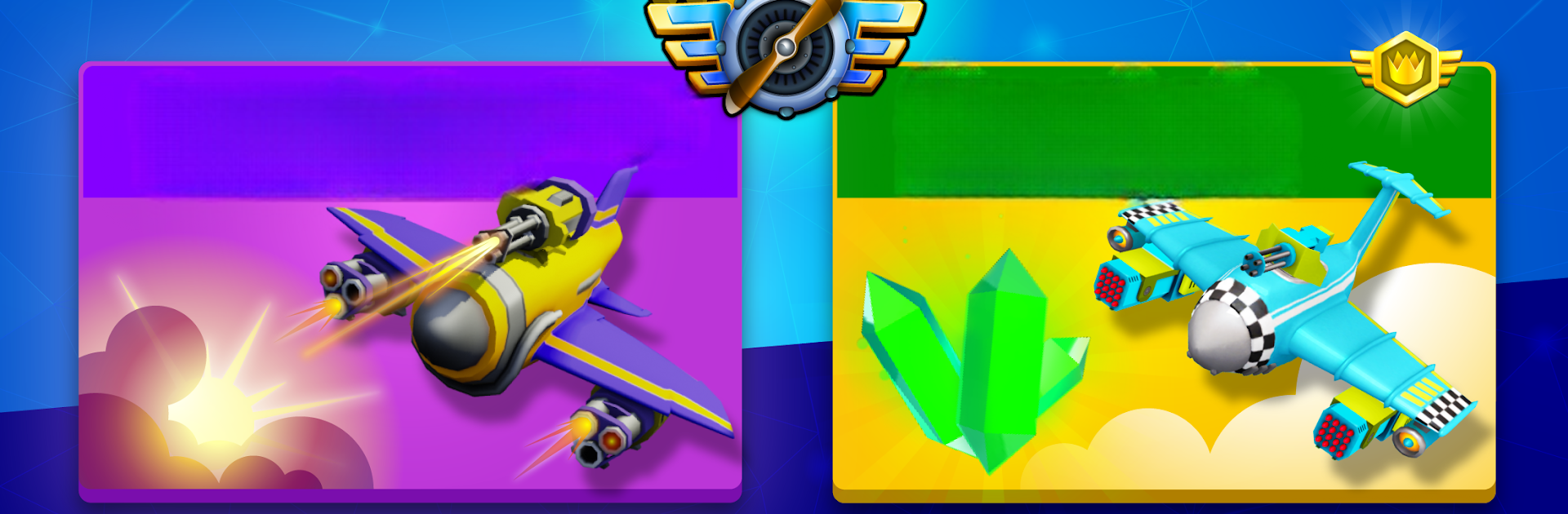
Hero Wings
Play on PC with BlueStacks – the Android Gaming Platform, trusted by 500M+ gamers.

Page Modified on: Aug 8, 2025
Play Hero Wings on PC or Mac
From the innovators and creators at APPIDEA Capital LTD, Hero Wings is another fun addition to the World of Arcade games. Go beyond your mobile screen and play it bigger and better on your PC or Mac. An immersive experience awaits you.
About the Game
Hero Wings drops you straight into punchy, sky-high skirmishes where every second counts. It’s an Arcade shooter from APPIDEA Capital LTD that mixes quick 3v3 battles with deep gear tinkering. Build your own warplane, swap loadouts on the fly, and try to outthink pilots who are just as hungry for the win as you are.
Game Features
-
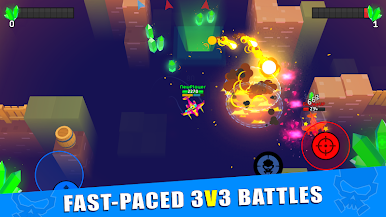
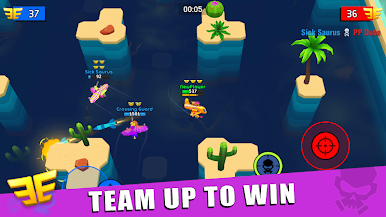
3v3 dogfights
Fast, team-based battles built for short sessions and high tension. Coordinate with allies, bait opponents, and clutch the final moments. -
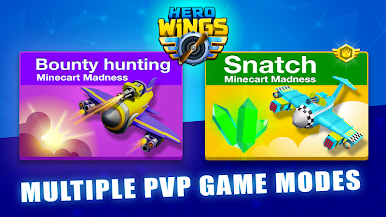
Two competitive modes
Snatch: collect gems and hold them under pressure to secure victory. Bounty: a three-minute sprint to rack up points by taking down rival pilots. -
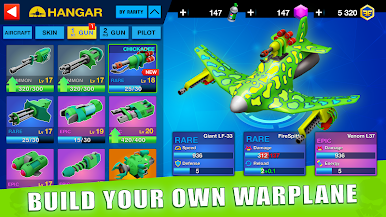
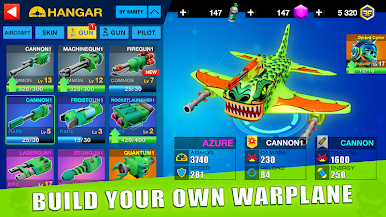
Build your perfect warplane
Combine aircraft, characters, and both primary and special weapons to shape a playstyle that fits you. Top it off with skins that make your fighter unmistakably yours. -
A serious arsenal
Equip machine guns, missiles, cannons, shotguns, lasers, frost tech, or even quantum weapons. Each option changes how you engage and escape. -
Learn fast, master faster
Planes vary in speed, armor, and handling. It’s easy to hop in, but mastering timing, positioning, and combos takes practice. -
Rewards that matter
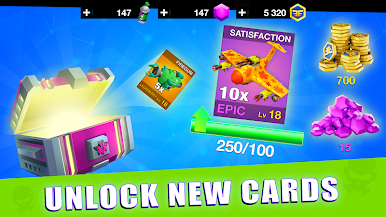
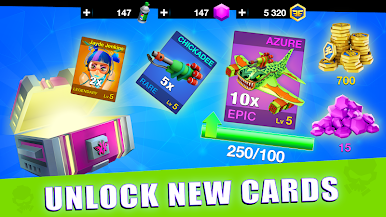
Win matches to earn chests, unlock new cards, and upgrade your collection to stay competitive across new arenas and ranks. -
Built for on-the-go play
Free to play with bite-size matches. A steady internet connection is required. -
Optional PC play
Prefer a bigger screen and precise controls? You can play Hero Wings on your PC using BlueStacks.
Slay your opponents with your epic moves. Play it your way on BlueStacks and dominate the battlefield.









Play Hero Wings on PC. It’s easy to get started.
-
Download and install BlueStacks on your PC
-
Complete Google sign-in to access the Play Store, or do it later
-
Look for Hero Wings in the search bar at the top right corner
-
Click to install Hero Wings from the search results
-
Complete Google sign-in (if you skipped step 2) to install Hero Wings
-
Click the Hero Wings icon on the home screen to start playing

