


Te Apuesto Sport
Play on PC with BlueStacks – the Android Gaming Platform, trusted by 500M+ gamers.

Page Modified on: Jul 5, 2026
Play Te Apuesto Sport on PC
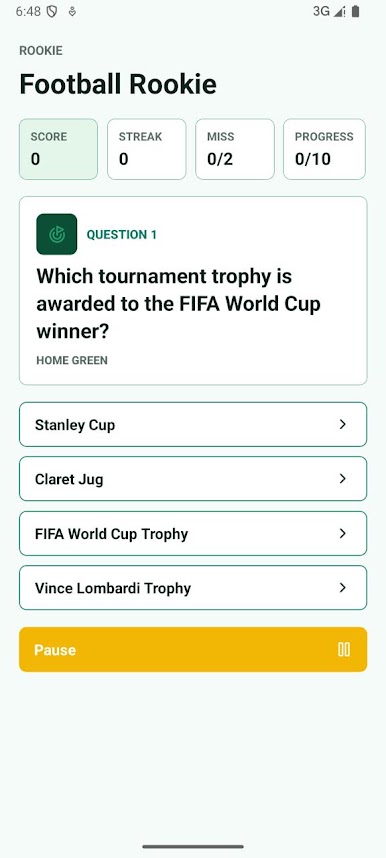
Choose a category and work through themed stages that gradually increase in difficulty. Each level has its own target score and mistake limit, encouraging careful thinking and te apuesto consistent performance. Questions are presented with multiple-choice answers, allowing you to improve both speed and accuracy.
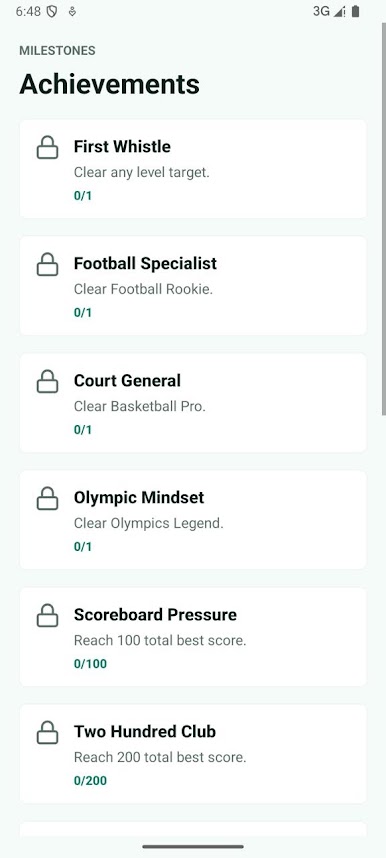
Track your progress with detailed statistics including score, streak, completed objectives, and overall best results. Unlock achievements by reaching milestones, clearing new levels, and improving your total score across different sports. Your progress is saved locally, making it easy to continue whenever you return.
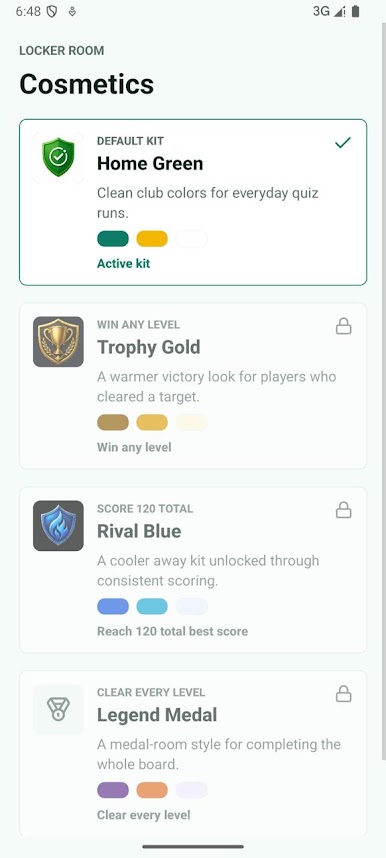
Customize the experience by unlocking cosmetic themes through gameplay. New visual kits become available after completing objectives or reaching te apuesto score goals, giving the interface a fresh appearance while keeping the gameplay focused on learning and competition.
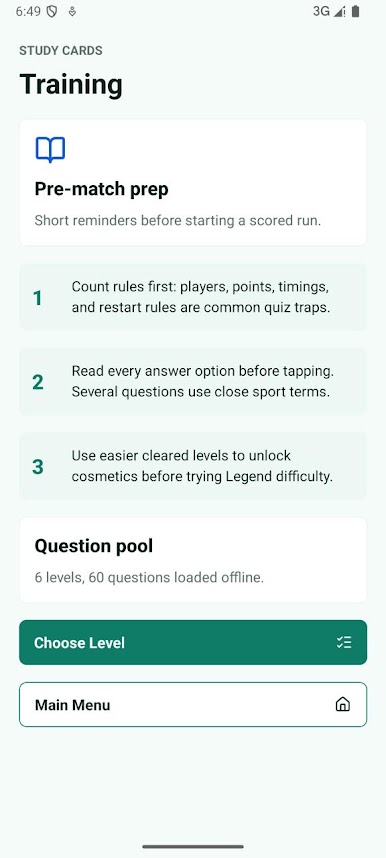
A built-in training section provides short study cards with useful reminders before starting a challenge. Review important tips, understand common question patterns, and prepare yourself before attempting more difficult stages. The entire question library is available offline, so you can practice anywhere without an internet connection.
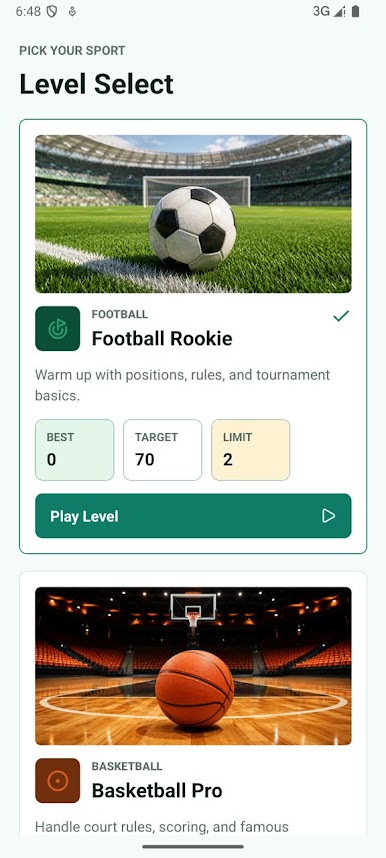
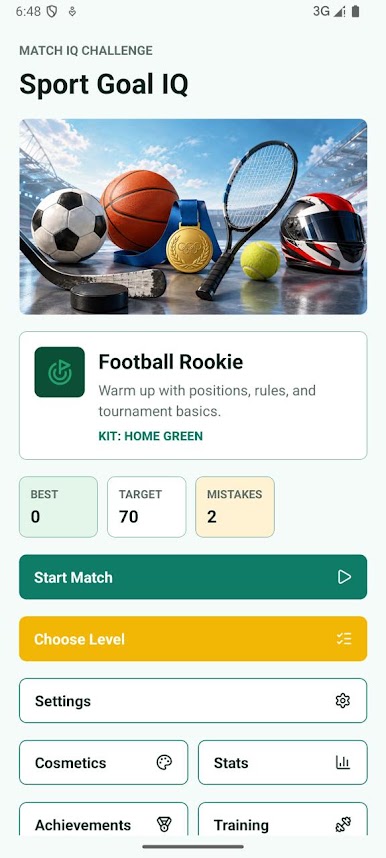
Play Te Apuesto Sport on PC. It’s easy to get started.
-
Download and install BlueStacks on your PC
-
Complete Google sign-in to access the Play Store, or do it later
-
Look for Te Apuesto Sport in the search bar at the top right corner
-
Click to install Te Apuesto Sport from the search results
-
Complete Google sign-in (if you skipped step 2) to install Te Apuesto Sport
-
Click the Te Apuesto Sport icon on the home screen to start playing

