


Smart Go - Filmes e Séries
Play on PC with BlueStacks – the Android Gaming Platform, trusted by 500M+ gamers.

Page Modified on: Nov 17, 2026
Overview
Find easily
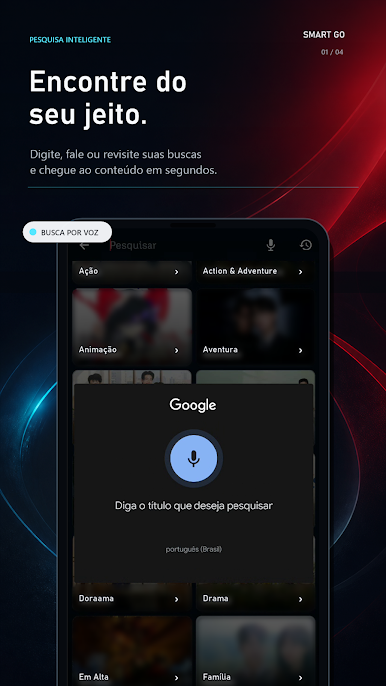
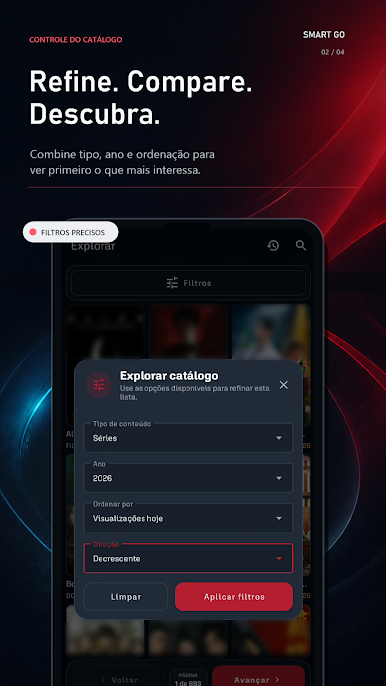
Type a name, use voice search, or check recent searches. Filters allow you to refine results by content type, year, order, and direction, making navigation more suitable for what you're looking for.
Explore by genre
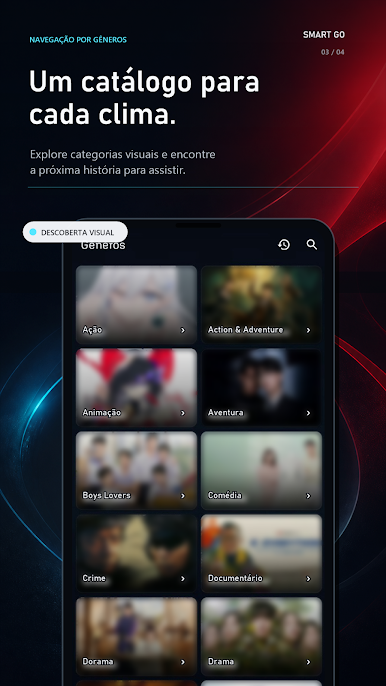
Browse visual categories to discover different styles and access related titles without relying on an exact search.
Check before you choose
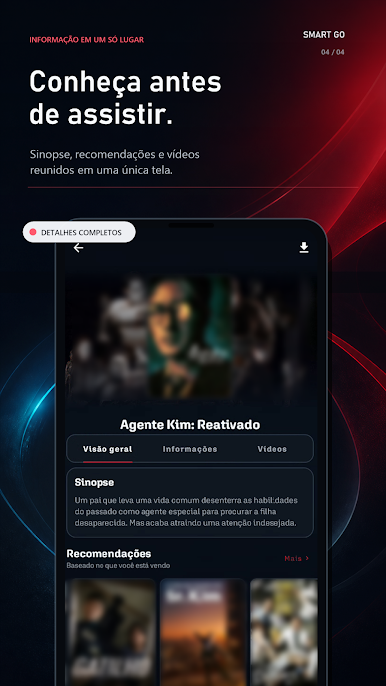
On the details pages, you'll find synopses, additional information, recommendations, and related trailers, when available.
Trailers in a floating window
Open trailers via YouTube or keep the video in a Picture-in-Picture (PiP) window. This way, the trailer can remain visible while you use other areas of the device.
Save covers when needed
The Save Cover feature allows you to save the promotional image of the selected title on your device. Saving only happens after your action.
Smart Go Features:
• Text and voice search;
• Recent search history;
• Filters by type, year, and sorting;
• Navigation by genres and categories;
• Pages with synopsis, recommendations, and videos;
• Trailers with floating window option;
• Saving covers to the device.
Important Information
Smart Go functions as a search and discovery tool. The application does not host or stream movies or episodes and does not provide downloads of audiovisual content. The saving feature is only for cover images.
Additional data is provided by TMDB. This product uses the TMDB API but is not endorsed or certified by TMDB. The availability of information and trailers may vary depending on the title.
Play Smart Go - Filmes e Séries on PC. It’s easy to get started.
-
Download and install BlueStacks on your PC
-
Complete Google sign-in to access the Play Store, or do it later
-
Look for Smart Go - Filmes e Séries in the search bar at the top right corner
-
Click to install Smart Go - Filmes e Séries from the search results
-
Complete Google sign-in (if you skipped step 2) to install Smart Go - Filmes e Séries
-
Click the Smart Go - Filmes e Séries icon on the home screen to start playing

