


Ruby Square: puzzle game
Play on PC with BlueStacks – the Android Gaming Platform, trusted by 500M+ gamers.

Page Modified on: Oct 17, 2023
Play Ruby Square: puzzle game on PC or Mac
Step into the World of Ruby Square: puzzle game, a thrilling Puzzle game from the house of AppSoGreat. Play this Android game on BlueStacks App Player and experience immersive gaming on PC or Mac.
About the Game
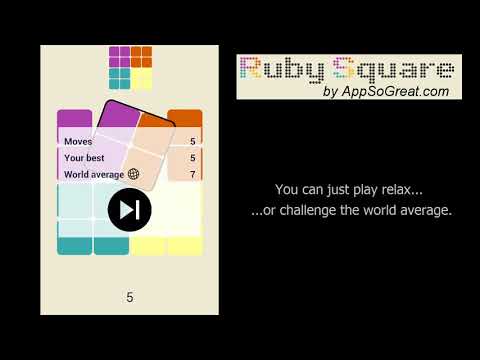
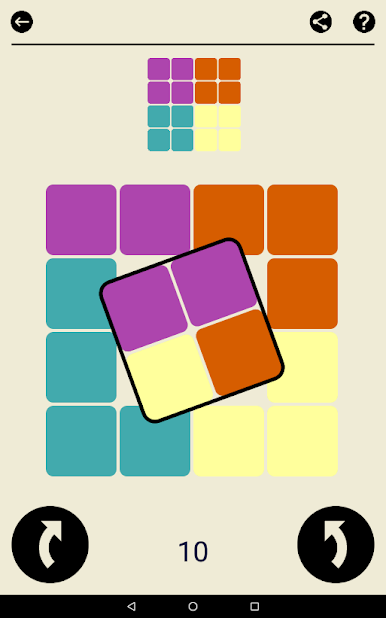
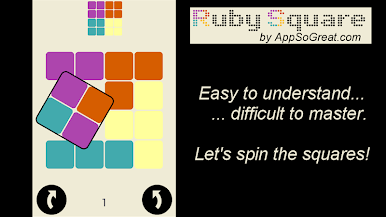
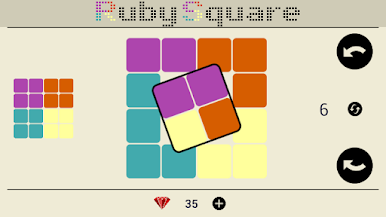
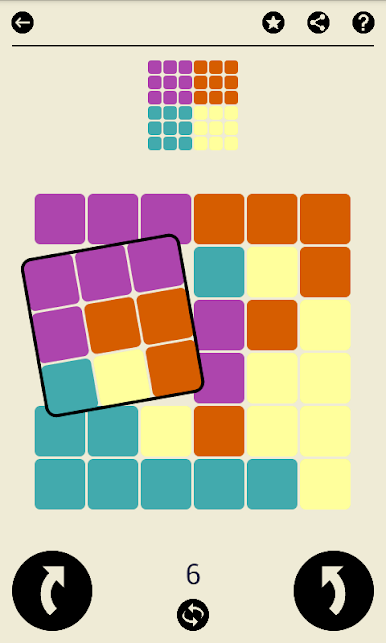
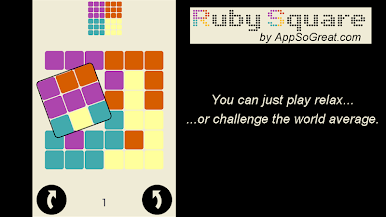
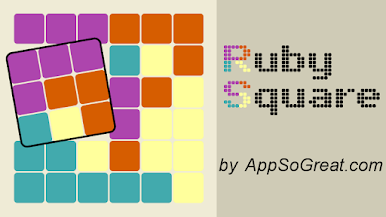
Ruby Square: puzzle game is a clean, satisfying Puzzle experience that asks a simple question: how smartly can you think in squares? You rotate small blocks on a grid to recreate a target pattern, then try to do it in fewer moves than the global average. It’s quick to pick up, surprisingly deep, and great when you want something that actually exercises your brain.
Game Features
- Smart rotation puzzles: Rotate 2×2, 3×3, or 4×4 chunks to rebuild the goal pattern on a shuffled board. It’s all logic—no timers, no fluff.
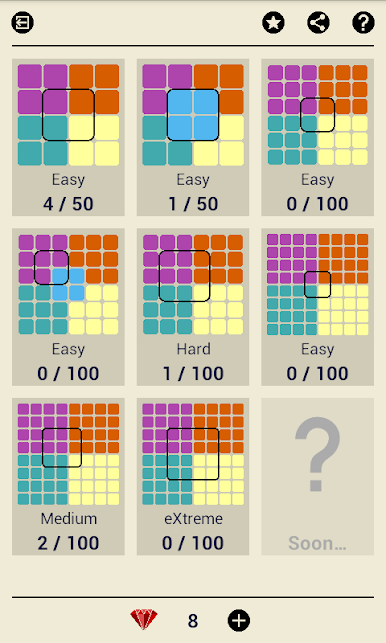
- 700+ handcrafted challenges: Work through eight stages packed with fresh ideas and steadily rising complexity. There’s always another puzzle waiting.
- Difficulty you control: Switch between Easy, Medium, Hard, and Extreme. Tinker casually or really push your limits—it’s your call.
- Boards that scale with you: Play on compact layouts or larger grids up to 64 tiles for a more demanding mental workout.
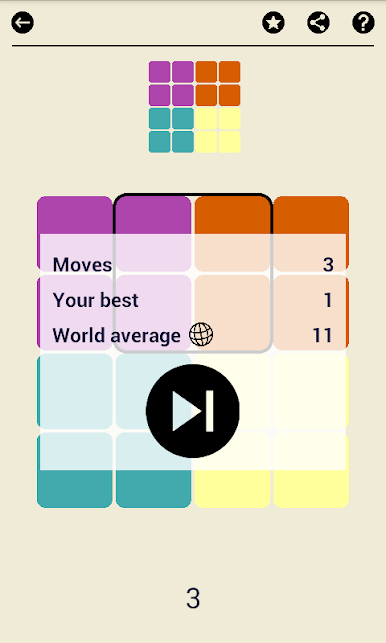
- Beat the world average: Every level shows how many moves other players needed. Chasing that number is oddly addictive.
- Color-blind friendly by design: A thoughtfully chosen palette keeps patterns readable and the experience comfortable for more players.
- Minimalist, focused play: Premium build keeps the game screen free of ads so you can stay locked on the solution.
- Smooth on PC too: Prefer mouse precision? Ruby Square: puzzle game plays nicely on BlueStacks when you want that desktop feel.
- From AppSoGreat: A tight, polished Puzzle title built around clarity, strategy, and satisfying “aha” moments.
Get ready for a buttery smooth, high-performance gaming action only on BlueStacks.

Play Ruby Square: puzzle game on PC. It’s easy to get started.
-
Download and install BlueStacks on your PC
-
Complete Google sign-in to access the Play Store, or do it later
-
Look for Ruby Square: puzzle game in the search bar at the top right corner
-
Click to install Ruby Square: puzzle game from the search results
-
Complete Google sign-in (if you skipped step 2) to install Ruby Square: puzzle game
-
Click the Ruby Square: puzzle game icon on the home screen to start playing

