


Horizon Chase – Arcade Racing
Play on PC with BlueStacks – the Android Gaming Platform, trusted by 500M+ gamers.

Page Modified on: Oct 3, 2025
Overview
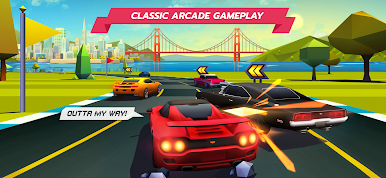
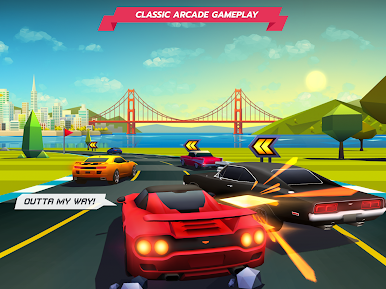
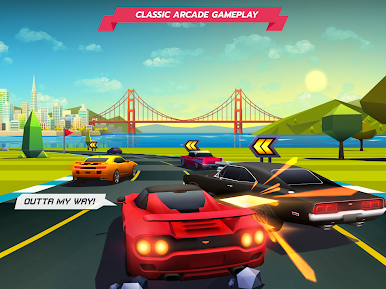
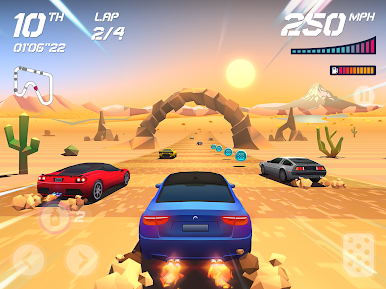
Horizon Chase is a love letter to all retro racing gamers. It's an addictive racing game inspired by the great hits of the 80's and 90's. Each curve and each lap in Horizon Chase recreate classic arcade racing gameplay and offer you unbound speed limits of fun. Full throttle on and enjoy!
• 16-BIT GRAPHICS REINVENTED
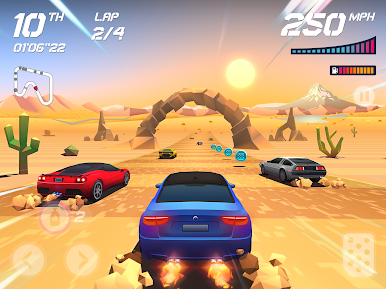
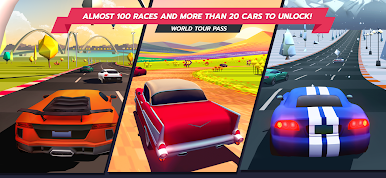
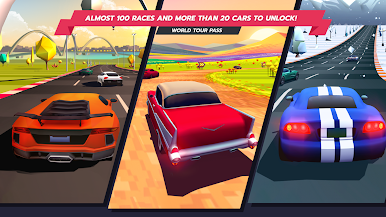
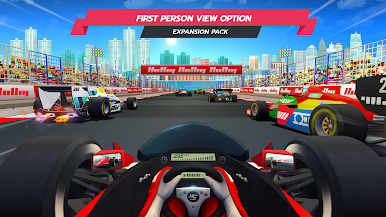
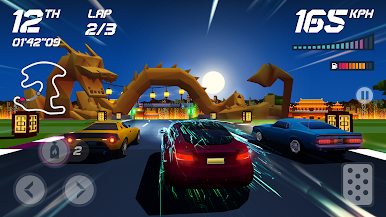
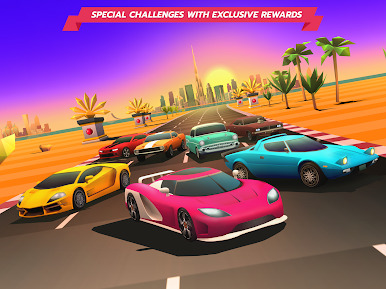
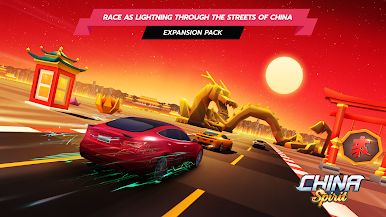
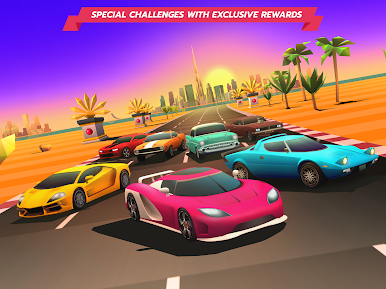
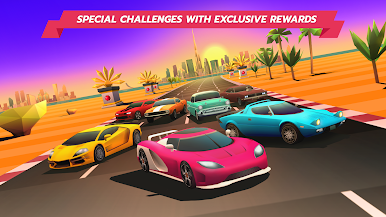
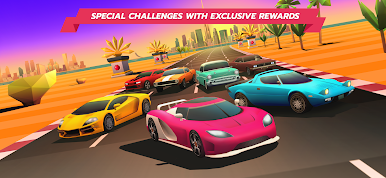
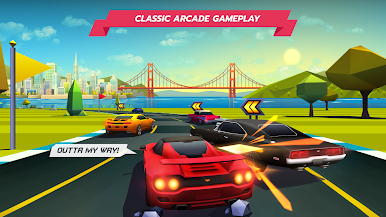
Horizon Chase brings back the graphic context of the 16-bit generation and creates a style that is inspired in the past without letting go of its contemporaneity. The apparent polygon and secondary color aesthetic accentuate the visual beauty of the game, resulting in a unique and harmonic atmosphere. You'll feel the retro racing soul of the game on a completely modern body.
• A TOUR THROUGH THE WORLD'S HORIZONS
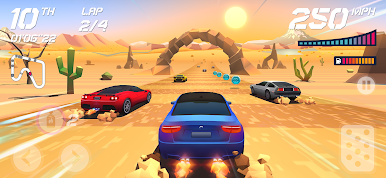
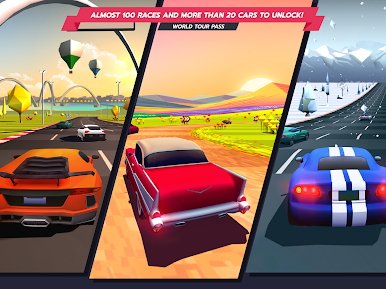
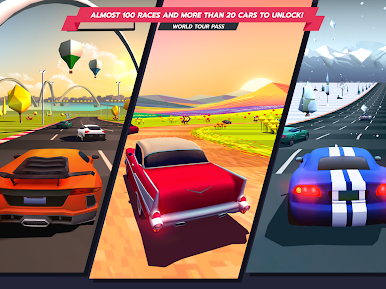
Horizon Chase is a race around the world. With each new cup you'll drive your car through extraordinary races, watching the sun setting, facing rain, snow, volcanic ashes and even severe sandstorms. Be it day or night each track takes place in beautiful postcards from across the world.
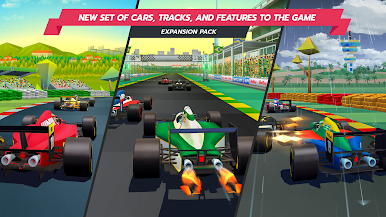
• SENNA FOREVER EXPANSION PACK - RELIVE THE GREATEST AYRTON SENNA’S MOMENTS
A homage to the legendary driver Ayrton Senna, this Expansion Pack brings an entirely new set of cars, tracks, and features to the game, inspired by Senna's career.
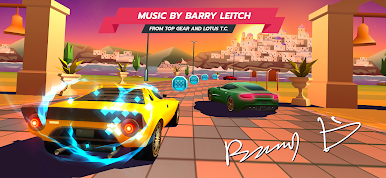
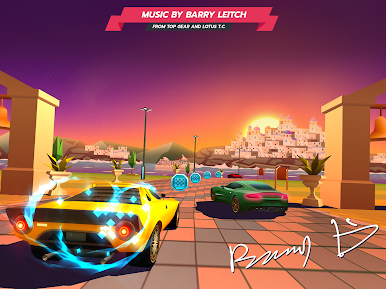
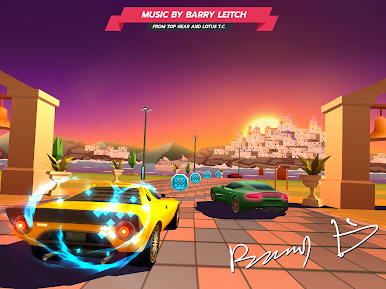
• BARRY LEITCH, LEGENDARY SOUNDTRACK COMPOSER
Horizon Chase presents Barry Leitch, the musician behind the soundtracks of classic arcade racing games. As you play the game, you'll be hypnotized by his charming tunes that compliment the graphical ecstasy of each horizon.
Don't forget to follow us on social media:
Facebook: https://www.facebook.com/horizonchase
Twitter: https://twitter.com/horizonchase
Instagram: https://www.instagram.com/horizon_chase/
YouTube: https://www.youtube.com/c/AquirisGameStudio/
Discord: https://discord.gg/horizonchase


Play Horizon Chase – Arcade Racing on PC. It’s easy to get started.
-
Download and install BlueStacks on your PC
-
Complete Google sign-in to access the Play Store, or do it later
-
Look for Horizon Chase – Arcade Racing in the search bar at the top right corner
-
Click to install Horizon Chase – Arcade Racing from the search results
-
Complete Google sign-in (if you skipped step 2) to install Horizon Chase – Arcade Racing
-
Click the Horizon Chase – Arcade Racing icon on the home screen to start playing

