

Blocked Pixel Panzer
Play on PC with BlueStacks – the Android Gaming Platform, trusted by 500M+ gamers.

Page Modified on: Sep 22, 2026
Play Blocked Pixel Panzer on PC or Mac
Play Blocked Pixel Panzer by Arar Games on PC or Mac with BlueStacks. Use a bigger screen, mouse and keyboard controls, and smoother performance while you play.
About the Game
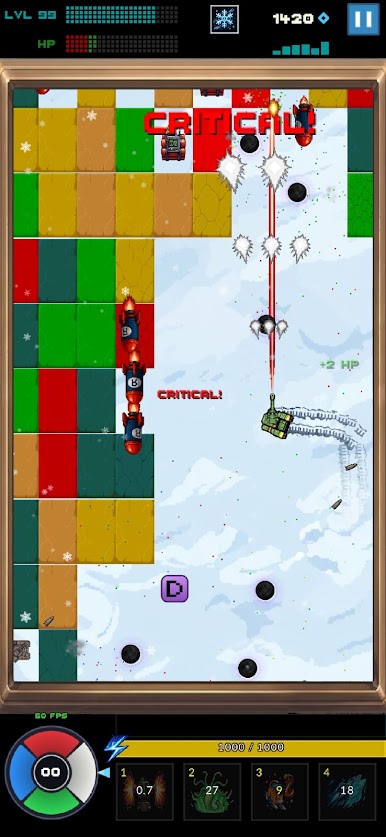
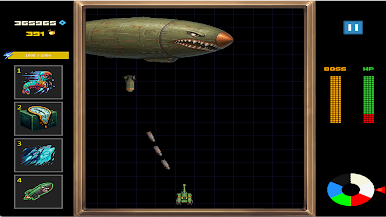
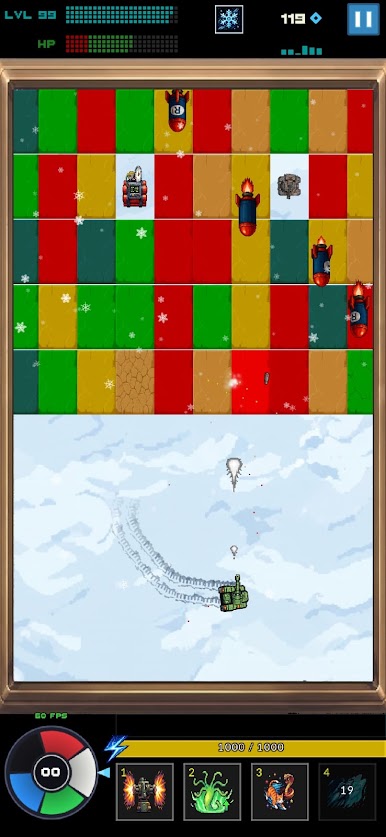
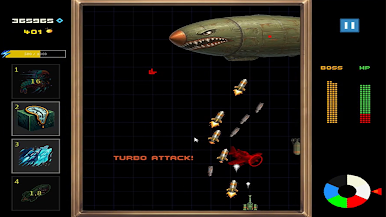
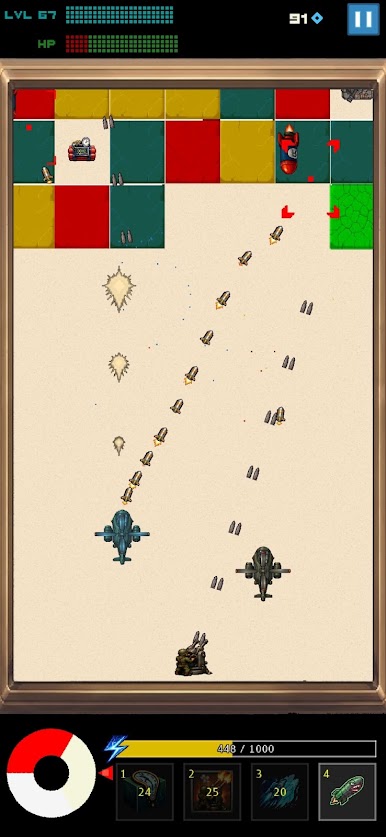
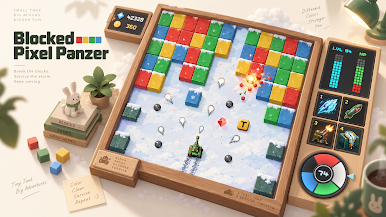
Blocked Pixel Panzer is a fast, punchy Arcade shooter where falling blocks become your enemy and your playground. You pilot a tough little tank, thread the needle through gaps, and blast everything that threatens to crush you. It’s quick to pick up, but you’ll keep tinkering with builds and weapons to push that next high score.
Game Features
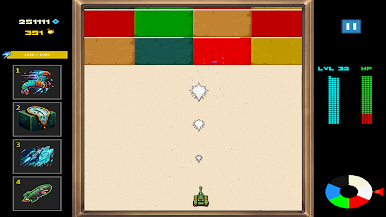
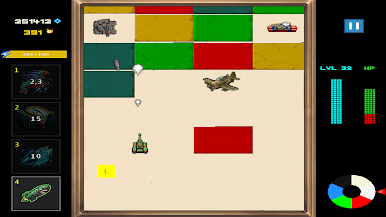
- Falling Blocks, Rising Tension: Rows keep dropping, so every shot and dodge matters. Clear lanes, carve exits, and don’t get boxed in.
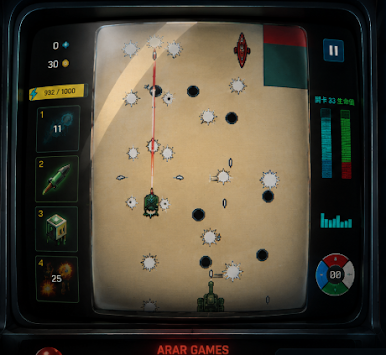
- Wild Weapon Drops: Snag supply crates mid-run to switch the vibe—spray the screen with the Triple Gun, scatter shots in eight directions, burn through walls with a Laser, or unleash a chaotic cloud of Bouncing Balls.
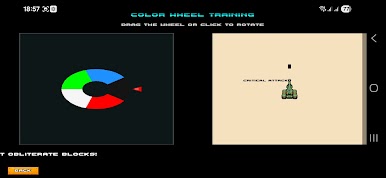
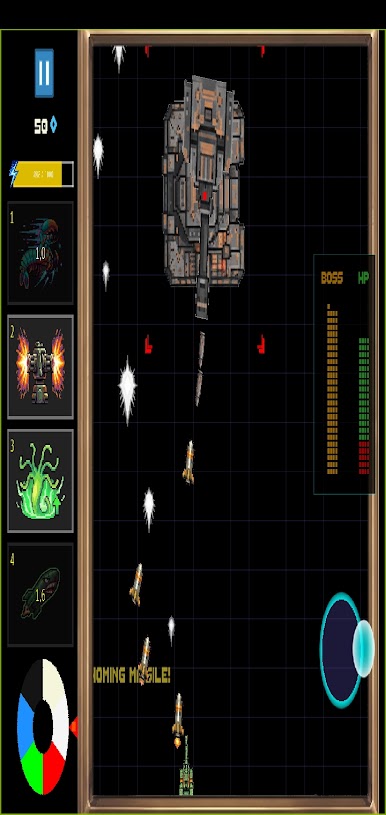
- ColorWheel Swaps: Spin a ColorWheel to shift ammo on the fly. Blue cranks the fire rate, Red slams for heavy damage, Green Acid eats through rows, and Black gambles on brutal crits.
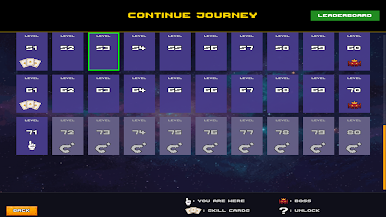
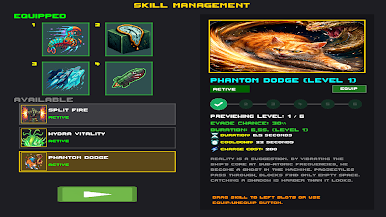
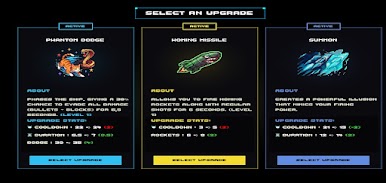
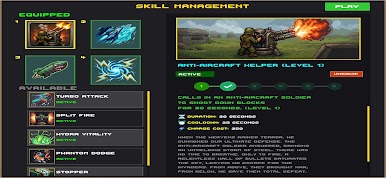
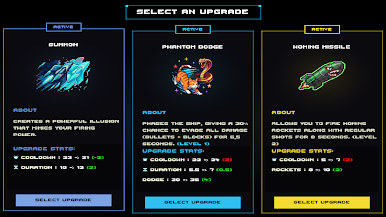
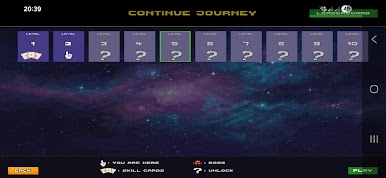
- Build Your Run: Pick skills between waves and shape your strategy. Go all-in on offense or stack survivability—your call.
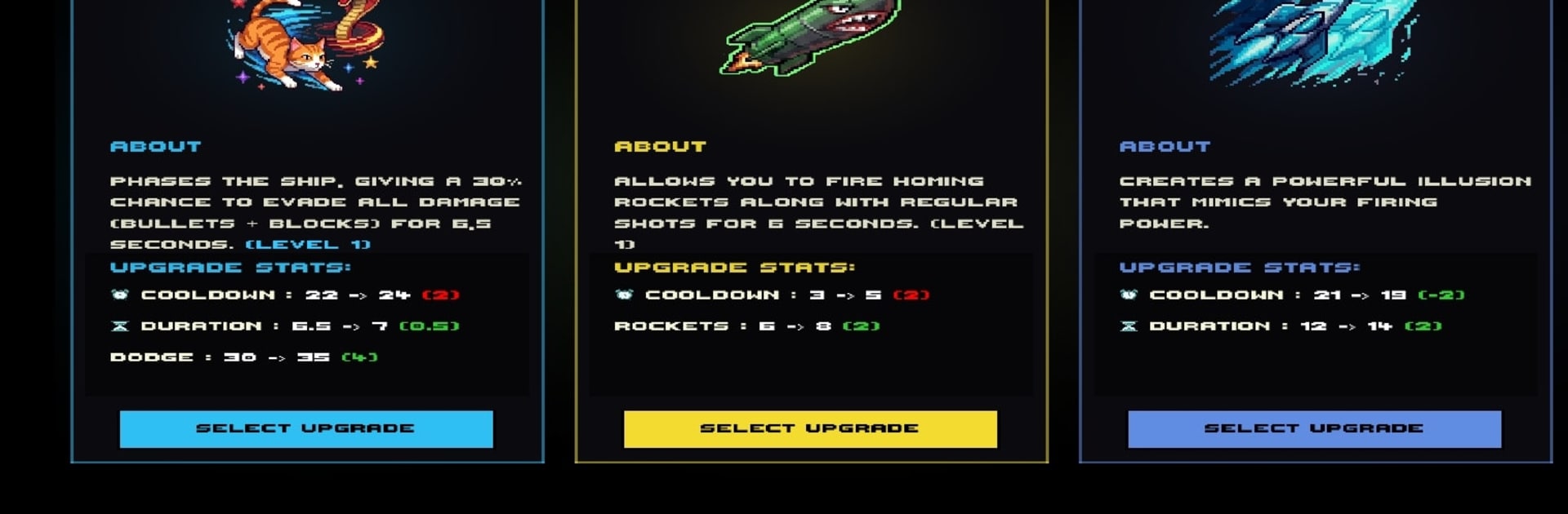
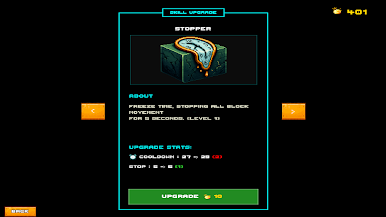
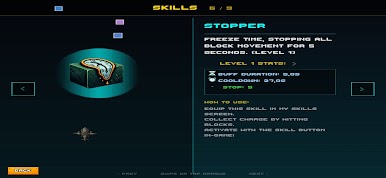
- Standout Skills: Mix and match perks like Turbo Attack, Split Fire, Hydra Vitality, Homing Missile, Phantom Dodge, Stopper (time freeze!), Summon (a mirroring buddy), Thunder Strike, and an Anti-Aircraft Helper that chews from below.
- Snap-Tight Controls: Smooth, responsive touch controls keep you in the zone, even when the screen is a storm of particles.
- Clean, Punchy Look: Crisp visuals and crunchy effects make every smash feel great.
- Quick Sessions or Marathons: Works for a two-minute blast or a focused high-score grind.
- Plays Great on BlueStacks: Enjoy the action with comfy controls on PC while keeping that Arcade feel.
Ready to top the leaderboard? We bet you do. Let precise controls and sharp visuals optimized on BlueStacks lead you to victory.

Play Blocked Pixel Panzer on PC. It’s easy to get started.
-
Download and install BlueStacks on your PC
-
Complete Google sign-in to access the Play Store, or do it later
-
Look for Blocked Pixel Panzer in the search bar at the top right corner
-
Click to install Blocked Pixel Panzer from the search results
-
Complete Google sign-in (if you skipped step 2) to install Blocked Pixel Panzer
-
Click the Blocked Pixel Panzer icon on the home screen to start playing

