

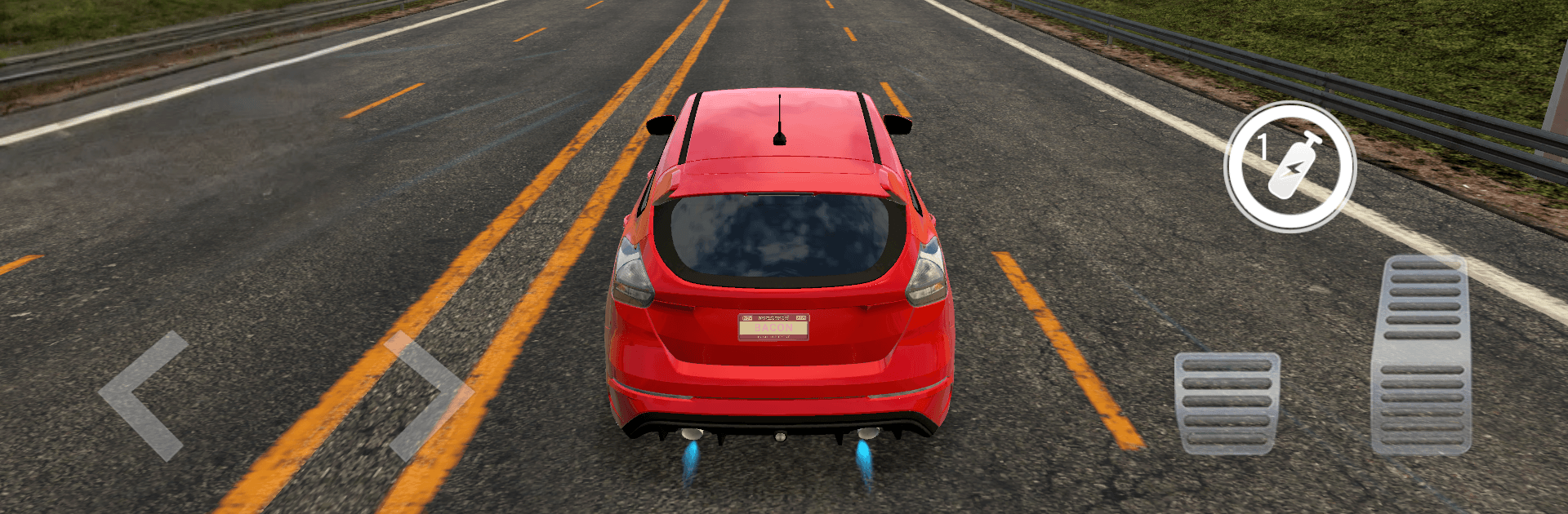
City Traffic Car: Real Driving
Play on PC with BlueStacks – the Android Gaming Platform, trusted by 500M+ gamers.

Page Modified on: Jul 15, 2026
Play City Traffic Car: Real Driving on PC or Mac
Play City Traffic Car: Real Driving by Arcane Game Studio on PC or Mac with BlueStacks. Use a bigger screen, mouse and keyboard controls, and smoother performance while you play.
About the Game
City Traffic Car: Real Driving is a fast, street-smart Racing game where threading through rush-hour traffic is the whole thrill. It’s all about tight handling, gutsy overtakes, and that sweet snap of acceleration when you punch it. Expect crisp visuals, reactive physics, and a constant push to squeeze just one more car-length out of every lane change.
Game Features
- Real-city feel: Dense traffic, believable behavior, and weighty physics make every gap and brake tap matter. Engines growl, tires chirp, and your reflexes do the heavy lifting.
- Flexible controls: Go with tilt, tap-to-steer buttons, or an on-screen wheel. First-person cockpit view puts the dash right in your face. Playing on PC with BlueStacks? Keyboard inputs feel tight and consistent.
- Cars you want to drive: Build a garage from quick street machines to full-blooded supercars. Tweak paint, rims, and plates, then upgrade power, brakes, and handling to sharpen every run.
- Risk pays off: Near-misses and bold overtakes stack multipliers, so clean aggression is rewarded. Chase leaderboards and compare runs with players aiming for the same razor-thin gaps.
- Nitro and pickups: Hit Nitro for instant punch when traffic locks up. Road magnets scoop up gold and gems so you can stay focused on threading through the pack.
- Modes for every mood: Work through mission-based career challenges, shave seconds in time trials, or zone out in endless runs through unrelenting traffic. Each mode pushes a different skill set.
- Visual polish: High-quality 3D cities with dynamic lighting and smooth effects make speed look and feel fast, whether you’re in cockpit view or chasing cameras.
Start playing City Traffic Car: Real Driving on BlueStacks and get a smoother, more comfortable PC or Mac setup.
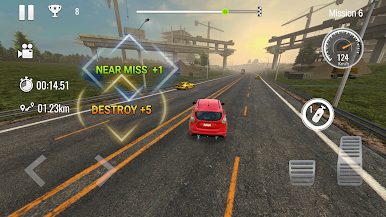
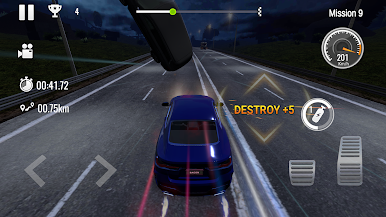
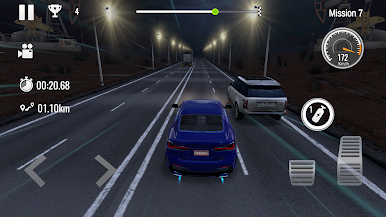
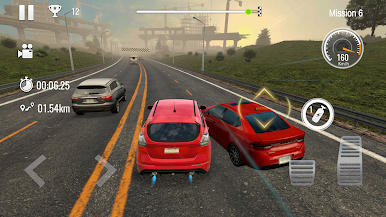
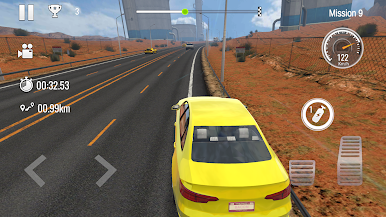
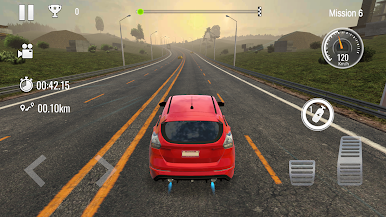
Play City Traffic Car: Real Driving on PC. It’s easy to get started.
-
Download and install BlueStacks on your PC
-
Complete Google sign-in to access the Play Store, or do it later
-
Look for City Traffic Car: Real Driving in the search bar at the top right corner
-
Click to install City Traffic Car: Real Driving from the search results
-
Complete Google sign-in (if you skipped step 2) to install City Traffic Car: Real Driving
-
Click the City Traffic Car: Real Driving icon on the home screen to start playing

