


Arduino Handbook
Play on PC with BlueStacks – the Android Gaming Platform, trusted by 500M+ gamers.

Page Modified on: Jul 5, 2025
Play Arduino Handbook on PC
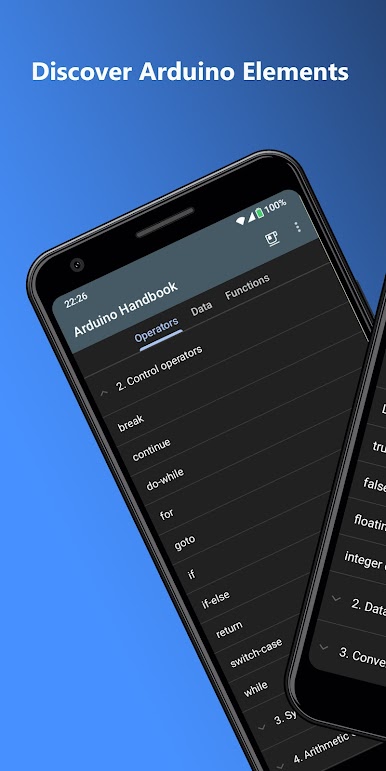
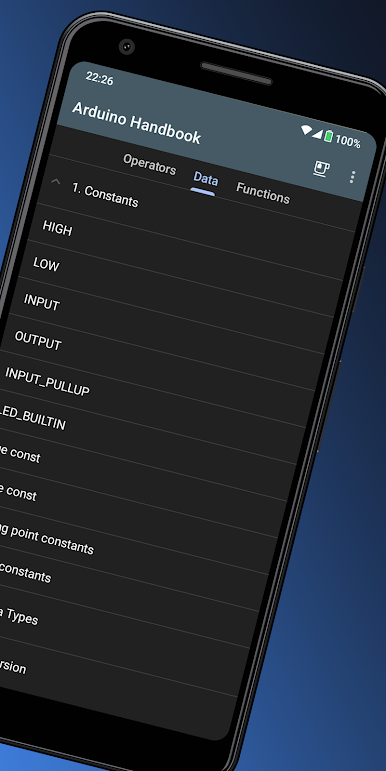
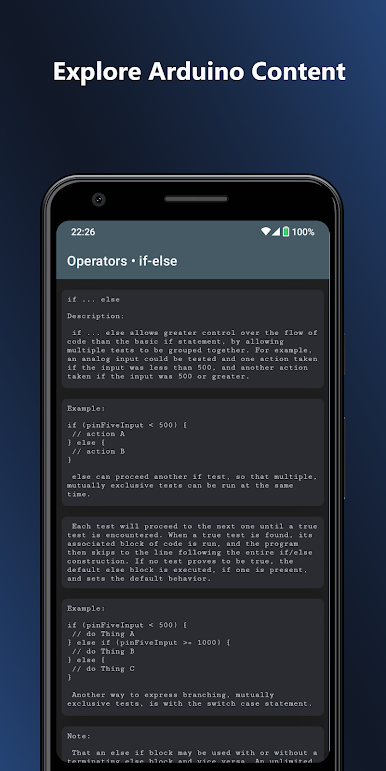
Main categories: Operators, Data, Functions.
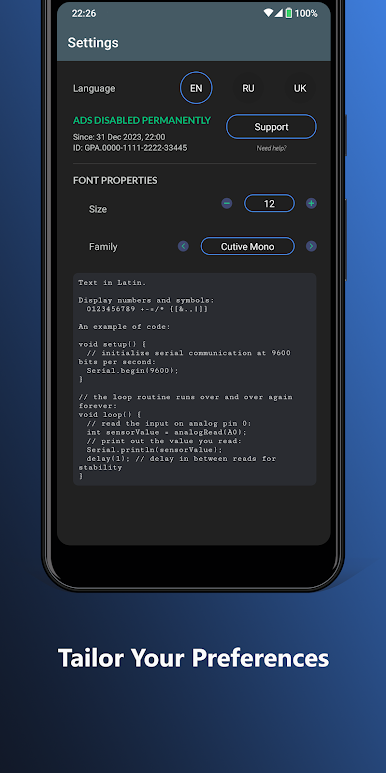
Supports multiple languages.
Don't miss the opportunity to get libraries in the extended version of the app - "Arduino Handbook 2" [compatible with Android 8.0+], where they will also be at your disposal.
Found a mistake? Send its description to the developer's contact address using the button below.
Your opinion is important to us. Share your experience so we can make the app even better. Tell us what you liked and where we can improve.
Thank you for your support!
Play Arduino Handbook on PC. It’s easy to get started.
-
Download and install BlueStacks on your PC
-
Complete Google sign-in to access the Play Store, or do it later
-
Look for Arduino Handbook in the search bar at the top right corner
-
Click to install Arduino Handbook from the search results
-
Complete Google sign-in (if you skipped step 2) to install Arduino Handbook
-
Click the Arduino Handbook icon on the home screen to start playing

