


1xArena app
Play on PC with BlueStacks – the Android Gaming Platform, trusted by 500M+ gamers.

Page Modified on: May 6, 2026
Play 1xArena app on PC
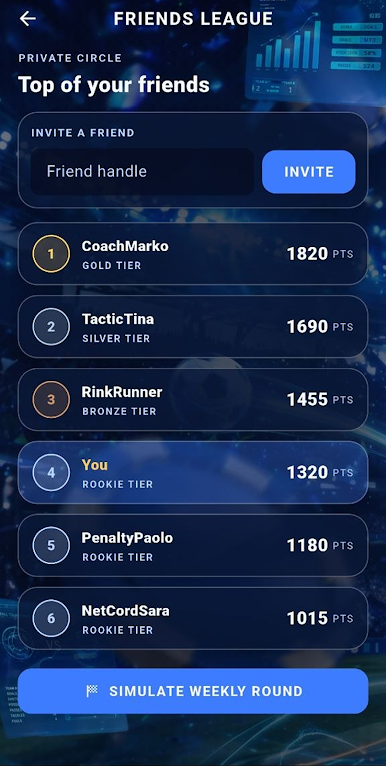
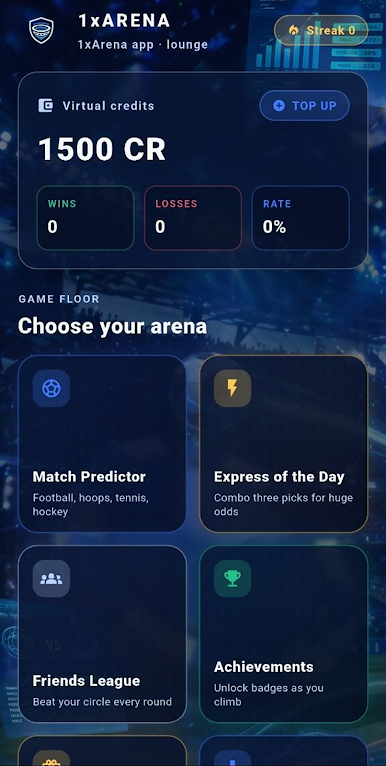
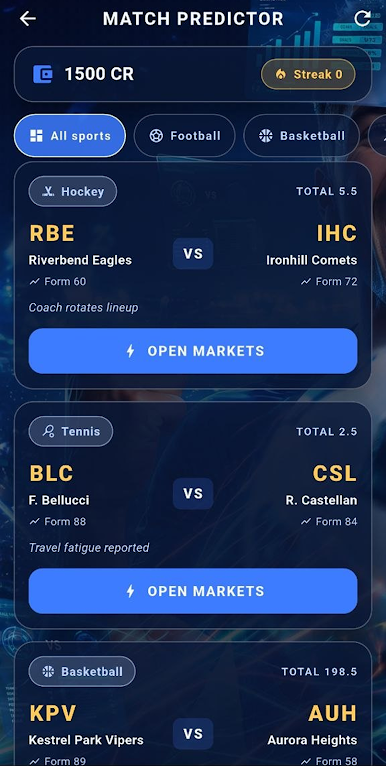
The core mode lets you place virtual credit tickets on the winner, total goals or points, Asian-style handicap and exact score, with stake presets and a live payout preview before you confirm. The Express of the Day mode locks three generated fixtures behind a single combined coefficient, turning careful pick selection into a daily skill puzzle. A built-in Friends League gives you a private ranking that you can refresh round by round, while the global Top Managers board keeps you measured against a wider pool of simulated competitors that respond to your own results.
A daily bonus cycles every 24 hours and tops up your credits with a randomised reward, and a six-tier achievement system tracks your overall wins and your best winning streak so progress stays visible long after the first session. The interface uses an arena-grade dark blue and white styling with custom glassmorphism panels, three painted stadium backgrounds and a layout that scales from compact phones to wide tablets without losing its sport-event identity. 1xbet uses virtual credits only, no real money is involved at any stage 1xbet app.

Play 1xArena app on PC. It’s easy to get started.
-
Download and install BlueStacks on your PC
-
Complete Google sign-in to access the Play Store, or do it later
-
Look for 1xArena app in the search bar at the top right corner
-
Click to install 1xArena app from the search results
-
Complete Google sign-in (if you skipped step 2) to install 1xArena app
-
Click the 1xArena app icon on the home screen to start playing

