


My Cozy Park
Play on PC with BlueStacks – the Android Gaming Platform, trusted by 500M+ gamers.

Page Modified on: Jan 30, 2026
Overview
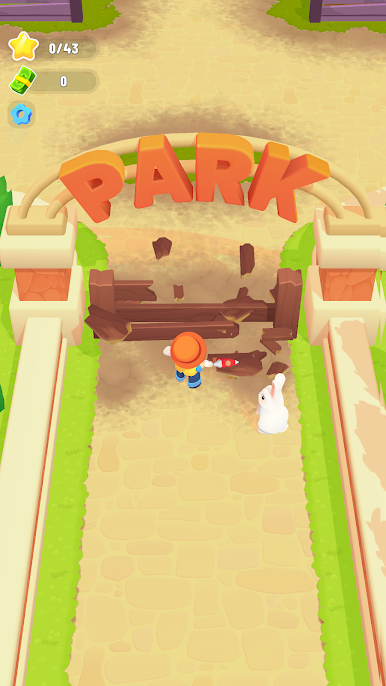
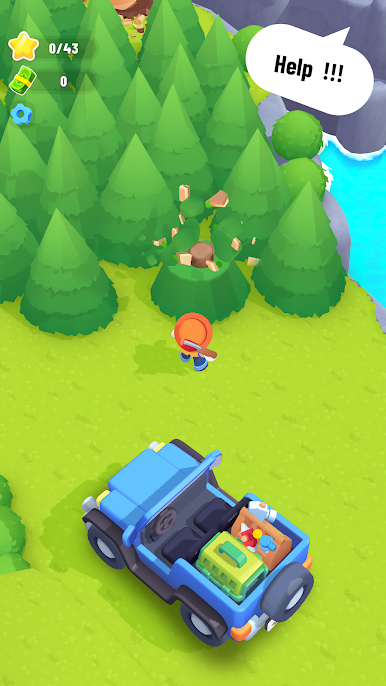
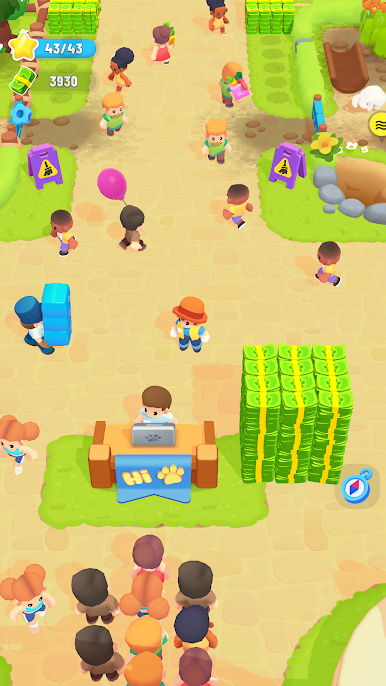
Welcome to My Cozy Park, a cozy idle arcade management game where you rescue animals, build beautiful enclosures, and grow a thriving zoo that visitors love!
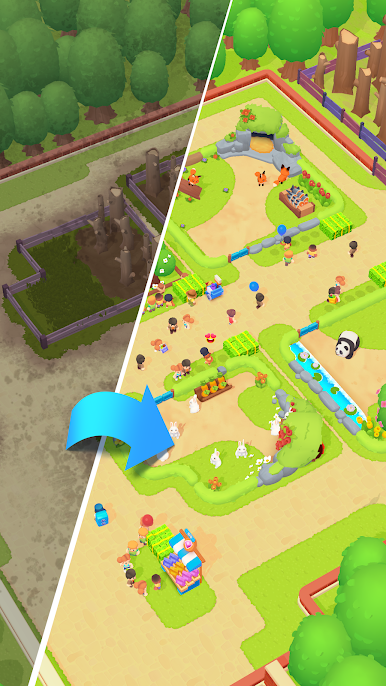
Save animals in need, give them a safe and happy home, and turn your small park into a lively animal paradise. Upgrade habitats, manage visitors, and watch your park come to life — even while you’re away!
🌿 Game Features
🐶 Rescue & Care for Animals
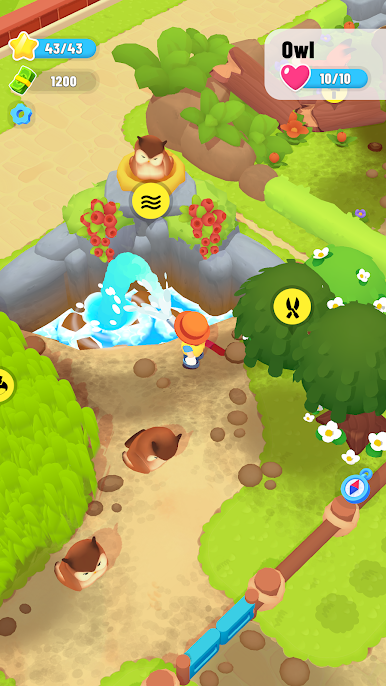
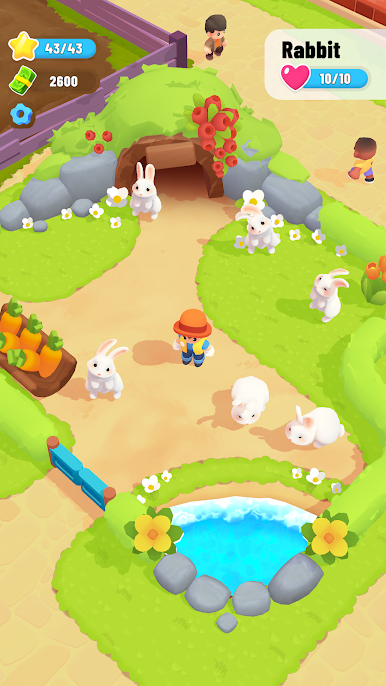
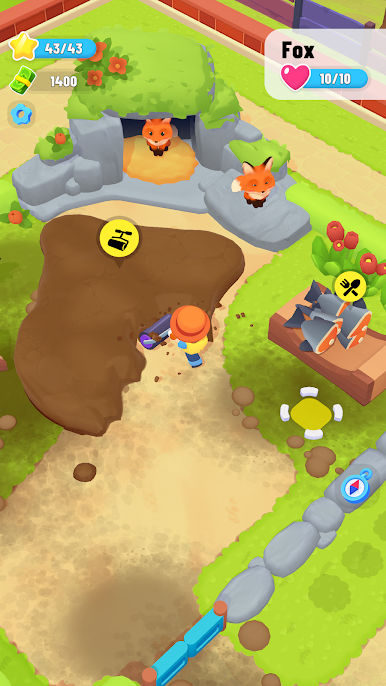
Save adorable animals and provide them with cozy, well-designed enclosures where they can live happily.
🏗️ Build & Upgrade Enclosures
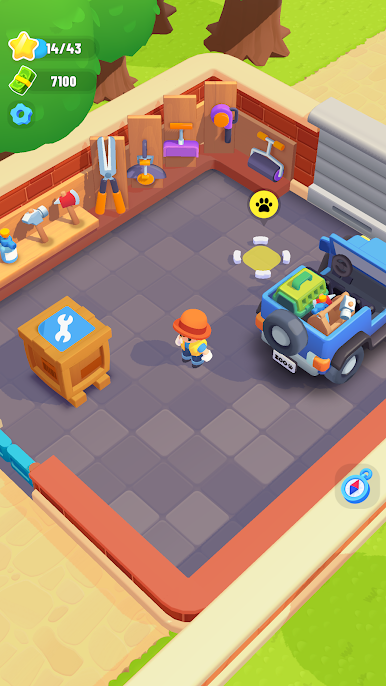
Construct new habitats, improve comfort, and unlock better facilities to keep animals and visitors happy.
🎢 Manage Your Park
Expand paths, improve services, and attract more guests to grow your park’s popularity and income.
🧸 Relaxing & Cozy Experience
Simple controls, charming visuals, and satisfying progression make My Cozy Park perfect for relaxing play sessions.
👨👩👧 Fun for Everyone
Easy to learn, rewarding to master — great for casual players and management game fans alike.
🌍 Build a Park People Love
Turn your zoo into a place where animals feel safe and visitors love to explore. Every upgrade brings your park closer to becoming the coziest animal haven ever!
👉 Download My Cozy Park now and start building your dream animal park!
Play My Cozy Park on PC. It’s easy to get started.
-
Download and install BlueStacks on your PC
-
Complete Google sign-in to access the Play Store, or do it later
-
Look for My Cozy Park in the search bar at the top right corner
-
Click to install My Cozy Park from the search results
-
Complete Google sign-in (if you skipped step 2) to install My Cozy Park
-
Click the My Cozy Park icon on the home screen to start playing

