


Parro
Play on PC with BlueStacks – the Android Gaming Platform, trusted by 500M+ gamers.

Page Modified on: Oct 26, 2026
Play Parro on PC
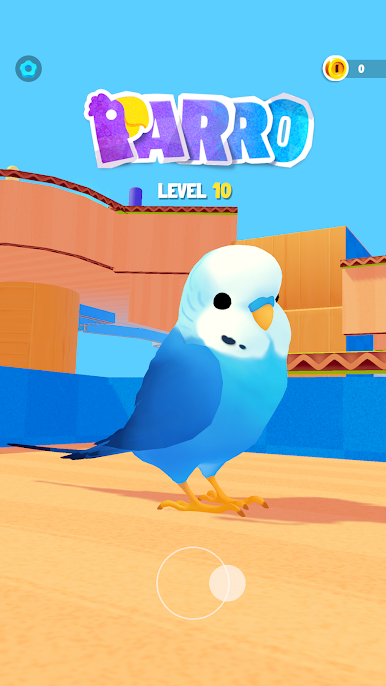
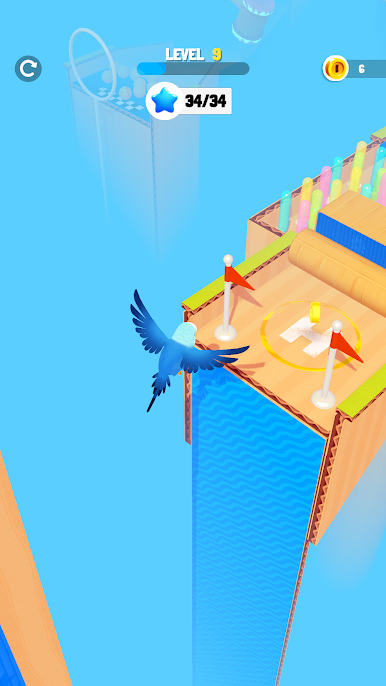
Guide the adorable Parro through a colorful world of winding paths, playful puzzles and surprising obstacles. Parro combines 3D platforming with hands-on problem solving, turning each course into an adventure for your feet, wings and beak.
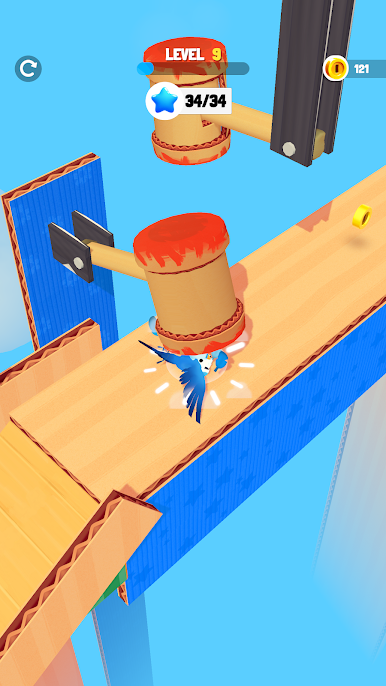
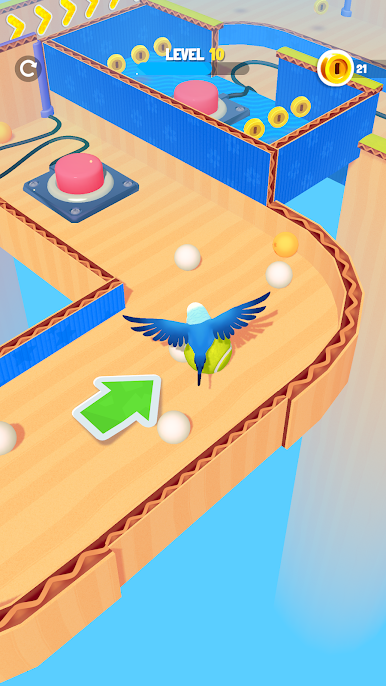
Hop across platforms, bounce on spring pads and time your moves past swinging hammers and rotating obstacles. Climb onto a rolling tennis ball and steer through the course. A little patience and a well-timed move can carry you past even the trickiest challenge.
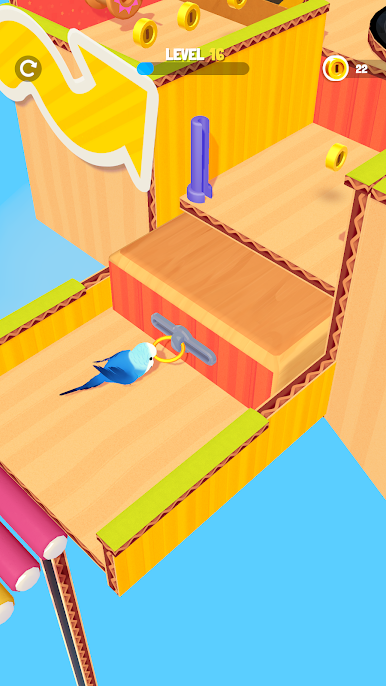
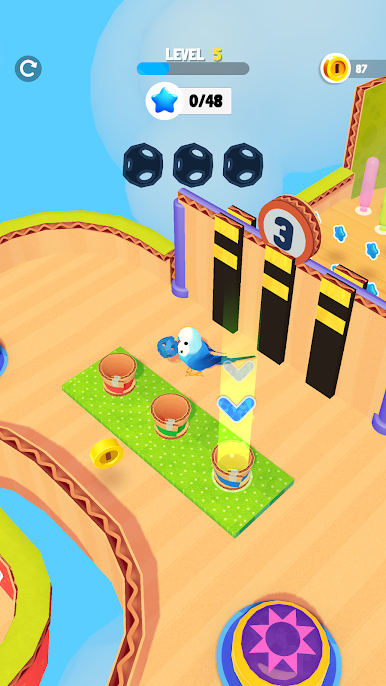
Put your beak to work! Pick up objects, carry balls to matching baskets, press buttons and pull handles to open the way forward. Look around, experiment with the objects nearby and discover how each puzzle works.
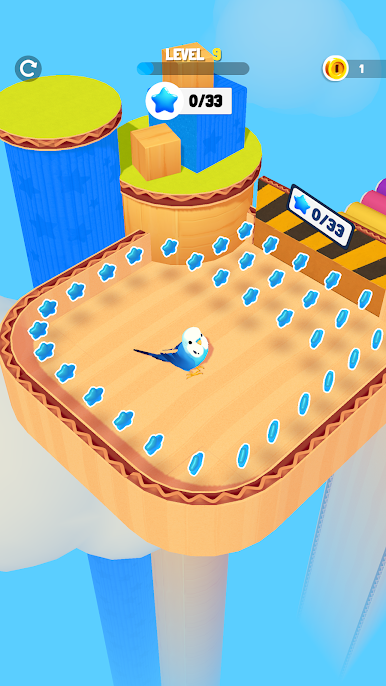
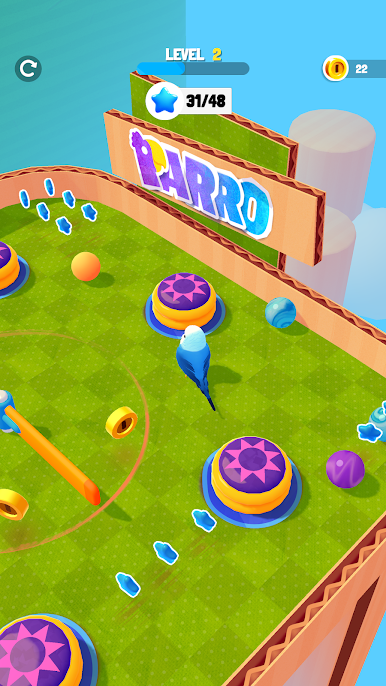
Follow trails of glowing blue stars, gather enough to open gates and collect coins along your route. Explore each area, complete its challenges and find your way to the finish.
With cardboard walls, bright platforms and oversized toys, every course feels like a miniature playground. Simple joystick controls make it easy to start exploring, while different obstacles and interactive puzzles give you plenty to figure out along the way.
A little curiosity and good timing can take a small bird a long way.
Play Parro on PC. It’s easy to get started.
-
Download and install BlueStacks on your PC
-
Complete Google sign-in to access the Play Store, or do it later
-
Look for Parro in the search bar at the top right corner
-
Click to install Parro from the search results
-
Complete Google sign-in (if you skipped step 2) to install Parro
-
Click the Parro icon on the home screen to start playing

