


Army of War
Play on PC with BlueStacks – the Android Gaming Platform, trusted by 500M+ gamers.

Page Modified on: Oct 21, 2022
Overview
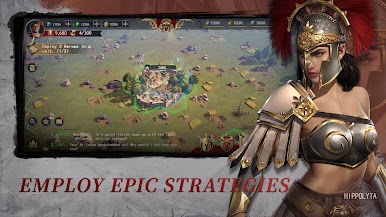
■ Free Unit Movement, Real-Time Global Battles
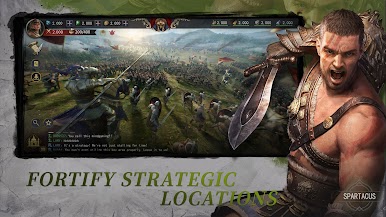
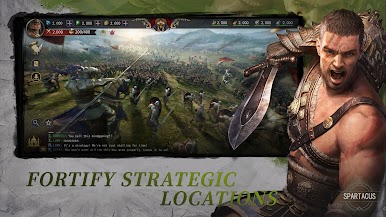
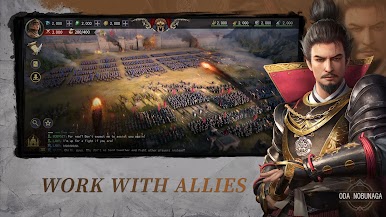
Build up your forces and take part in real-time battles that feature global players!
Choose to charge headfirst into hundred player clashes, pillage your enemies’ cities while they sleep, or perform a sneak attack to seize enemy armies and reap the spoils.
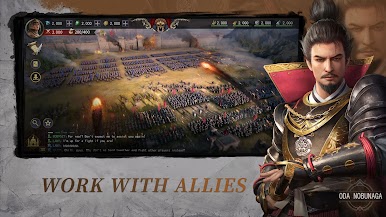
Call upon friends to create your Guild:
Strategize with allies to bait the enemy’s main force into an ambush or flank them with decisive maneuvers!
■ Clash of Civilizations & Strategies
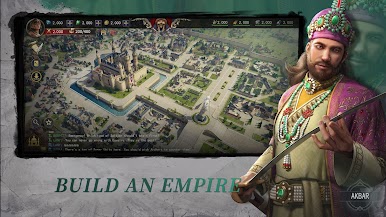
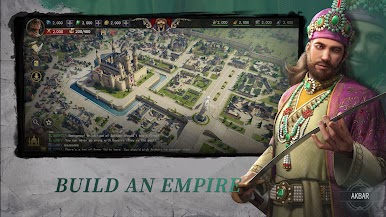
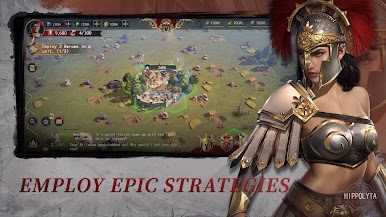
Choose from different civilizations that span from east to west, and across all ages. Each civilization provides a different architectural style and development routes.
From the city of the rising sun, to the pearl of the desert, all of the greatest civilizations in human history can be restored in the palm of your hand.
Lead the civilization and its people to rise, conquer, and dominate!
Experience the fiercest clash of minds between humans that has taken place in the last thousand years!
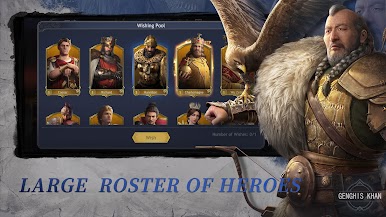
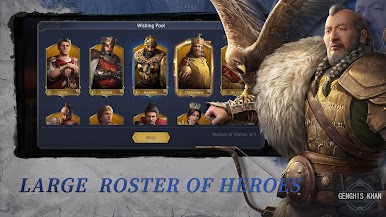
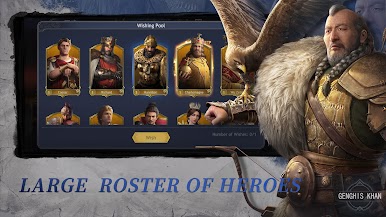
■ The King Returns, Legendary Heroes Gather
Which Heroes will you align yourself with in this epic world? Will it be Catherine the Great, the one who claimed all of Europe? What about King Arthur, the once and future king? Or Napoleon, the greatest modern day general?
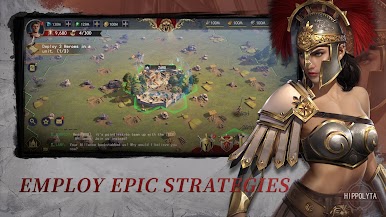
Command your troops in a myriad of ways when you combine both Hero abilities and historical tactics.
The glory achieved by kings and Heroes is now within your grasp!
■ Battle Use of the Map Terrain!
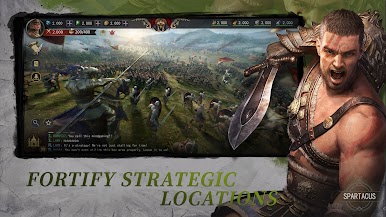
The snow plains, rivers, and mountains on the map provide rich strategic options for battle.
Use choke points to win against overwhelming odds or use a river as an obstacle to besiege your enemies from range. Those who can best make use of the elements will emerge victorious.
■ Immersive Battles with Next-Gen 3D Graphics
Take in all of the battlefield's details and realistic weather effects add to the epic atmosphere of battles.
Join our communities:
Discord: https://discord.gg/8H8vrQ68HH

Play Army of War on PC. It’s easy to get started.
-
Download and install BlueStacks on your PC
-
Complete Google sign-in to access the Play Store, or do it later
-
Look for Army of War in the search bar at the top right corner
-
Click to install Army of War from the search results
-
Complete Google sign-in (if you skipped step 2) to install Army of War
-
Click the Army of War icon on the home screen to start playing

