


Move to Rise
Play on PC with BlueStacks – the Android Gaming Platform, trusted by 500M+ gamers.

Page Modified on: Oct 30, 2026
Overview
A standard alarm can be too easy to dismiss when you are still half asleep. Snoozing, tapping stop without thinking, and falling back asleep can make mornings harder than they need to be. Move to Rise adds an arrow-based wake-up challenge so turning off your alarm feels more active and harder to ignore.
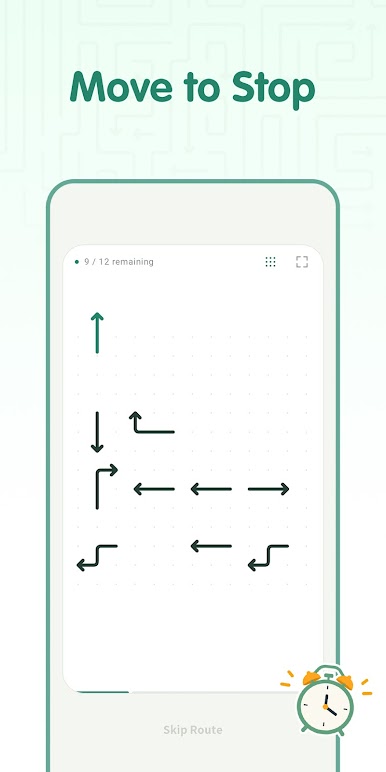
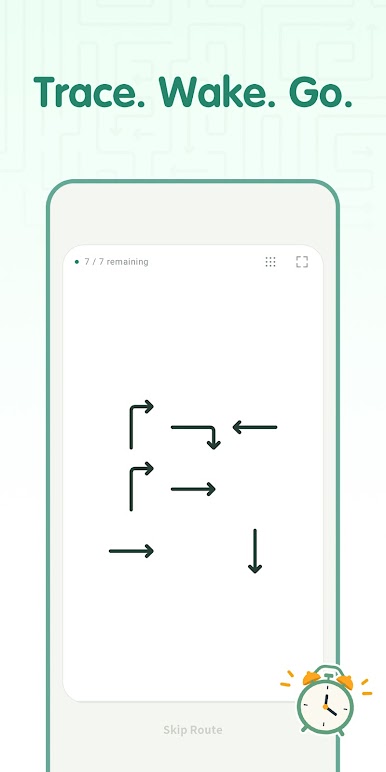
When an alarm rings, you can choose to stop it normally or clear it through a short arrow route. This small action helps create a stronger break between sleep and waking up. Instead of ending the alarm automatically, you have to follow the path, stay focused, and finish the challenge before moving on.
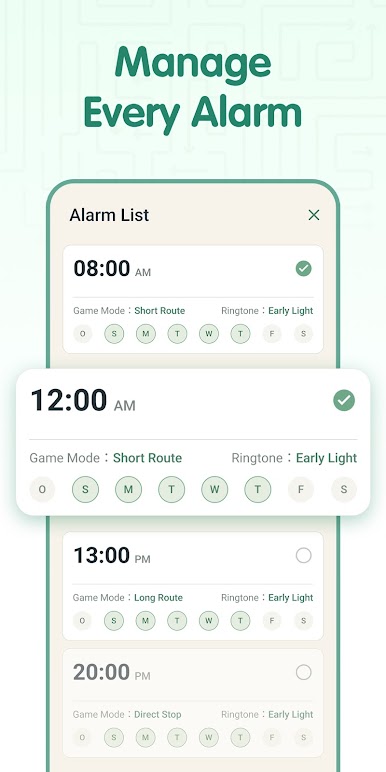
Move to Rise is built for everyday use, not just occasional alarms. You can create alarms for mornings, routines, naps, reminders, or important plans, then adjust each one to fit your schedule.
With Move to Rise, you can:
- Set one-time or repeating alarms
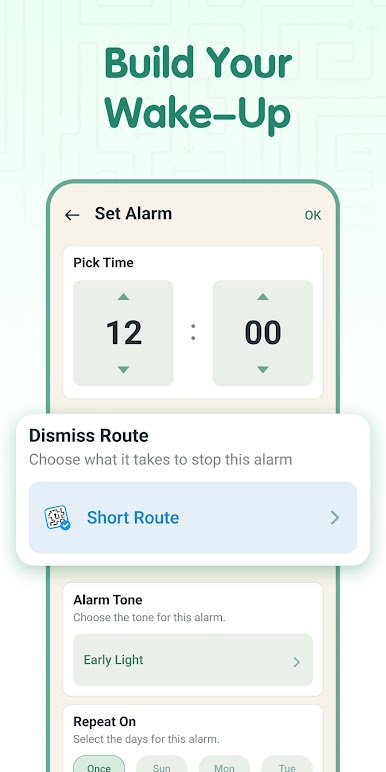
- Choose your ringtone and vibration settings
- Pick how each alarm should be dismissed
- Use arrow-based wake-up challenges for a more active alarm flow
- Manage alarms in a simple, easy-to-read layout
- Build a wake-up routine that feels stronger than a basic alarm
Move to Rise is designed for heavy sleepers, snooze-hitters, and anyone who wants a more reliable way to get out of bed on time. It turns alarm dismissal into a quick directional challenge, making wake-ups feel more focused, more intentional, and less automatic.
Play Move to Rise on PC. It’s easy to get started.
-
Download and install BlueStacks on your PC
-
Complete Google sign-in to access the Play Store, or do it later
-
Look for Move to Rise in the search bar at the top right corner
-
Click to install Move to Rise from the search results
-
Complete Google sign-in (if you skipped step 2) to install Move to Rise
-
Click the Move to Rise icon on the home screen to start playing

