


Arrow Out: Line Puzzle
Play on PC with BlueStacks – the Android Gaming Platform, trusted by 500M+ gamers.

Page Modified on: Apr 9, 2026
Play Arrow Out: Line Puzzle on PC
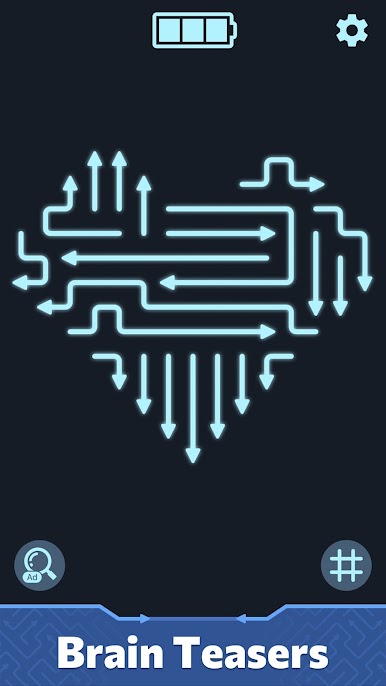
Welcome to Arrow Out: Line Puzzle, the addictive new brain teaser that challenges you to think outside the box! The board is jammed with tangled arrows, and it’s your job to help them escape.
How to Play:
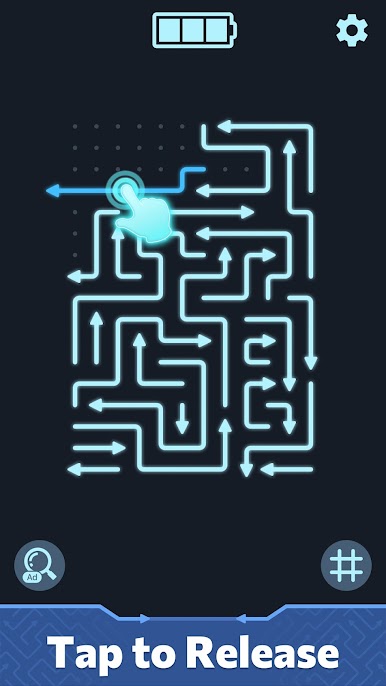
Tap the arrows to move them forward in the direction they point.
Watch out! Arrows will stop if they hit another block.
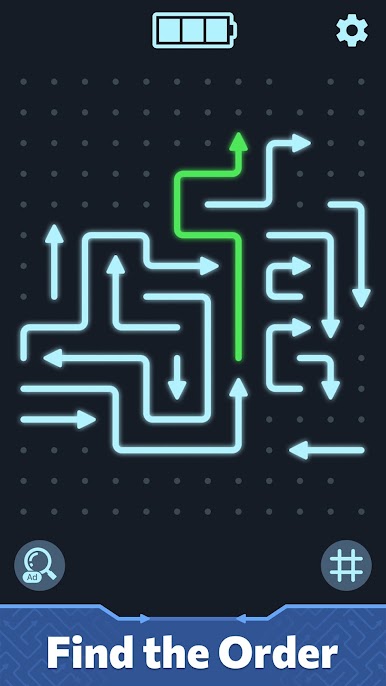
Plan your moves: Find the right order to clear the screen without collisions.
Clear the level: Remove all arrows to win!
It starts easy, but as you progress, the puzzles become complex knots of logic that will put your IQ to the test. It’s like a traffic jam, but with satisfying, clean lines!
Key Features:
🧠 Brain-Training Gameplay: Hundreds of levels designed to sharpen your spatial reasoning and critical thinking.
👆 Simple Controls: Just tap to play! Easy to learn, but hard to master.
🎨 Clean & Relaxing: Minimalist design with smooth animations for a satisfying, stress-free experience.
🚀 Escalating Difficulty: From simple clear-outs to complex, multi-layered jams.
🚫 No Time Limits: Play at your own pace. Perfect for a quick break or a long commute.
Can you untangle the mess and clear the board? Download Arrow Out: Line Puzzle now and start tapping!

Play Arrow Out: Line Puzzle on PC. It’s easy to get started.
-
Download and install BlueStacks on your PC
-
Complete Google sign-in to access the Play Store, or do it later
-
Look for Arrow Out: Line Puzzle in the search bar at the top right corner
-
Click to install Arrow Out: Line Puzzle from the search results
-
Complete Google sign-in (if you skipped step 2) to install Arrow Out: Line Puzzle
-
Click the Arrow Out: Line Puzzle icon on the home screen to start playing

